I have a file that contains data in both Arabic and English This document is in PDF format,
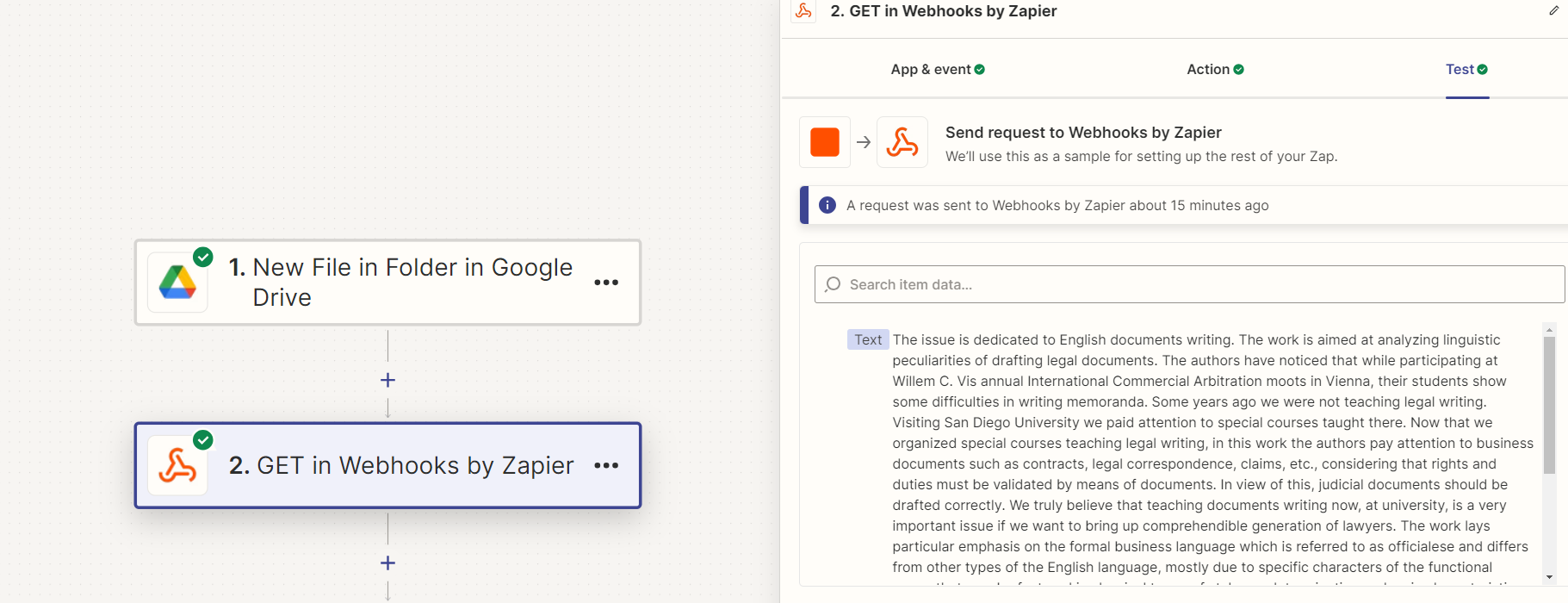
I used Webhook but it gives me the full text of the document 1 - I want to know how to extract specific data from the text in the document. I tried using Qurey, but it gave me the entire file. Is there a tool in Zapier that can do that?
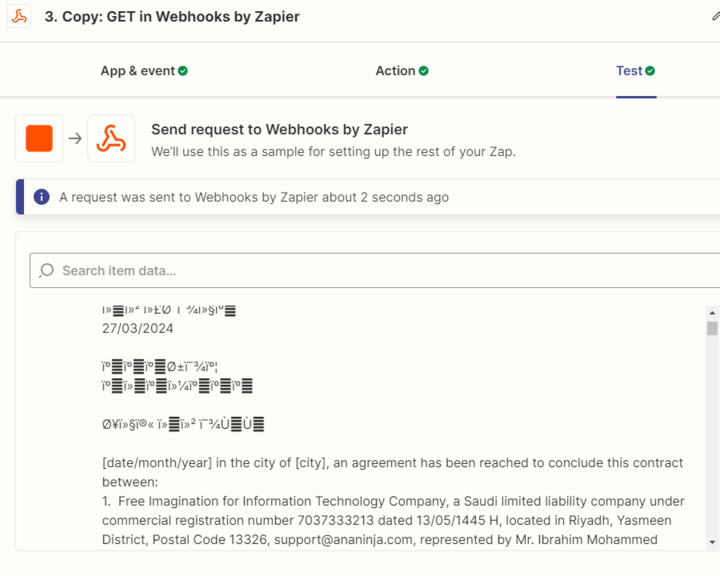
2 - When I extract the text written in Arabic, a line message appears, and I cannot extract the data of the document written in Arabic. I wanted to know whether the data extraction tools in Zapier do not support the Arabic language.
I a wait for your response and thank you very much for your help.
Best answer by Mhamed Samy
Hi @fiona819,
Good day to you,
I will explain my problem to you,
I always REVIEW specific data to some files in the Drive link,
I want the review to be done automatically without interference from me.
I want to make scan to some files to extract specific data, just to check them.
I already use the OCR tool but it doesn’t work with me, it gives me errors, and I’ll attach the screenshot to clarify that.
I use ChatGPT turpo for analysis text but don’t give me anything, too.
Certainly, I need this CODE to try it. I was actually thinking about that
You can extract data from a file by uploading the file to your drive to convert the file formatting from PDF to Document then we can use a code by JavaScribt To be able to extract the entire text.
Hi @Mhamed Samy I think I mentioned in another post. A couple of things to solve for:
Need to make sure the OCR tool is good enough for Arabic + English (just using query and get webhook wont be good enough)
For extraction - it depends on what you need (need more details please!). Depending on your use case, I would choose either using openAI or other models to do it, or using javascript for the extraction.
And for your last step, I assume you need to send the extracted data somewhere else? Would it be like a google doc or google sheet?
Hi @Mhamed Samy I did some research on this today. The OCR tool you are using is not good for Arabic texts - I have a few alternatives I am testing and will share with you after I am done testing.
For the text analysis, do you just need to analyze the sentiment (as shown in your screenshot) on the Arabic text? Or all text?
After the analysis, where do you want results to be sent to?
I did extract the data in Arabic and English by Webhook, but the files in my drive are PDF and I can’t extract text from PDF, so I want to convert files from PDF to Docx.
Can I do that in Zapier?
I have two zaps, one zap for finding drive link in Asana and transferring files from one drive link to another, but Zapier doesn’t support that, so I use AppScript in GSheet to do that by JS code,
and I have a good idea, we can convert the file format from PDF to docx by app script too, Isn’t it?
If you search OCR tools - there are a couple more.
Also, another tool I use is called smallpdf but they dont have an API.
I am more concerned how you are going to do the text extraction analysis after parsing the pdf, let me know if you run into more bottlenecks along the way.
You can extract data from a file by uploading the file to your drive to convert the file formatting from PDF to Document then we can use a code by JavaScribt To be able to extract the entire text.