
Best answer

How do I create multiple Google Sheets rows based on multiple line items in HubSpot?

  • September 8, 2020
  • 1 reply
  • 3150 views

When creating a new deal on HubSpot, there’s a checkbox for multiple options and I would like to create multiple rows based on the options checked. 

I have tried integrating HubSpot with Google Sheets using “Create Spreadsheet Row(s)” and split the text in that property into separate fields/line items and nothing will give me the option to create new rows based on those items.

Here is a photo of what I see when I get to the last section.
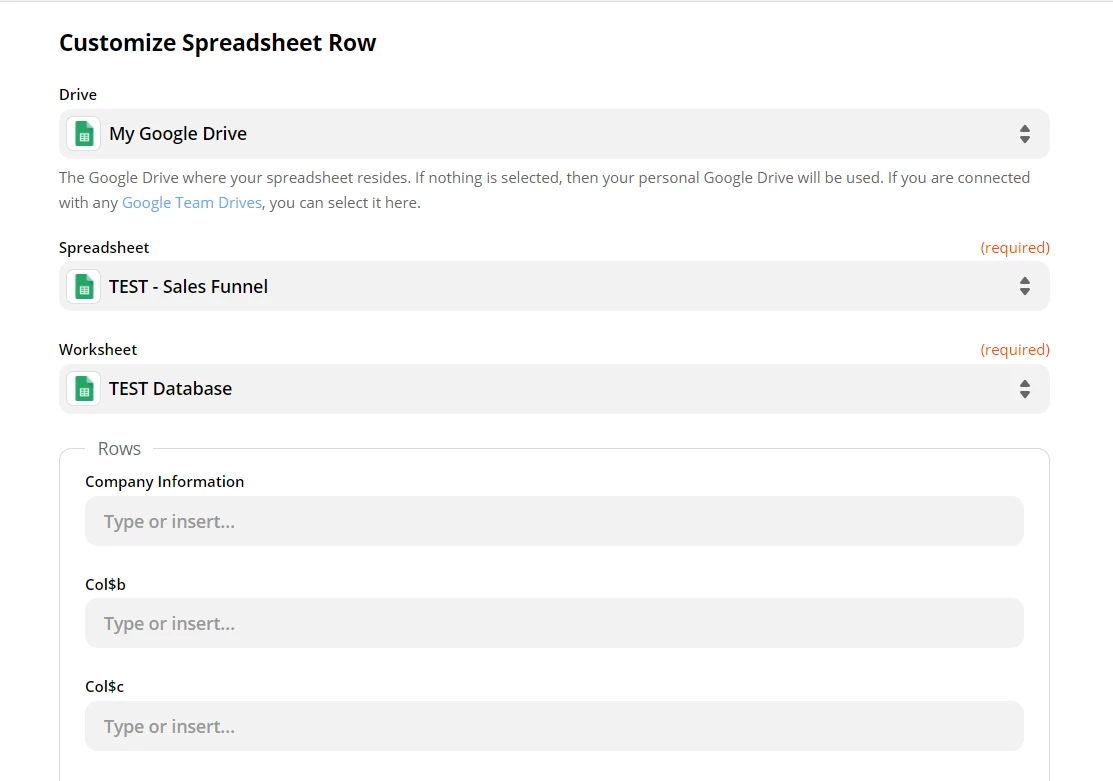
 

Help me am I missing something?

Best answer by Troy Tessalone

Check this article: https://zapier.com/help/create/format/create-line-items-in-zaps

This post has been closed for comments. Please create a new post if you need help or have a question about this topic.

1 reply

Troy Tessalone
Zapier Orchestrator & Solution Partner
Forum|alt.badge.img+14
  • Zapier Orchestrator & Solution Partner
  • Answer
  • September 8, 2020


