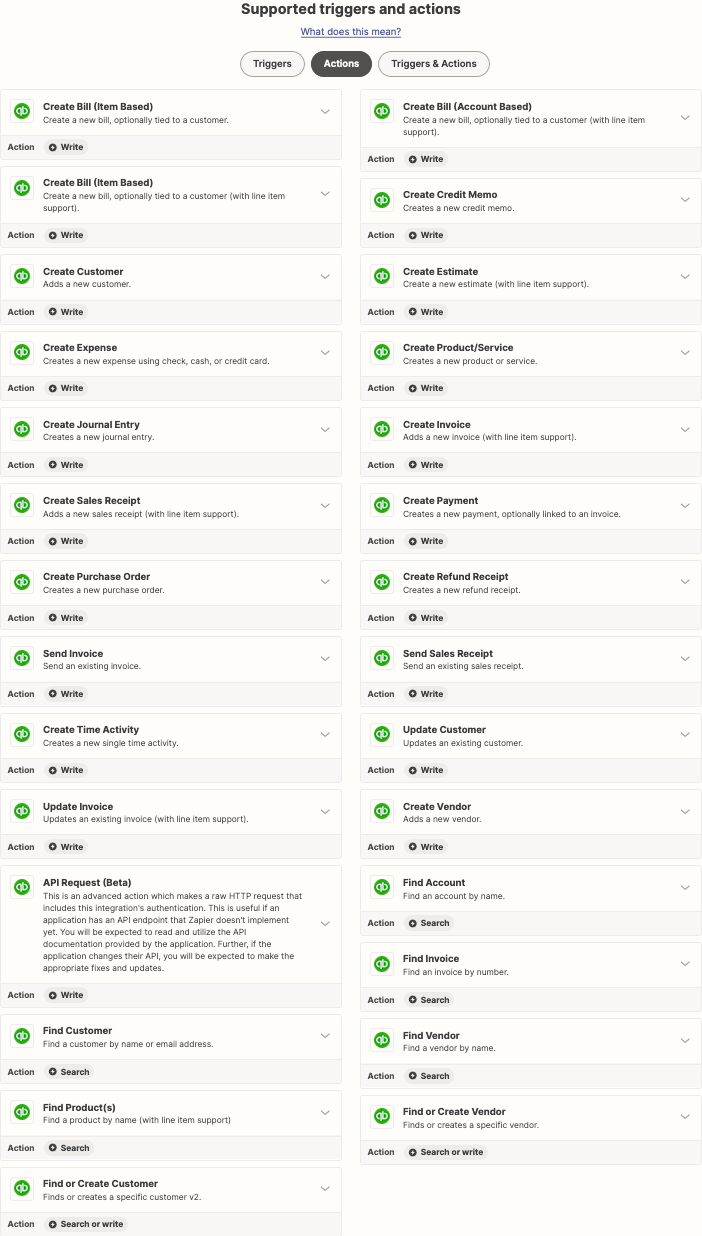
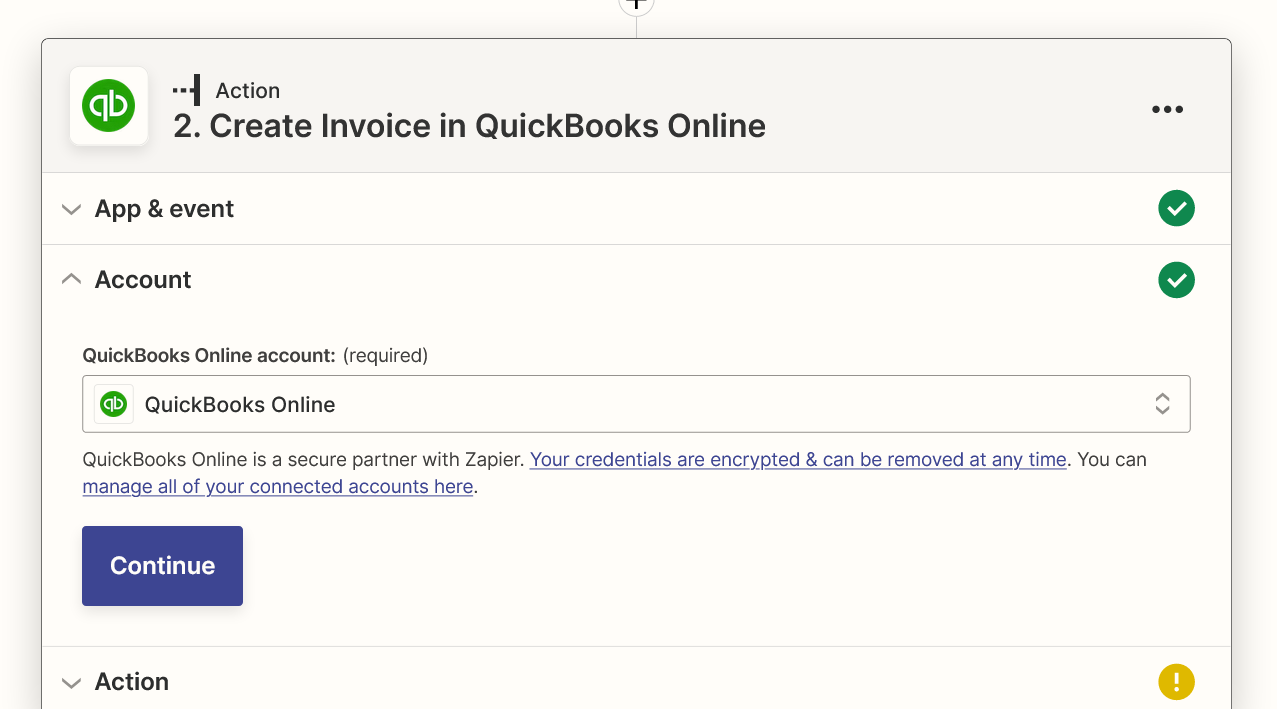
I am new to Zap and am trying to setup a new Zap between Jotform and Quickbooks Online. The below screenshot is where I’m at in the process and I need help.
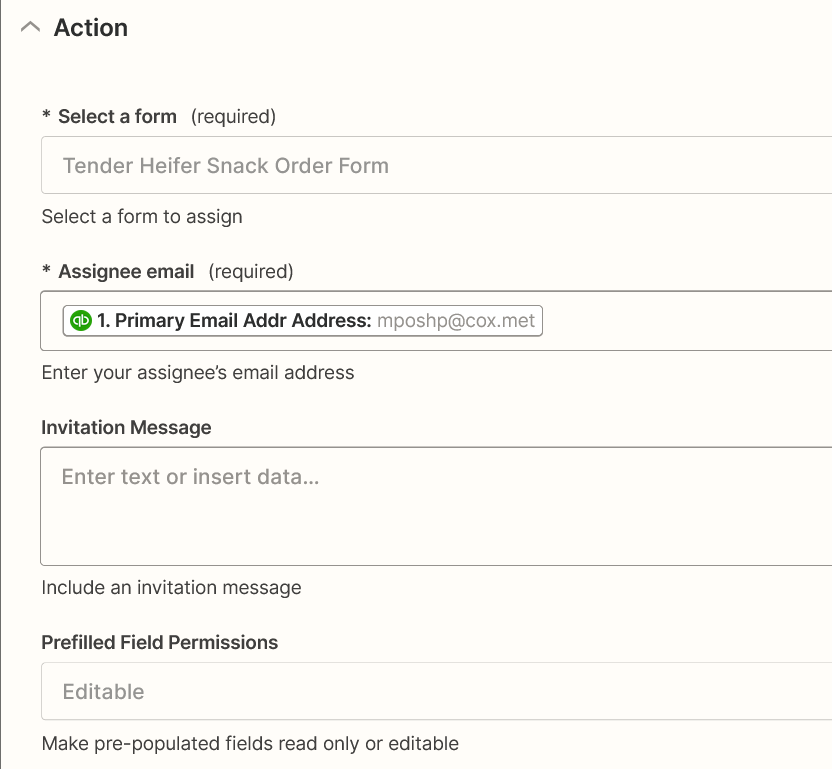


I am new to Zap and am trying to setup a new Zap between Jotform and Quickbooks Online. The below screenshot is where I’m at in the process and I need help.
Best answer by christina.d
Hey there,
Just a friendly heads up, we’re a bit limited on the access we have here in community and it’s always super helpful when we know the entirety of the workflow, the triggers and actions, names of the apps, and screenshots of the setup step with personal details removed. 🤗
So for example; "When this [trigger] happens in Jotform, do that [action] in Quickbooks."
In your case, it sounds like for every new form submission in Jotform you’d like to create an invoice in Quickbooks, does that sound about right?
If so, the New Form Submission would probably be the most applicable here based on what you’ve described so far. Your zap would probably look like:
Here’s a quick little guide on How to Get Started with JotForm along with another guide on how to Get Started with Quickbooks.
Since this is your first zap, I’ll also pop some resources below that may be useful if you’re just getting started with Zapier:
I hope some of this helps! 🧡 Please keep us in the loop if you run into a specific error while setting this up! We’re always happy to lend a hand.

Join us September 23rd, 2026 for a free, one-day virtual event with 30+ sessions on AI automation. Get live build-alongs, playbooks, and strategies to lead AI transformation at your organization.
No account yet? Create an account
Enter your E-mail address. We'll send you an e-mail with instructions to reset your password.