Question

How do I correctly automate LinkedIn messages using Google Sheets and PhantomBuster?

  • February 18, 2025
  • 3 replies
  • 46 views

Hi, guys.


I’m with some problems about an automation using Google Sheets + PhantomBuster at all.


My goal is basically send personalized messages for potential leads on LinkedIn extracting the data of Google Sheets. I Setup a table with “name”, “company name”, “linkedIn url” and “personalized message”.


The idea is Zapier filter new inputs of the table and send to PhantomBuster to send messages. Do you guys know how to do it correctly?


 

This post has been closed for comments. Please create a new post if you need help or have a question about this topic.

3 replies

Troy Tessalone
Zapier Orchestrator & Solution Partner
Forum|alt.badge.img+14
  • Zapier Orchestrator & Solution Partner
  • February 18, 2025

Hi ​@jpoy 

Try these Zap steps:

  1. Trigger: GSheets - New Row
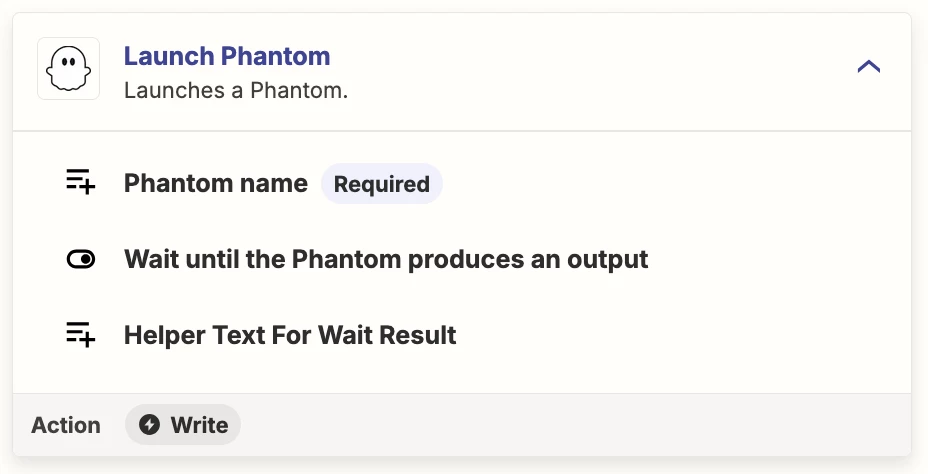
  2. Action: PhantomBuster - Launch Phantom


  • Author
  • New
  • February 18, 2025

Hi ​@jpoy 

Try these Zap steps:

  1. Trigger: GSheets - New Row
  2. Action: PhantomBuster - Launch Phantom


Hi, thanks for the reply.


Actually, my problem is based in “configure” session of PB. I didn’t understand how to set correctly. What need I do with all the bars to configure 100%?


Troy Tessalone
Zapier Orchestrator & Solution Partner
Forum|alt.badge.img+14
  • Zapier Orchestrator & Solution Partner
  • February 18, 2025

@jpoy 

Help link for configuring Zap action steps: https://zapier.com/help/create/basics/set-up-your-zap-action


For us to have more info, post screenshots showing:

  • how your Zap step is configured in EDIT mode with the field mappings visible
  • any encountered errors