Question

How do I automate Google Calendar event updates or deletions based on changes or deletions in a Monday.com date column?

  • July 22, 2024
  • 3 replies
  • 50 views

Hey Zapier community I'm trying to update a Google calendar event based on a specific Monday.com 💻 column change, but I'm also trying to get it to where if the date column is deleted or we take out the date it's also deleted. I'm not sure if I can trigger an automation if a date column is blanked out. 

This post has been closed for comments. Please create a new post if you need help or have a question about this topic.


3 replies

Troy Tessalone
Zapier Orchestrator & Solution Partner
Forum|alt.badge.img+14
  • Zapier Orchestrator & Solution Partner
  • July 22, 2024

Hi @Eric.Darling 

Please clarify...what is your question?


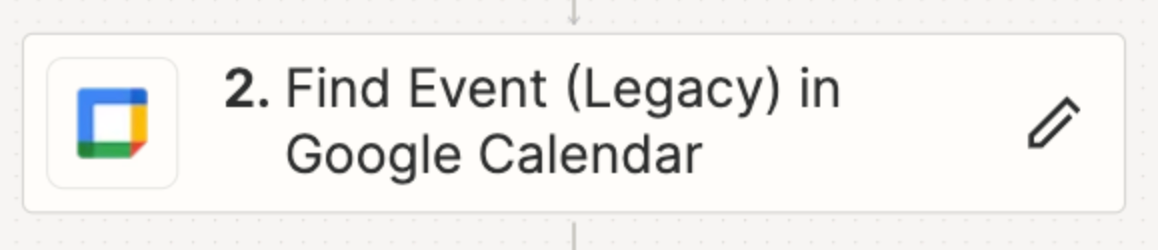
OBSERVATION: Looks like you are using a legacy version of the GCal Find Event Zap action, which should be updated to the newest version.


  • Author
  • Beginner
  • July 22, 2024

I'm trying to figure out how to delete an event if we clear out the date column inside of Monday.com 💻. So…. when the date column is ‘cleared’ (this would mean the event is cancelled), I want the event to be deleted in the Google calendar. 


Troy Tessalone
Zapier Orchestrator & Solution Partner
Forum|alt.badge.img+14
  • Zapier Orchestrator & Solution Partner
  • July 22, 2024

@Eric.Darling 

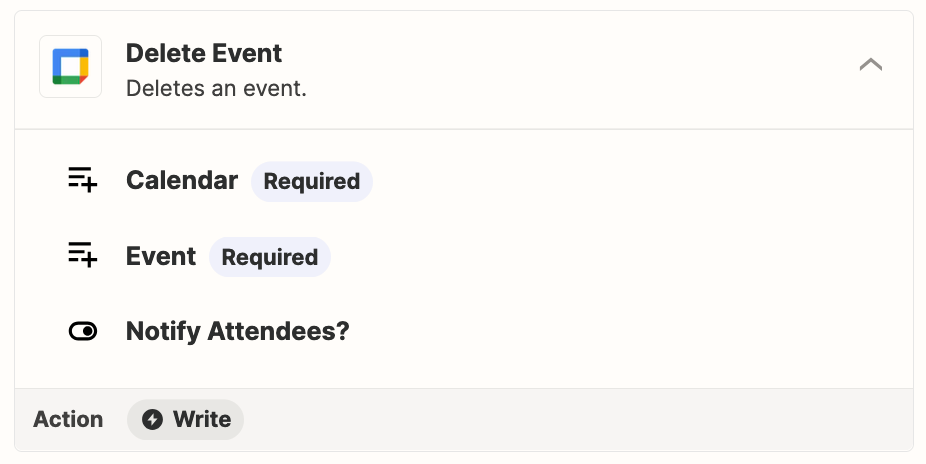
Zap action: GCal - Delete Event


You can add a Filter step to check if the Monday Item “Date” field value “exists”.

https://zapier.com/apps/filter/help


NOTE: You may want to store the GCal Event ID on the Monday Item in a column (e.g. GCal - Event - ID) for reference in the Zap to delete the GCal event, which can also be used as a Filter condition.