
We are launching a course in the Circle community platform
There will be three payment methods.
Depending on which payment method people use, I need to tag them in Mailerlite.
There’s no direct way to do this so…
I have set up a Zap that places the user email and their Circle tag (which depends on the payment they used) into a Google Sheet adding a new row each time
That is tested and works. So each time a member of the Circle community makes a payment, a new row is created in the Google sheet along with a tag that indicates the type of payment made.
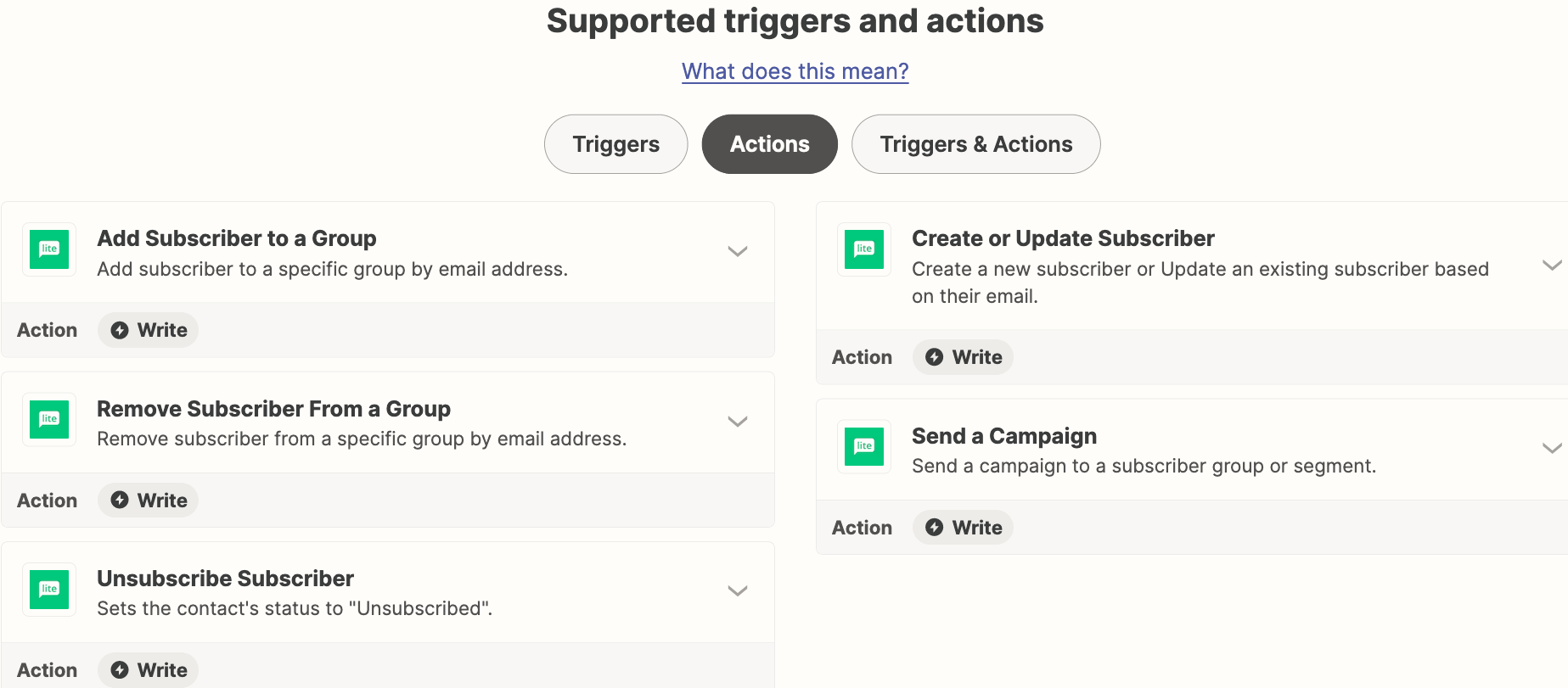
What I can’t figure out is how to do the next step. ie take the user email and the tag from the Google sheet and add them to MailerLite so the contact is placed in a specific Group based on the tag in the Google sheet.
Any thoughts gratefully accepted.

Best answer
How do I add new row in Google Sheets that includes a payment method when theres a new payment in Circle?

- Beginner
Best answer by Troy Tessalone
Hi
Good question.
Try using the concept of a lookup table: Formatter > Utilities > Lookup Table
https://help.zapier.com/hc/en-us/articles/8496305146765
Or you can configure separate Zaps with a Filter step: https://zapier.com/apps/filter/help
This post has been closed for comments. Please create a new post if you need help or have a question about this topic.





ZapConnect 2026 is coming
Join us September 23rd, 2026 for a free, one-day virtual event with 30+ sessions on AI automation. Get live build-alongs, playbooks, and strategies to lead AI transformation at your organization.
Log in to the Community
No account yet? Create an account
Use your Zapier credentials
Log in with ZapierEnter your E-mail address. We'll send you an e-mail with instructions to reset your password.