Question

How can I upload the completed DocuSign on that dynamic folder location on OneDrive?

  • December 20, 2024
  • 5 replies
  • 46 views

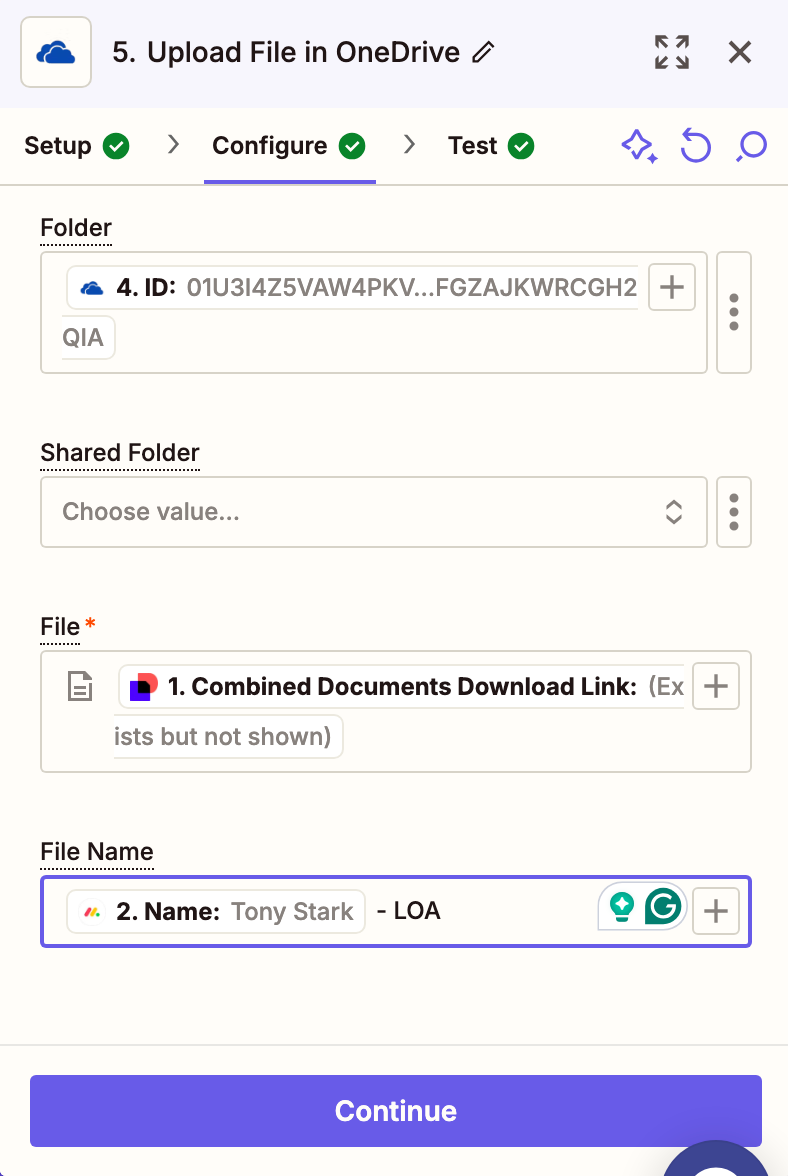
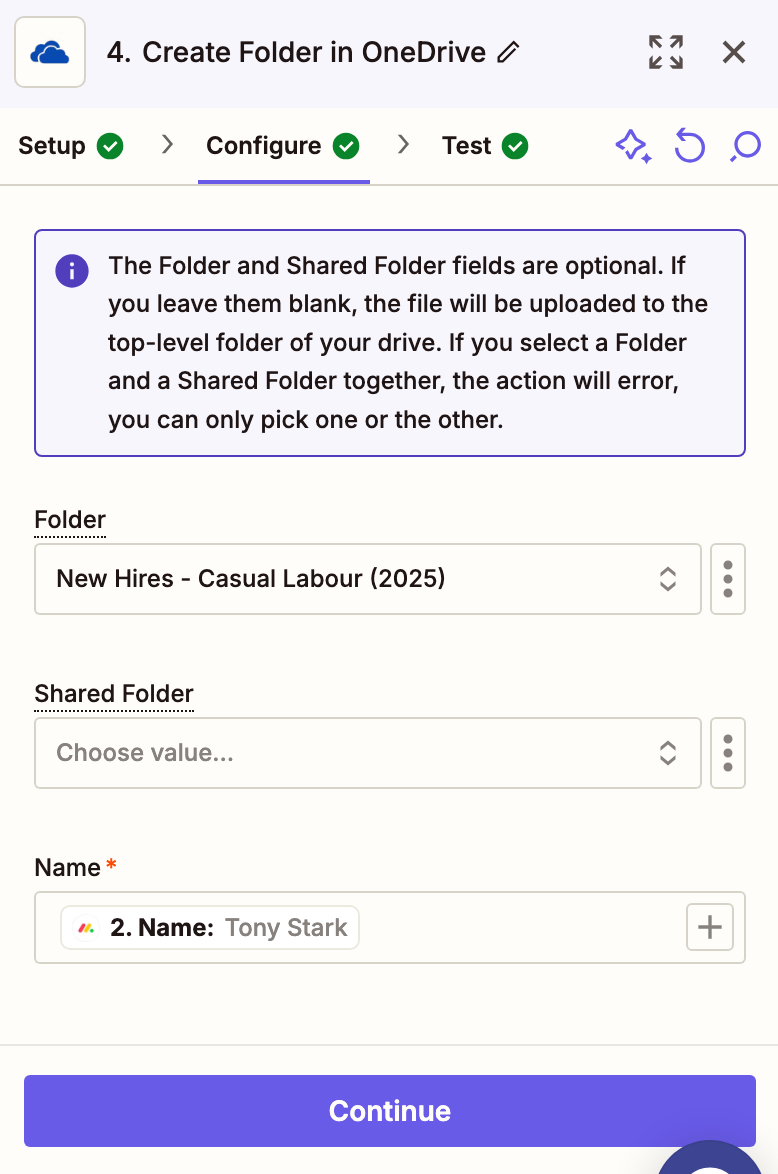
I have a completed envelope from DocuSign. And i have created a folder based on the fields from DocuSign onto a Specific location on OneDrive via Zapier. How can i upload the completed DocuSign on that dynamic folder location on OneDrive?


I’ve tried using the folder path, it doesn’t work and it stores on the top level folder on my OneDrive.

Looking forward for some assistance.

This post has been closed for comments. Please create a new post if you need help or have a question about this topic.

5 replies

Troy Tessalone
Zapier Orchestrator & Solution Partner
Forum|alt.badge.img+14
  • Zapier Orchestrator & Solution Partner
  • December 20, 2024

Hi ​@Kumara Viknesh 

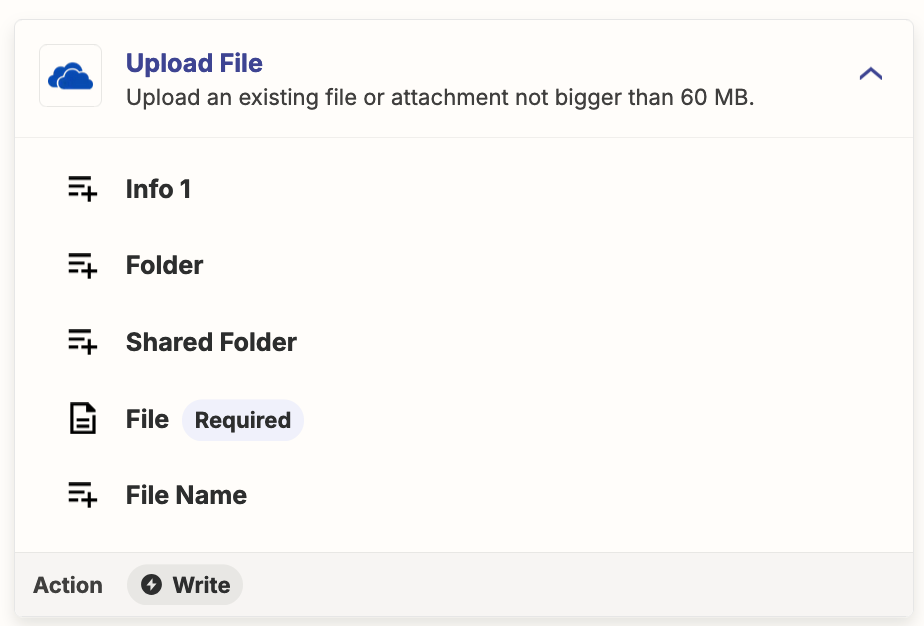
Zap action: OneDrive - Upload File

  • Folder
    • Likely expects a value that is the ID of the Folder

Help links for using files in Zaps: https://zapier.com/help/create/basics/send-files-in-zaps

If you need more help, post screenshots showing how your Zap steps are outlined and configured in EDIT mode with the field mappings visible.


  • Author
  • Beginner
  • December 20, 2024

Thank you for the prompt response :)


I’ve tried using ID, but it is still being stored at the top-level on OneDrive.


Troy Tessalone
Zapier Orchestrator & Solution Partner
Forum|alt.badge.img+14
  • Zapier Orchestrator & Solution Partner
  • December 20, 2024

@Kumara Viknesh 

Unable to open the attachments.


  • Author
  • Beginner
  • December 22, 2024


Troy Tessalone
Zapier Orchestrator & Solution Partner
Forum|alt.badge.img+14
  • Zapier Orchestrator & Solution Partner
  • December 22, 2024

@Kumara Viknesh 

For live Zap Runs, check your Zap Runs history details to see the DATA IN/OUT for each step to help you trace and troubleshoot: https://zapier.com/app/history/