Question

How can i schedule Zaps on Notion?

  • January 9, 2026
  • 6 replies
  • 29 views

I have a Zap that notifies my team by email based on records in Notion. How can I schedule this Zap to run automatically, for example twice per week?

 

6 replies

Sparsh from Automation Jinn
Forum|alt.badge.img+6

Hey ​@Learning together,

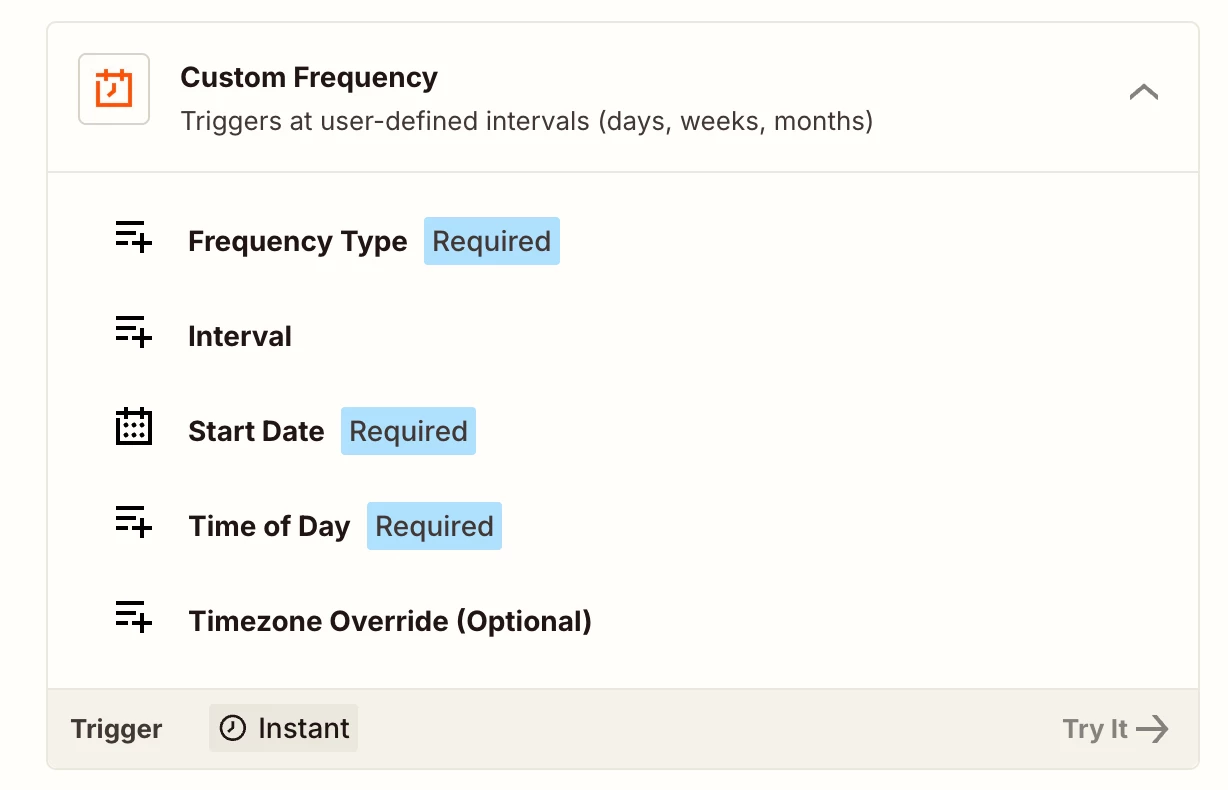
Try using Custom Frequency from Schedule by Zapier action. See more about it here- https://help.zapier.com/hc/en-us/articles/8496288648461-Schedule-Zaps-to-run-at-specific-intervals


Then you can choose it run every 2-3 days. Hope it helps!


Troy Tessalone
Zapier Orchestrator & Solution Partner
Forum|alt.badge.img+14
  • Zapier Orchestrator & Solution Partner
  • January 9, 2026

Hi ​@Learning together 

Help links for using the Schedule app in Zaps: https://zapier.com/apps/schedule/integrations#help

Related resource that can help understand how to filter the Schedule Zap trigger data for your desired days/times: 


If you are looking to hire help, there is a directory of Zapier Partners: https://zapier.com/partnerdirectory


drtanvisachar
Forum|alt.badge.img+2

Hello ​@Learning together  You’ll need a time based trigger for this. Zaps only run automatically if the trigger supports scheduling.

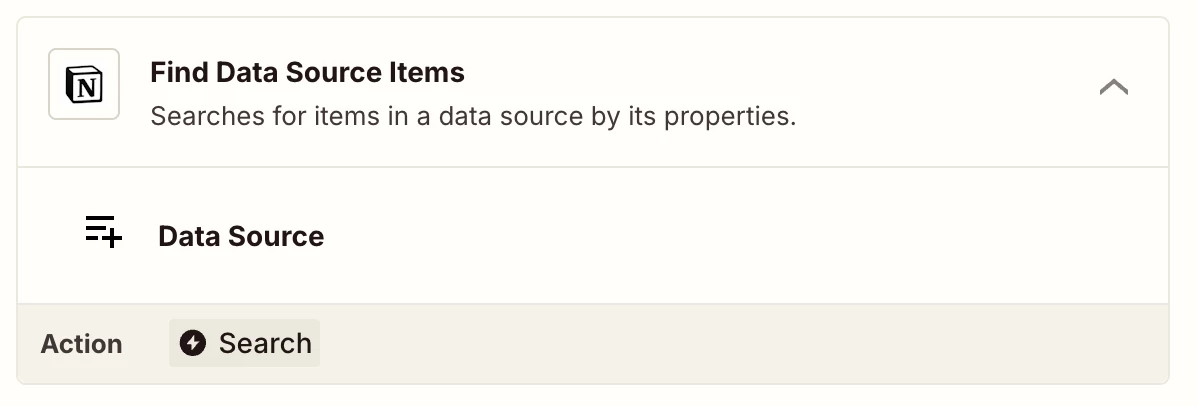
Use Schedule by Zapier as the trigger set to twice per week, then add a Notion Find Database Items step to pull the records and send the email.

If you only want new or changed records, add a date filter or use Storage by Zapier to track the last run.


SamB
Community Manager
Forum|alt.badge.img+11
  • Community Manager
  • January 13, 2026

Hi there ​@Learning together 👋

Just wanted to check how you got on with the suggestions from Sparsh, Troy and drtanvisachar?

Let us know which approach worked for you, or whether you got stuck at all. Want to make sure you’re all set! 🙂


Thank you all for your help.

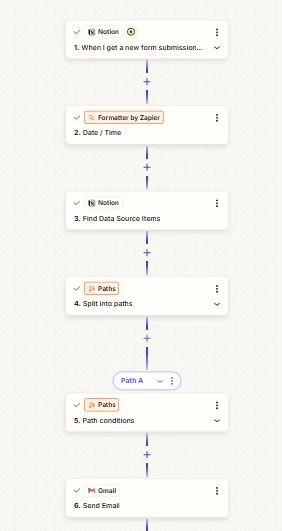
I tried using a Schedule trigger, but I couldn’t make the setup work properly because it changed the entire logic. I had to select one item and then compare it with the others, which made everything more complex.

Using the Notion trigger first allows me to compare the newly created item with the existing ones, which is much easier and fits my use case better.


Sparsh from Automation Jinn
Forum|alt.badge.img+6

Hey ​@Learning together,

You can use Notion trigger but then you can’t make it to run every 2 or 3 days. 

Depending on the exact logic for the records you want to compare you can give the search query in Find Data Source item action.


For this you will have to Schedule trigger, I know it can get a bit more complex but if it’s important for you can give this approach a try. Hope it helps!

PS: If you need more active help, I’m happy to connect through my Zapier Solution Partner page if you’d like to reach out here- https://zapier.com/partnerdirectory/automation-jinn