Best answer

first zap - email not working

  • June 15, 2020
  • 7 replies
  • 518 views

hello -

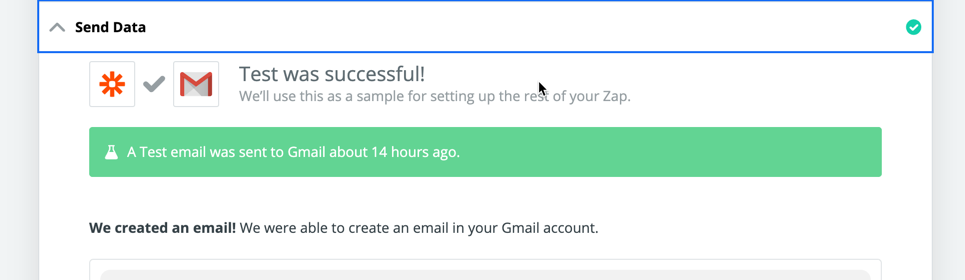
I created my first zap - email whenever a new record is available in airtable view. I tested it and it works fine. I get an email but when i turned it on, I am not getting any email at all. I went ahead and did a sample registration and nothing happened


Best answer by adamsmartschan

OK, @Parvinder, great!


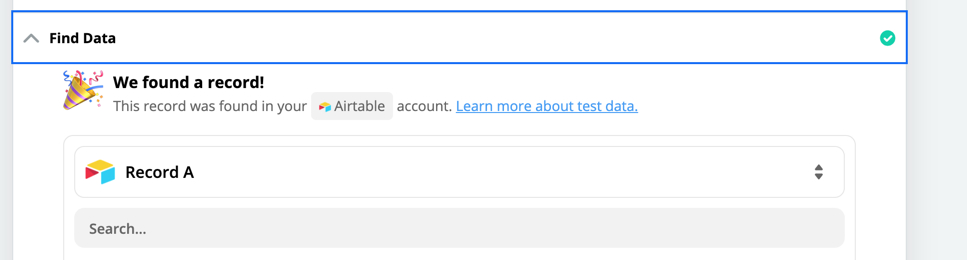
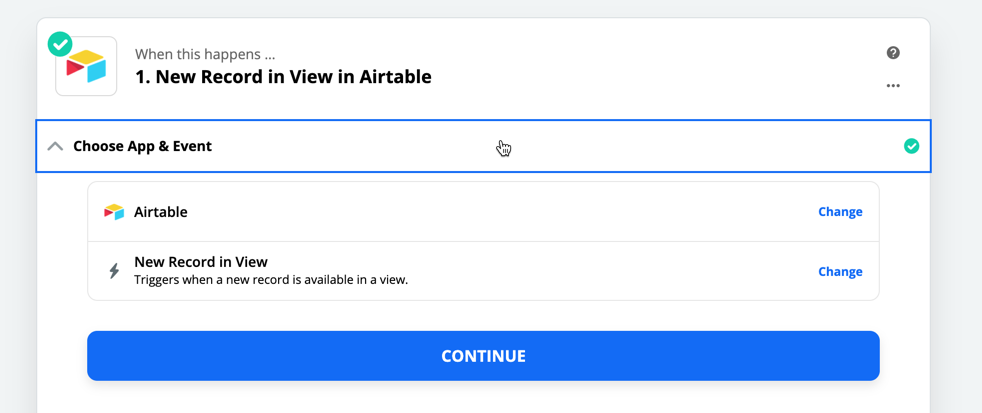
You should be able to do this without the Find in the middle. Just Trigger = New Record in View and Action = Send Email (or create draft).

This post has been closed for comments. Please create a new post if you need help or have a question about this topic.

7 replies

Mercology
Forum|alt.badge.img+5
  • Zapier Solution Partner
  • June 15, 2020

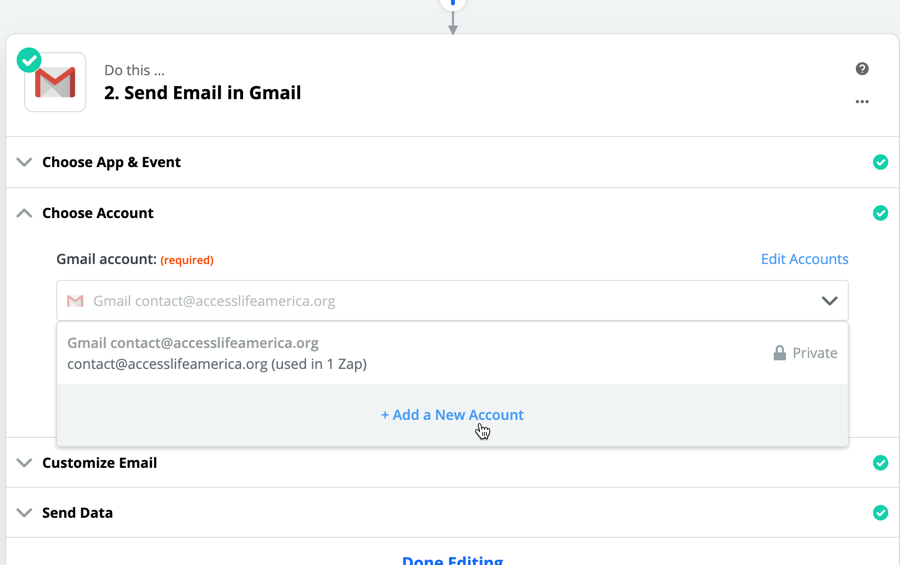
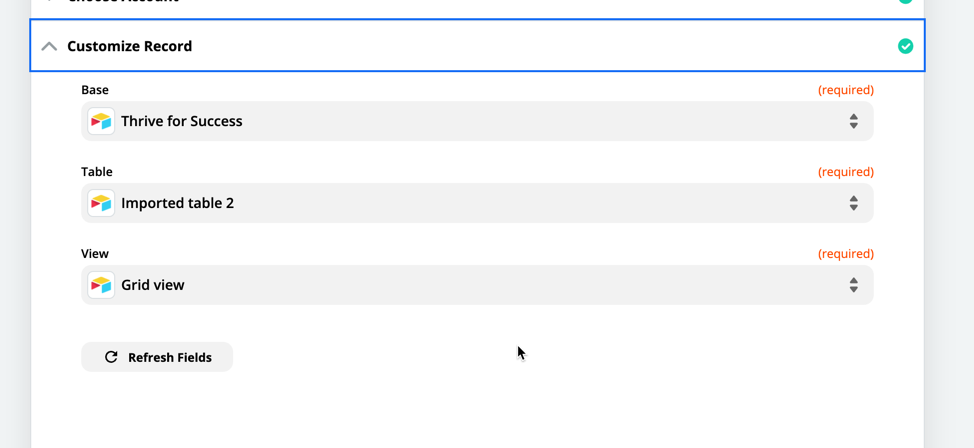
Could you show screen shots of your Zap and Airtable view?  Also what is the email system you are using?

David


  • Author
  • Beginner
  • June 15, 2020

i am using gmail. the account that i am using is Google gsuite


adamsmartschan
Forum|alt.badge.img+6
  • Zapier Solution Partner
  • June 15, 2020

@Parvinder - 


What are you looking to do here? Send an email to a new record in Airtable?


Thanks!


  • Author
  • Beginner
  • June 15, 2020

whenever there is a new record in the airtable, i would like to send an confirmation email to the applicant


adamsmartschan
Forum|alt.badge.img+6
  • Zapier Solution Partner
  • Answer
  • June 15, 2020

OK, @Parvinder, great!


You should be able to do this without the Find in the middle. Just Trigger = New Record in View and Action = Send Email (or create draft).


  • Author
  • Beginner
  • June 16, 2020

So apparently its working but its takes 15 minutes to send an email after the new record appears in airtable


adamsmartschan
Forum|alt.badge.img+6
  • Zapier Solution Partner
  • June 16, 2020

That makes sense! Not all zaps are instant. The triggers and actions that are are flagged.