


Hello,
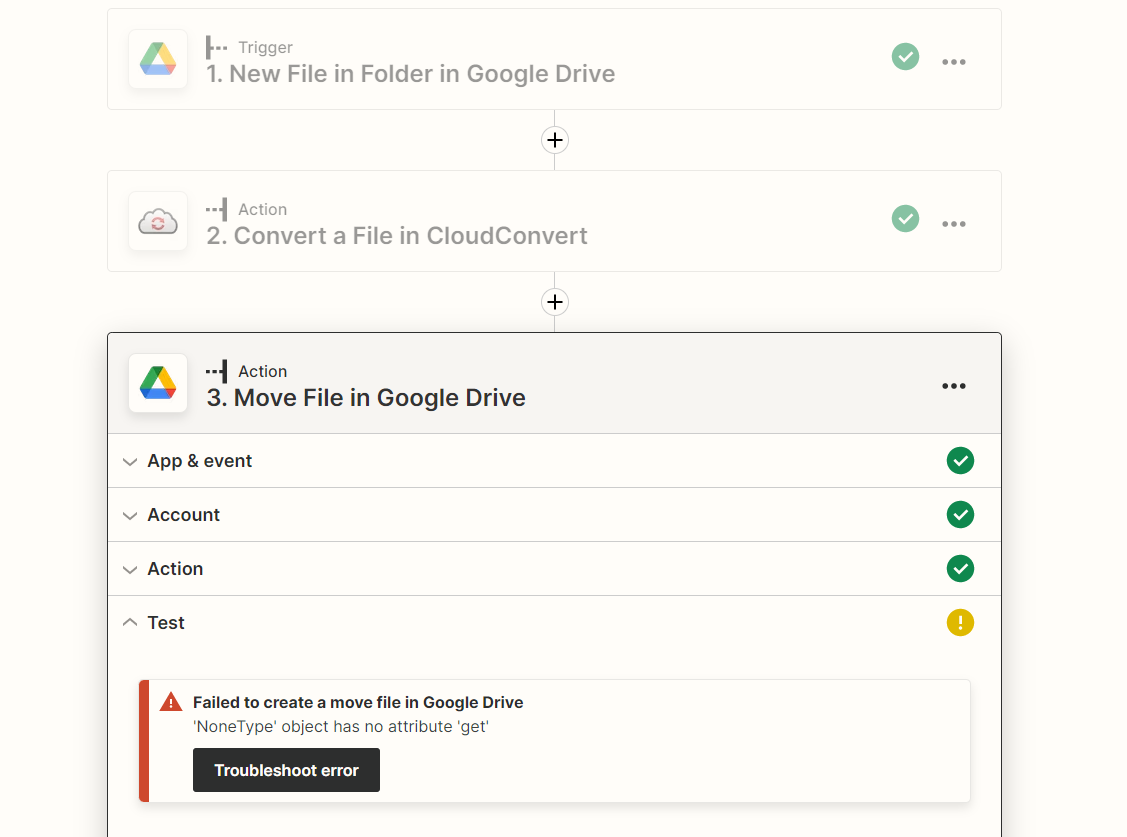
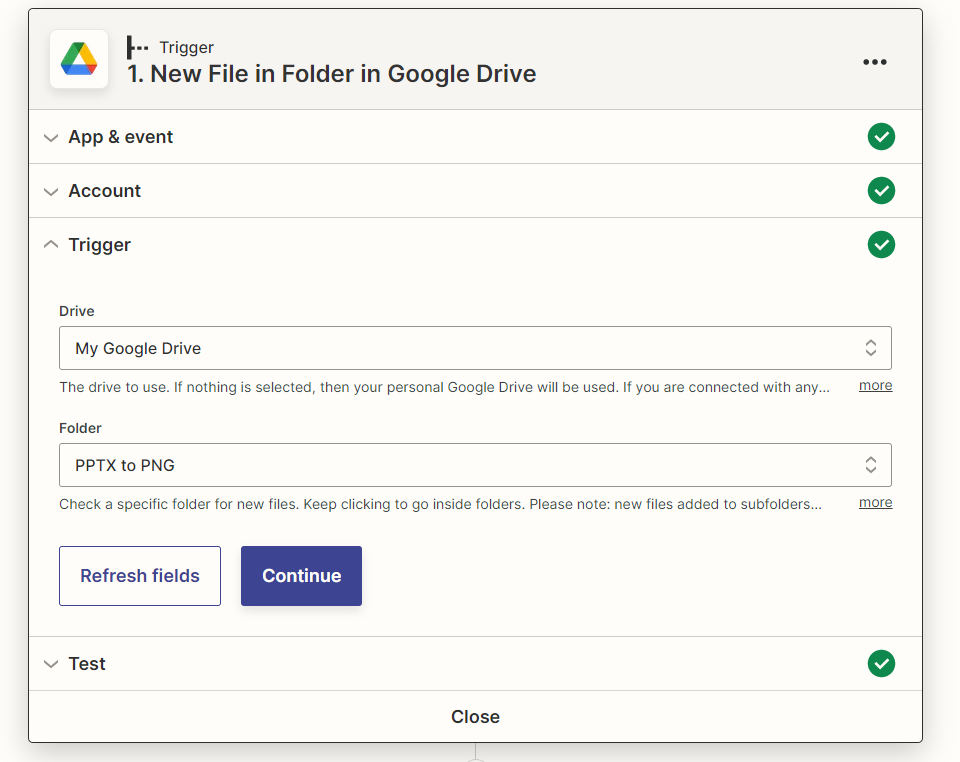
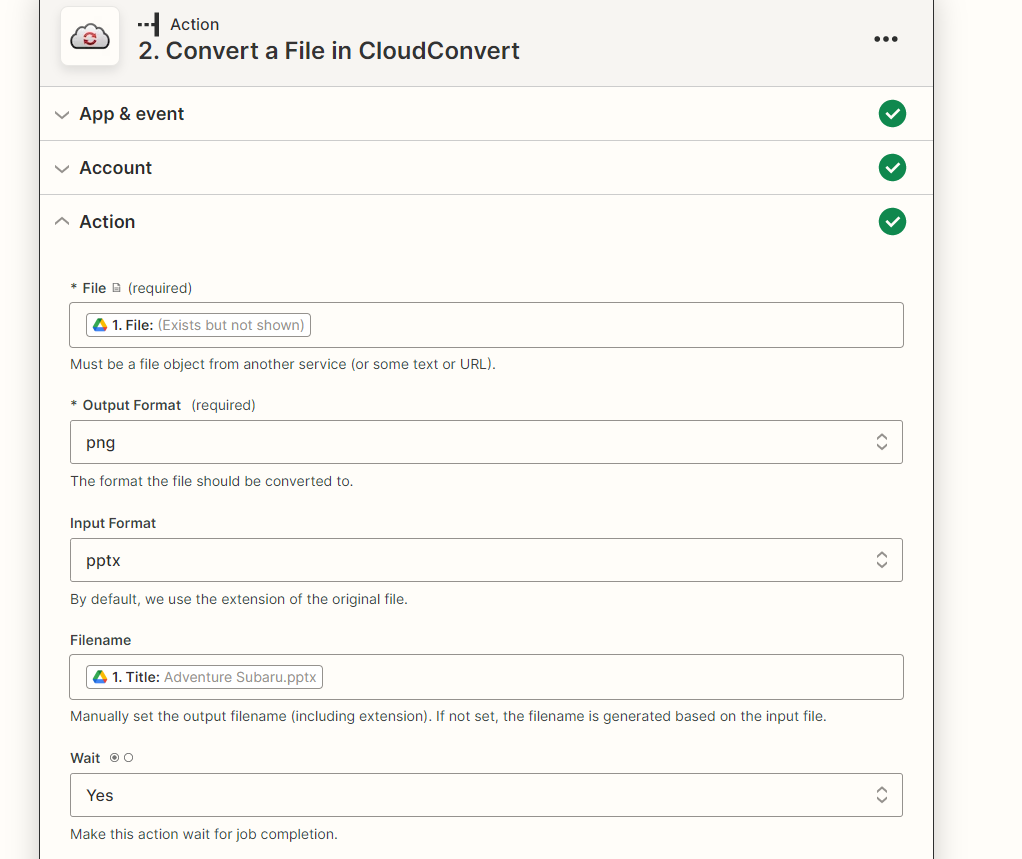
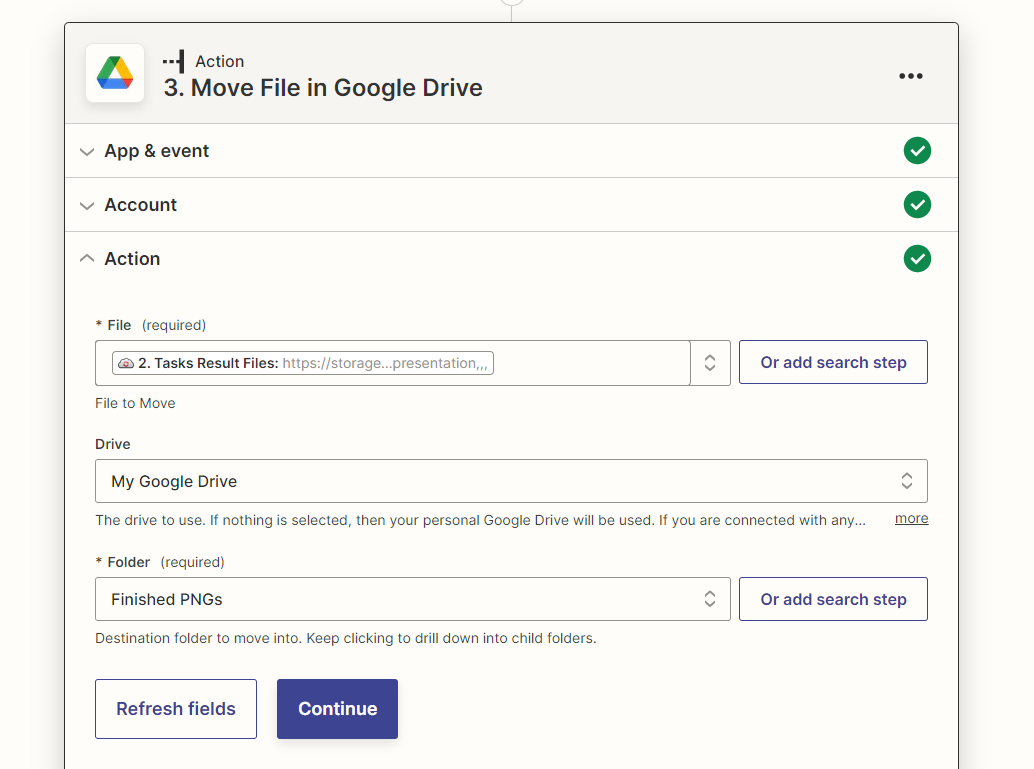
Trying to work on a Zap with Cloud Convert today… I have a G-drive folder where once a month I will be uploading about 150 pptx files… i was going to use a G-drive trigger of new pptx file in that specific folder… i then wanted to use CloudConvert to create a PNG file for every pptx file in the folder and save the PNG file to a subfolder “Finished PNGs”… it seems like im having issues with cloud convert actually creating png files it seems like it keeps just wanting to make pdfs instead… any help with actually getting the pngs to create right and how to find the new file made in cloudconvert and move it to a specific folder would be great...
Thanks,
Woozie




