Question

Exporting data from Excel to Word using Zapier

  • April 11, 2025
  • 4 replies
  • 52 views

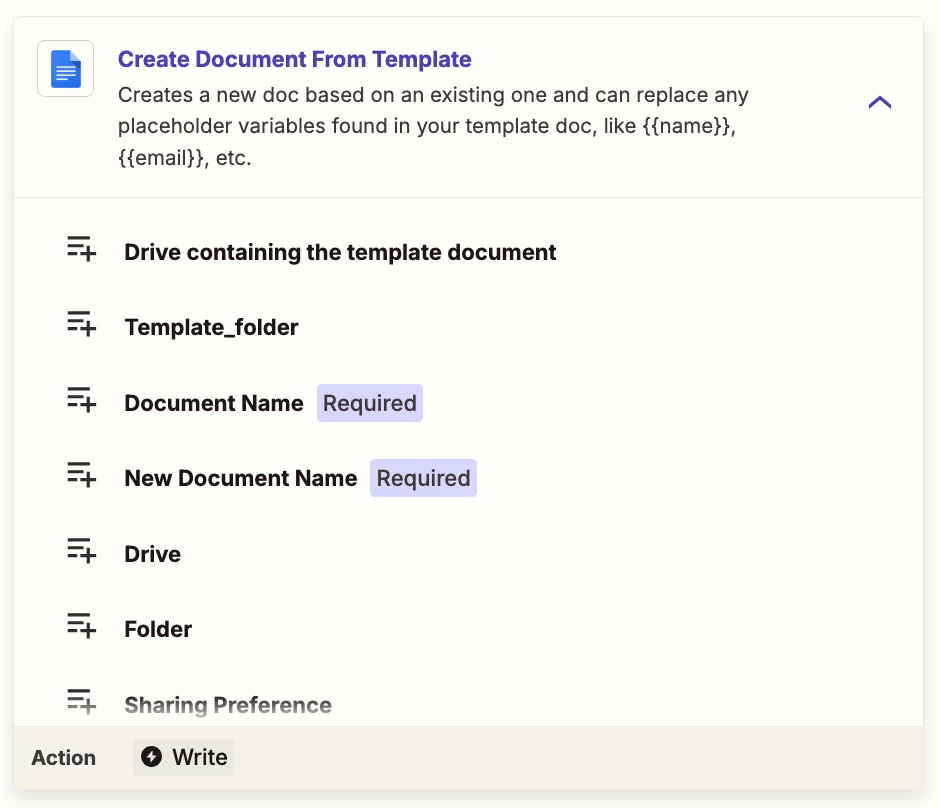
I conduct inspections for multiple companies. How can I use Zapier to export information from and excel spreadsheet and import it into a Word template. For example: in the excel spreadsheet is the client information and I need to export that information into the Word document.

This post has been closed for comments. Please create a new post if you need help or have a question about this topic.


4 replies

Troy Tessalone
Zapier Orchestrator & Solution Partner
Forum|alt.badge.img+14
  • Zapier Orchestrator & Solution Partner
  • April 11, 2025

SamB
Community Manager
Forum|alt.badge.img+11
  • Community Manager
  • April 30, 2025

Hey ​@The Christophe Group, just checking in—were you able to solve things with Troy’s suggestion? Or did you find a different solution? If so, we’d love to hear what it was if you’re up for sharing! 🙏

And if not and you still need of any help, just let us know! 🙂


Based on the nature of the work this will not work. I have up to ten different documents that must align with certain files. Therefore it is easier to move individually. However the process did work.


JammerS
Forum|alt.badge.img+6
  • Zapier Staff
  • May 1, 2025

Hi ​@The Christophe Group,


I'm glad the process worked for you, though it may not be the most efficient for complex workflows. In Zapier, you can streamline such processes using Multi-Step Zaps, which let you add multiple actions to a single trigger—ideal for handling various files individually based on conditions. Paths can also help manage complexity by creating conditional branches within your Zap, allowing different actions for each document based on specific criteria. These tools can significantly improve the efficiency and flexibility of your workflow.

I hope this helps. If you have any further questions or need more assistance, feel free to ask.