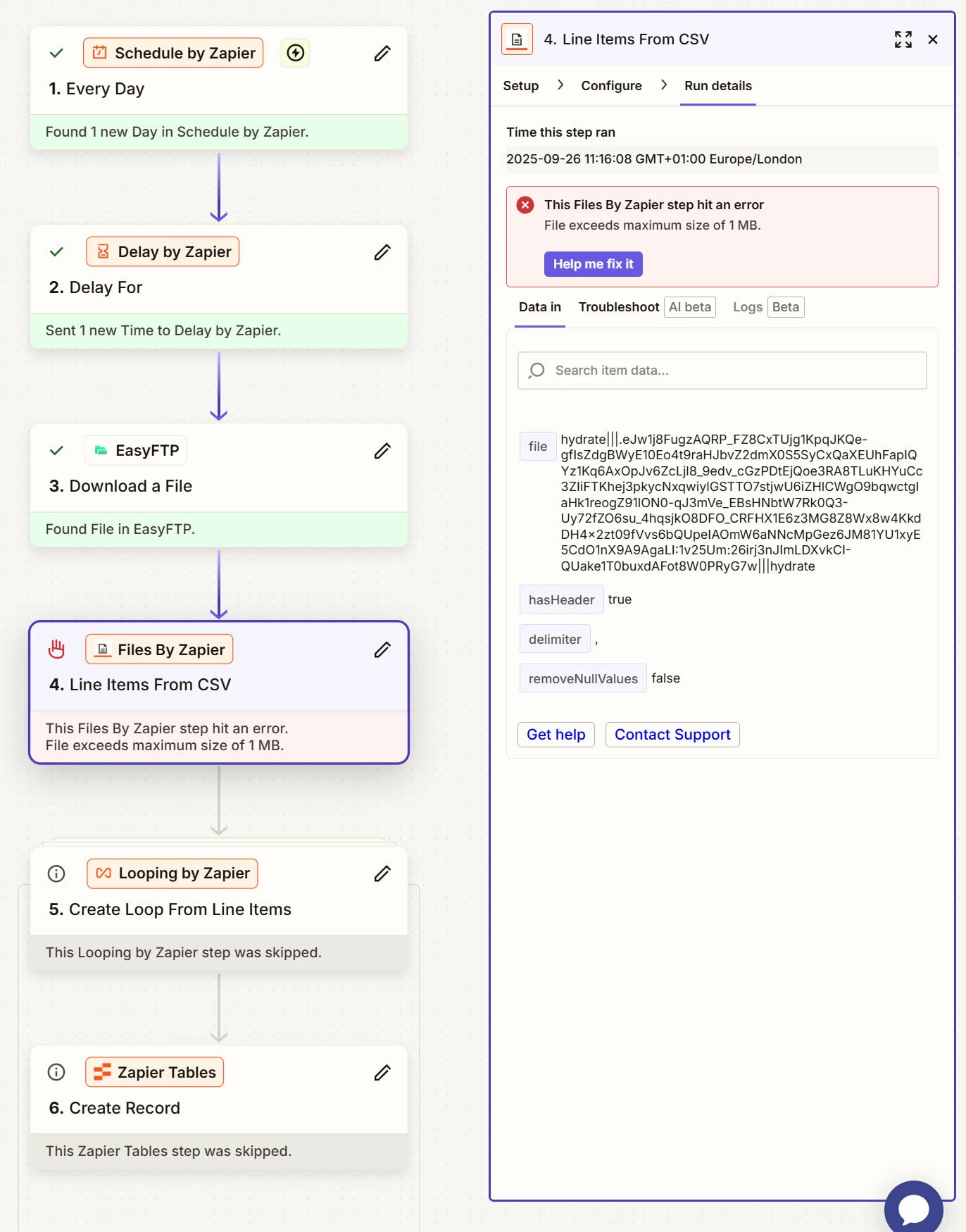
I have a zap which is on a daily schedule to download a CSV file (via Easy FTP) to populate a Zapier table. This was working perfectly until the CSV became larger than 1MB. Now the Files by Zapier step fails…
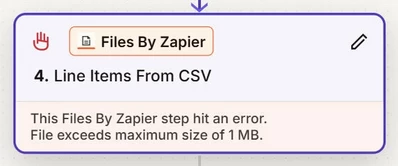
Failed to create a csv file in Files By Zapier
File exceeds maximum size of 1 MB.
Is there a workaround for this?
Best answer by Sparsh from Automation Jinn
Hey @RyanForsythe1979,
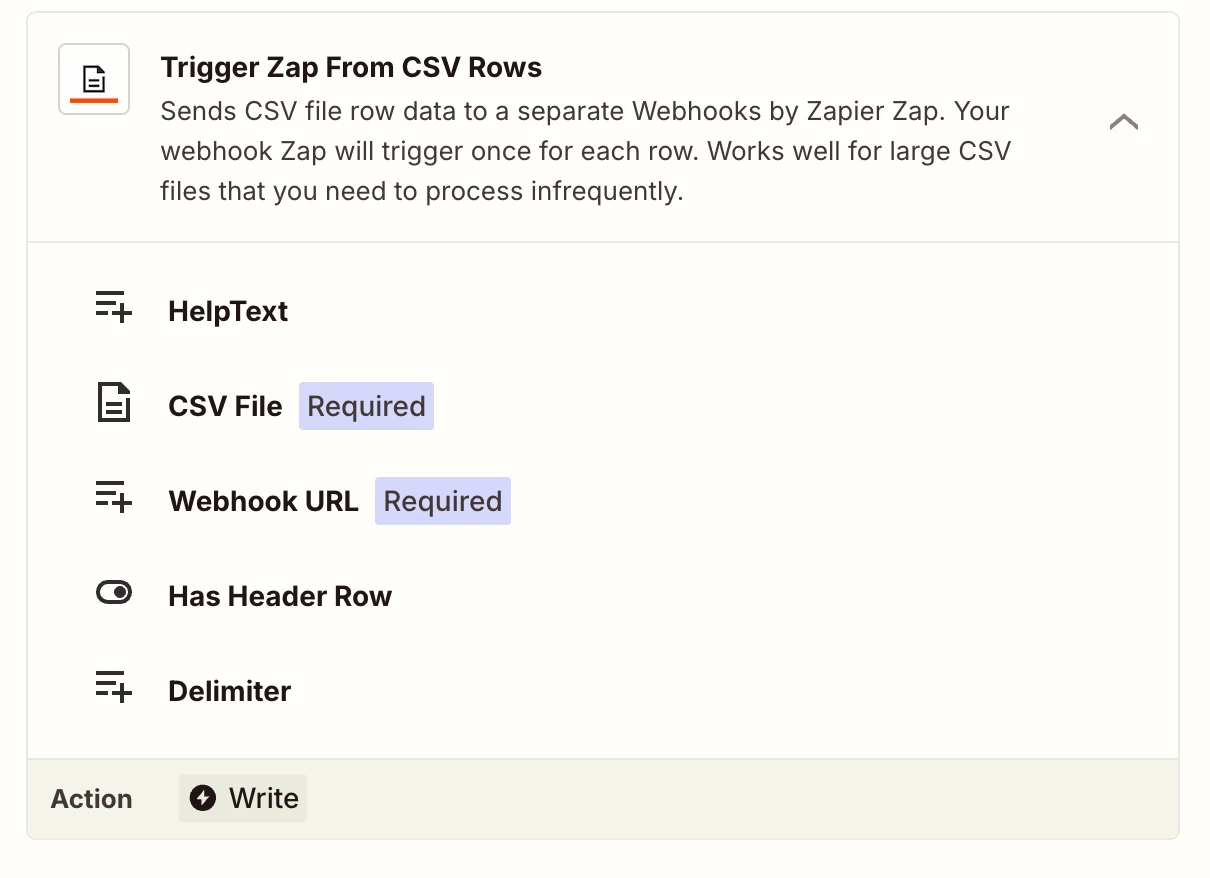
Try to use Trigger Zap from CSV action of Files by Zapier. You would need two zaps and webhook to achieve it.
I think this limit might be specific to this Line Items to CSV action in Files by Zapier. The 4MB and 60000 rows limits is for triggering by CSV and the 100 MB limits for sending files in Zapier in general. As said in the previous reply, you may want to look into workaround of uploading it in Google drive or One Drive to achieve your desired workflow. After that you can also use Trigger Zap From CSV Rows in another Zap to have larger limits. Hope it helps!
I tried uploading the file to Google Drive and then created a zap to populate a zapier table when the Google sheet is updated. But I got this error...
“This Google Sheets step is pending because it returned too many results at once”
Surely there’s a solution, the csv is only 1.2MB
BTW I should also mention that the data needs to be imported into a zapier table as it’s being used as a knowledge source for a chatbot (to date a Google sheet cannot be used as a knowledge source).
That’s great news @RyanForsythe1979! 🎉 Thanks for coming back to confirm that Sparsh’s suggestion of using a Get Many Spreadsheet Rows action for Google Sheets did the trick - nice one @Sparsh from Automation Jinn! 🙌
Please do reach back out if you need any more help from the community. Until then, happy Zapping! 😁⚡
Early access
Next Gen Zaps
Build and deploy automations from AI tools you already use. With Agentic Management, if anything breaks, the agent diagnoses the issue and proposes a fix.