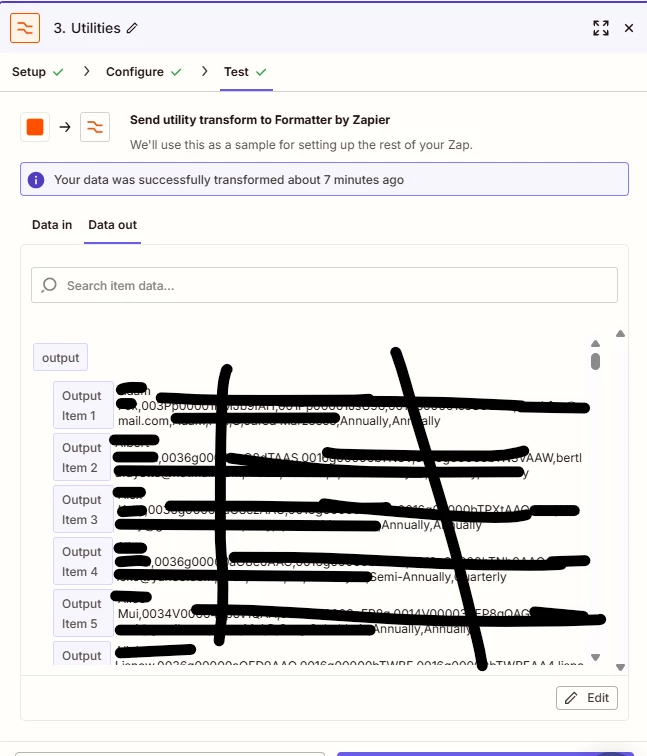
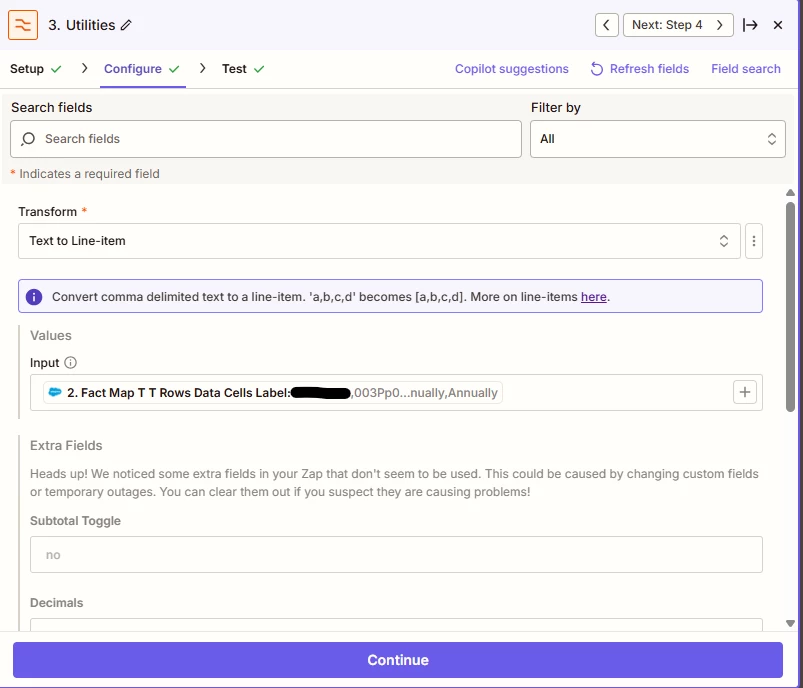
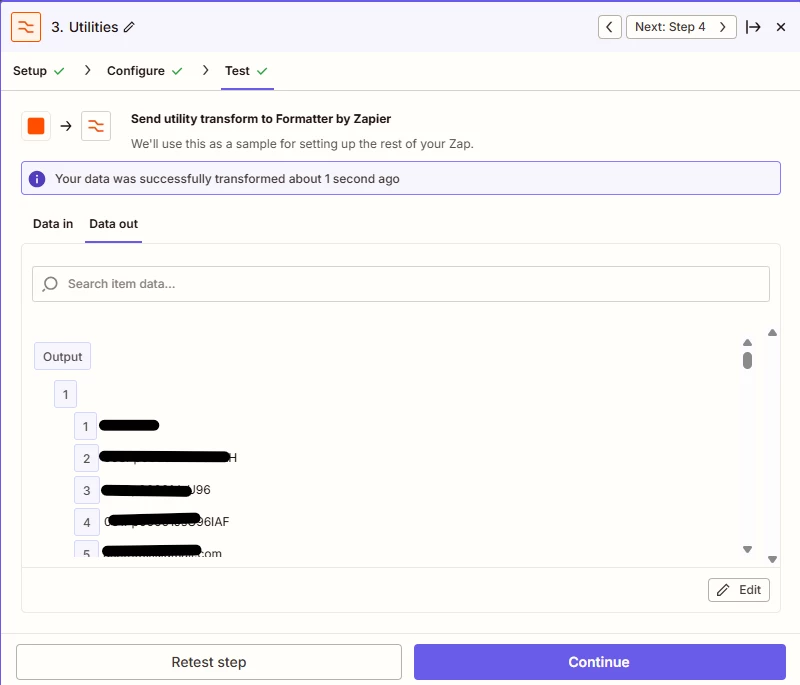
my problem was resolved with code. the issue was “it seems the data is passed in this format by default. While Formatters can combine values that are already grouped together, in your case the requirement is to separate each field from every individual record across all ~200 records and then recombine them. Unfortunately, Formatter alone wouldn’t be the right tool to achieve this.” the Text to Line-Item gave what appears to the same exact output as the code below, but for some reason the Looping step wouldn't receive it. i used AI to create code. the end result of this was i am able to export data from Salesforce using a Run Report Action Event and then use the data. the reason for doing this is that interfaces cannot pull dynamically from Salesforce so i had to create a ZAP to delete all the records and then run the report and add all the records. this was done in case we get new Accounts in our salesforce.
const step3Output = inputData.step3_output || '';
// Split the output string by commas and trim whitespace
const items = step3Output.split(',').map(item => item.trim());
// Prepare an array to hold the combined fields
const combinedFields = [];
// Assuming each output item contains exactly 11 fields, we will process them in chunks of 11
for (let i = 0; i < items.length; i += 11) {
const fields = items.slice(i, i + 11);
// Ensure we have exactly 11 fields before pushing to the combinedFields array
if (fields.length === 11) {
combinedFields.push({
HouseholdName: fields[0],
Person18Character: fields[1],
HouseholdID: fields[2],
Household18ID: fields[3],
Email: fields[4],
FirstName: fields[5],
LastName: fields[6],
Rating: fields[7],
RelManager: fields[8],
ClientRevFreq: fields[9],
ClientConFreq: fields[10],
});
}
}
// Prepare the output as a flat object
output = { combinedFields };