Question

Creating a Zap to Map Google Sheets Data to ACF Custom Field Dynamic Tags

  • October 24, 2024
  • 3 replies
  • 114 views

I’m creating a Zap that will take data from google sheets and map the data into ACF custom field dynamic tags.
I’m attaching the screenshots for better understanding.
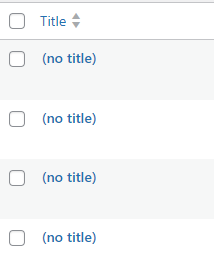
When I create a new row it just show (notitle) on WordPress.
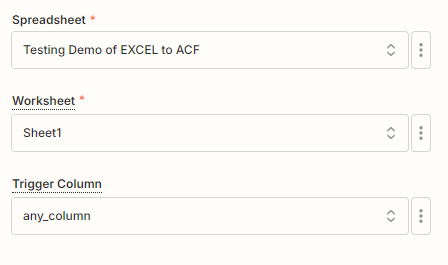
First trigger:
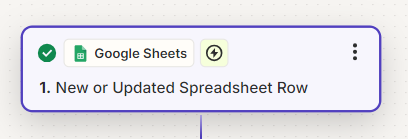
 

first trigger

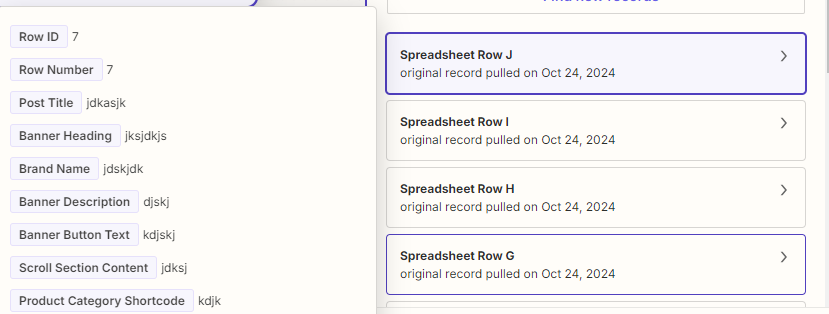
Trigger Details:
 

trigger details

showing the updated data/row:


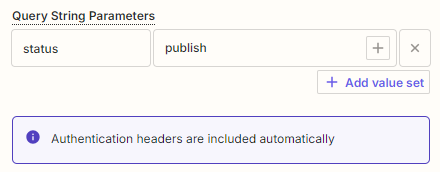
Action:
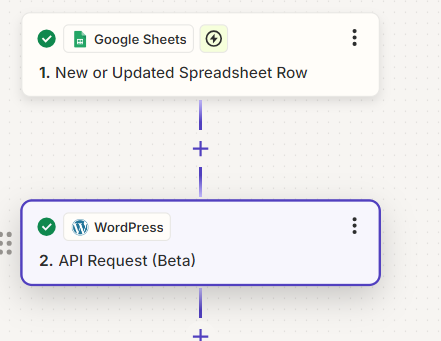
 

Action details:

Testing:
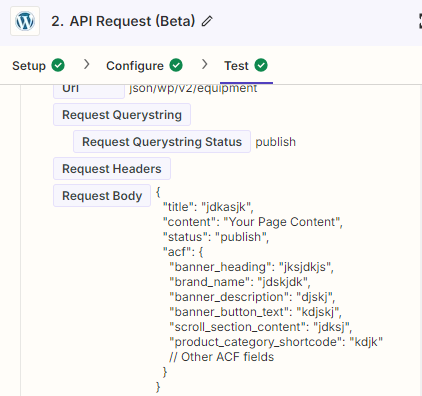
Slug:



till there it is fetching data, but after publishing it is showing (notitle) post in wordpress:

your kind response will be helpful.

This post has been closed for comments. Please create a new post if you need help or have a question about this topic.

3 replies

JammerS
Forum|alt.badge.img+6
  • Zapier Staff
  • October 25, 2024

Hi @webdev.sls,


Welcome to the Community.


You're on the right track with your Zap, but WordPress's "(no title)" issue usually means the title field isn't populated correctly. To troubleshoot, check that the title field is appropriately mapped in your Zap to the corresponding column in Google Sheets. If using Advanced Custom Fields (ACF), ensure the correct mappings. Test your Zap after making changes and verify that any required fields in WordPress are filled out. Also, check the post status and ensure no theme or plugin settings interfere with the title display. If the problem persists, consider reviewing WordPress logs for errors and provide additional details for further assistance.


  • Author
  • Beginner
  • October 25, 2024

If there’s issue with Title Mapping, then other ACF fields should be mapped. But there is no single field that is getting data from google sheet columns.
I have checked with the theme but it does not interfering with title display.
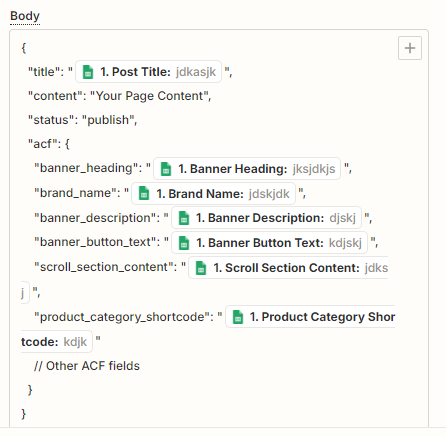
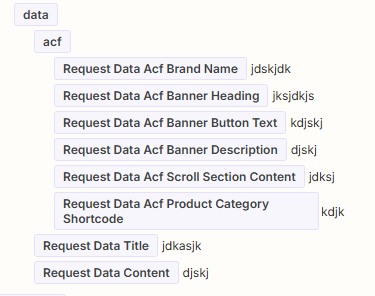
Attaching some more screenshots for better understanding:
 

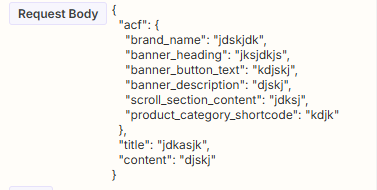
request body


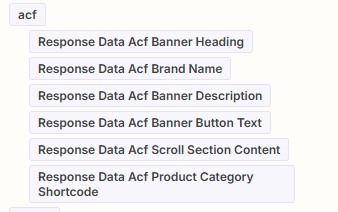
but the response is empty as seen in the screenshot:


ken.a
Forum|alt.badge.img+6
  • Zapier Staff
  • October 29, 2024

Hi there @webdev.sls,

It looks like you’re using API Request (Beta). Just to be upfront, the API Request Beta is considered an advanced feature, so our support for it may be more limited. Not because we don't want to help, but because APIs can be tricky to troubleshoot since we can't see what's happening on the other side. Every API that you send a request to is going to have slightly different structures that are required.

This makes it hard for us to know why the request may be receiving errors or not working as expected, beyond taking a general look at what's showing in Zapier.

Here are some helpful resources:

I appreciate your patience and understanding.