Hi! I’m trying to use Zapier to create an integration that will take entries from a Google Forms survey and 1) add new entries; 2) update existing entries (e.g. email or phone # contact) in Google Sheets.
Basically trying to use Google Sheets to store member info, and want the contact portions to get auto-updated so I don’t have to manually change pre-existing fields.
Thanks!
Best answer by andywingrave
Hey there,
Just to summarise the thread here.
You can use Google Forms which can be linked to a Google Sheet to auto add new entries.
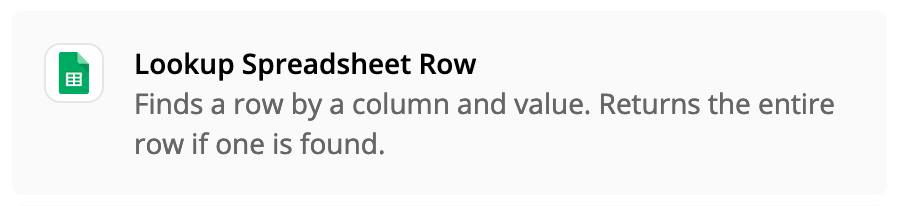
In order to auto-update existing entries, you can first perform a Lookup of the record in your first action step and then use an update spreadsheet row task as your next action (using the row ID from the Lookup step).
Thanks, Troy! Wondering how I can then auto-update existing entries though. (i.e. can it be set up to reference existing data columns and check for inconsistencies, then update the specific fields with the new info?)
In order to auto-update existing entries, you can first perform a Lookup of the record in your first action step and then use an update spreadsheet row task as your next action (using the row ID from the Lookup step).
Early access
Next Gen Zaps
Build and deploy automations from AI tools you already use. With Agentic Management, if anything breaks, the agent diagnoses the issue and proposes a fix.