Hey @ramb, I hope you’re doing well!
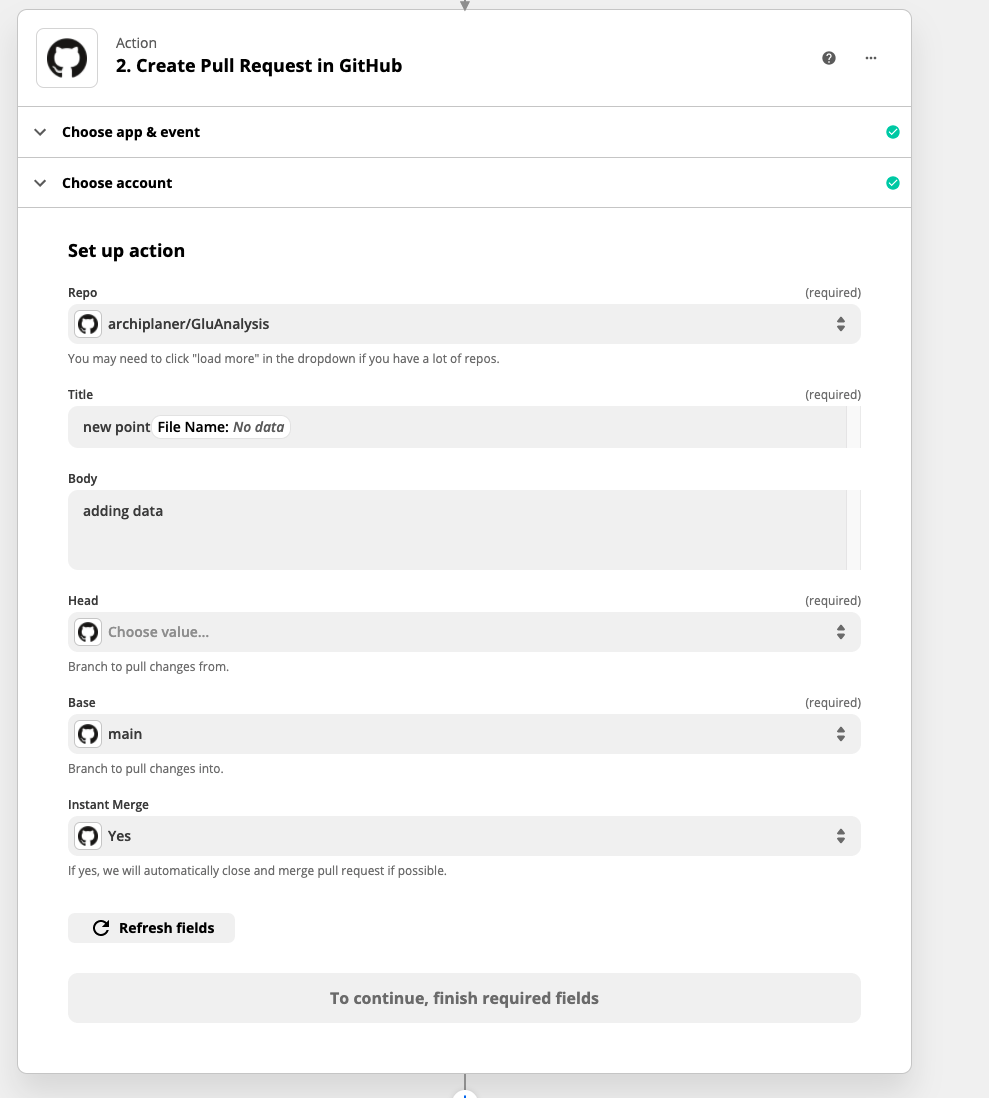
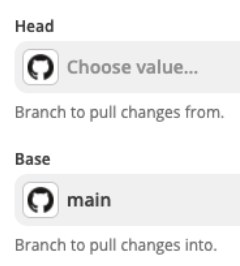
For the Head and Base fields:
These are standard Git terms for your branches based off what you’re doing with that branch. When thinking about branches, remember that the base branch is where changes should be applied, the head branch contains what you would like to be applied.
So if you’re making changes in a branch called “testing” and want to pull those changes into the “main” branch, then your head is “testing” and your base is “main”
If you need more information regarding Github naming conventions and functionality, it is highly recommend to review the docs at Github to get a better understanding of their terminology and how their system works: https://docs.github.com/en/github/collaborating-with-pull-requests/proposing-changes-to-your-work-with-pull-requests/creating-a-pull-request
In this case, you won’t be able to send a file directly to Github using the Pull Request action, this is outside of the scope of what a pull request is for. A pull request is for pulling changes from one branch into another.
For This Workflow:
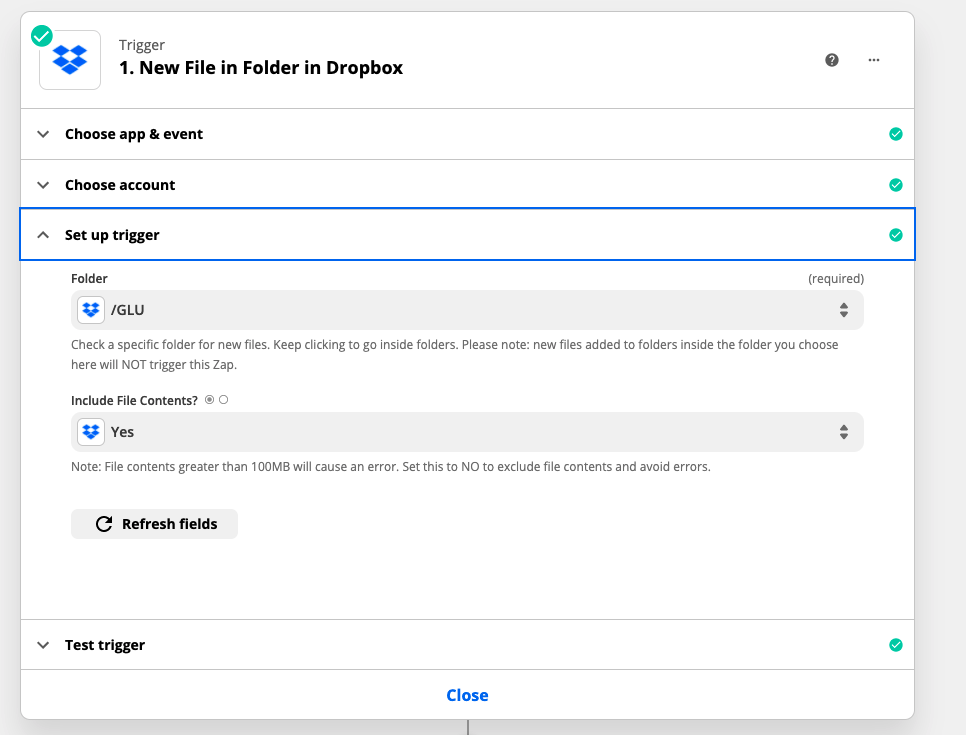
It sounds like you’re looking to push a commit to a branch, rather than create a pull request to pull one branch into another. This is not currently possible with the Github integration and won’t be possible using normal files within Zapier. The Github API expects for commits to be base64 encoded and files in Zapier are hydrated file objects, not base64.
You can find more information on pushing content to repos in Github here: https://docs.github.com/en/rest/reference/repos#contents
We don’t have a way to take a file and encode it in base64, this would require your own custom integration to pull off. If you have the engineering resource to do so, you can check out our developer platform for building out your own custom integration for handling files in base64 and pushing them to Github: https://zapier.com/platform
This is a pretty hefty lift that would require some engineering and not something that would be available out of the box with the Zapier integration.