Hi all.
I'm trying to get my orders from Woocommerce separated into lines instead of commas.
At the moments, I'm getting a multiple product order separated by comma.
Quantity row:
1,3,2
Product row:
blue shirt, black shirt, yellow shirt
I'd like to have it separated in lines.
Quantity
1
3
2
Product row:
blue shirt
black shirt
yellow shirt
So when I read it, it would look like this:
Client Quantity Product
John 1 blue shirt
3 black shirt
2 yellow shirt
I've already tried using Line Itemizer, but continue receiving the data with commas.

Best answer
Create Line Items in Google Spreadsheet from WooCommerce
Best answer by Troy Tessalone
Hi
Options to try…
GSheets: Create Rows
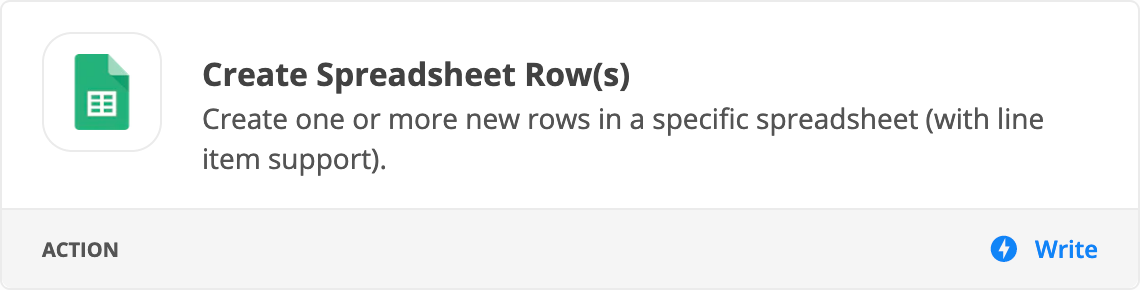
Formatter > Utilities > Line Items: https://zapier.com/help/create/basics/use-line-items-in-zaps
This post has been closed for comments. Please create a new post if you need help or have a question about this topic.







ZapConnect 2026 is coming
Join us September 23rd, 2026 for a free, one-day virtual event with 30+ sessions on AI automation. Get live build-alongs, playbooks, and strategies to lead AI transformation at your organization.
Log in to the Community
No account yet? Create an account
Use your Zapier credentials
Log in with ZapierEnter your E-mail address. We'll send you an e-mail with instructions to reset your password.