

Question

Create a condition to allow zap to run based on job status

  • August 21, 2025
  • 1 reply
  • 8 views

I have a zap that works perfectly but I want to be able to reduce the amount of times it runs.

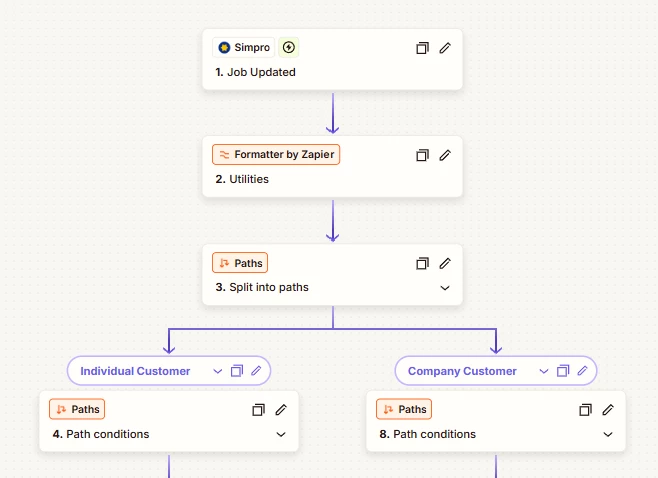
My zap is triggered from a simPRO job update and the desired outcome would be to only continue the zap if the status of the job from simPRO has actually changed (eg. New Job → Job In Progress). If the status remains the same, the zap does not need to run.
 

This post has been closed for comments. Please create a new post if you need help or have a question about this topic.

1 reply

SamB
Community Manager
Forum|alt.badge.img+11
  • Community Manager
  • September 4, 2025

Hey there, ​@K5_Elec! 👋

It’s been since a while since you reached out, were you able to get it sorted?

If not, perhaps you could keep a record of each job in Zapier Tables. When the Zap triggers it could search for the job in the table to see what it’s status was. Then, you could use a Filter to compare the two statuses, and only let the Zap continue to run the next steps if the status is different. You’d want to add an Update Record action after the filter, to update the status of the job in the table to match what it was updated to.

Although it wouldn’t reduce the number of times the Zap triggers, it should help to reduce the unnecessary task usage by stopping the rest of the Zap from running when the job status hasn’t been changed. And even though this approach adds extra actions, Zapier Tables and Filters action don’t count towards your task usage. 

Hope that helps. Keep us posted on your progress, want to make sure you’re all set! 🙂


