Best answer

Copy files in Citric ShareFolder

  • December 5, 2022
  • 10 replies
  • 101 views

Company documents in Citric ShareFolder.  I have company policies in a folder thta is not accessible to regular employees.  When a New or Updated policy is added to this folder, I want it to be copied into another folder that employees do have access too.  All of this within the same Citrix account.

Best answer by christina.d

Hey there, @PK97! I double checked and can see you were able to reach out to support - thanks so much for that!

I wanted to share what was discovered in case it’s helpful for anyone following along which is that it appears we’re running into a bug. 😞

The bug report explains that due to a limitation in the number of download requests we can make to Citrix (generated by "get_download_link"), the Citrix ShareFile Zapier app can run into that 502 error (meaning the Zap can't download the file from the trigger to upload in the action step).

While we can’t advise on when a fix will be available, we’ll be sure to post here once it is! 

@PK97 it looks like you and Matt may be working towards a workaround, which is amazing! If ya’ll eventually arrive at one, definitely keep us posted. We’d love to know. 🙂 

This post has been closed for comments. Please create a new post if you need help or have a question about this topic.


10 replies

Troy Tessalone
Zapier Orchestrator & Solution Partner
Forum|alt.badge.img+14
  • Zapier Orchestrator & Solution Partner
  • December 5, 2022

Hi @PK97 

Good question.

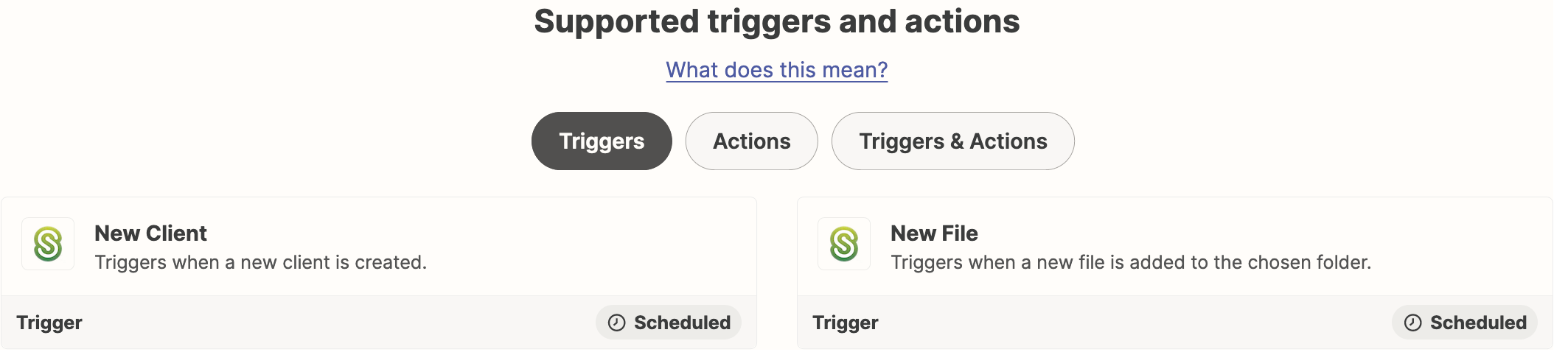
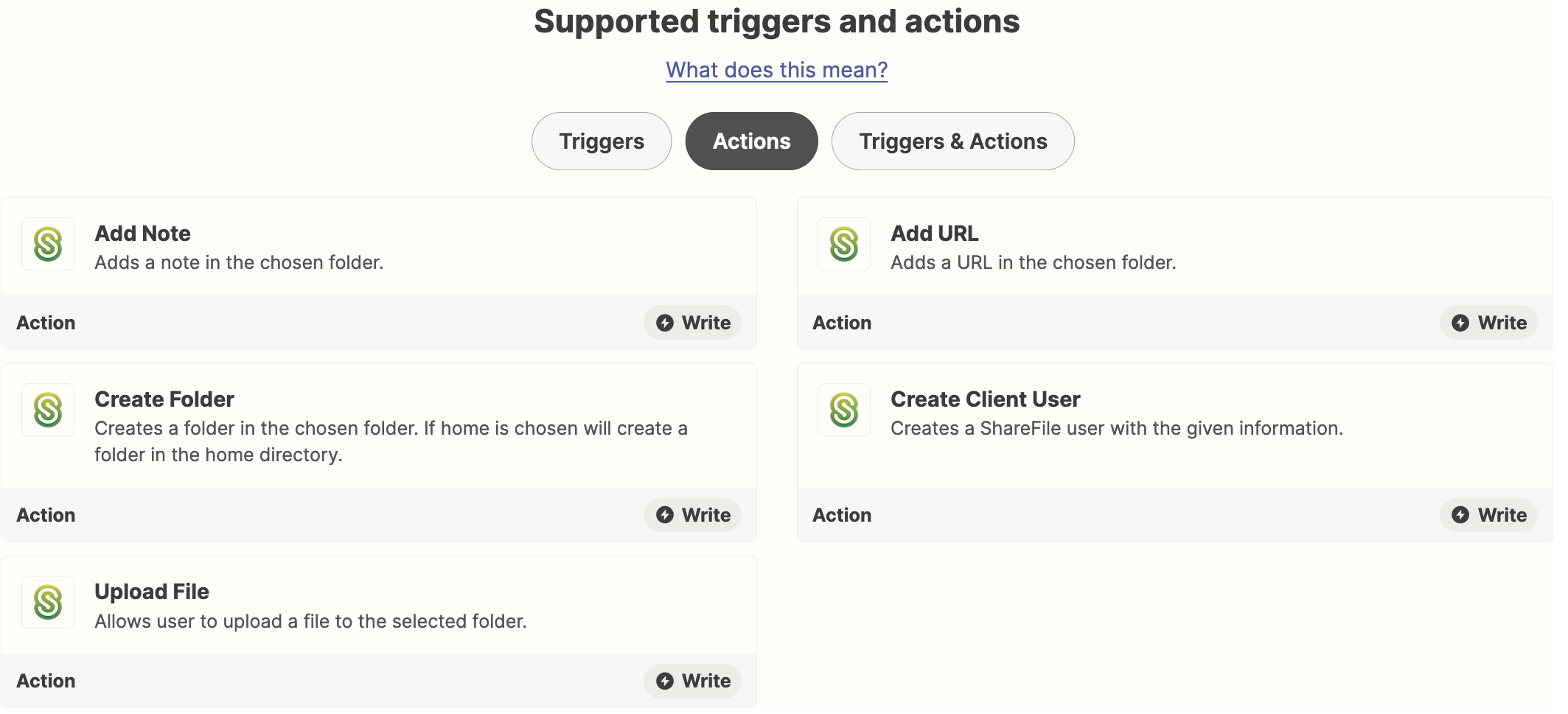
Check out the available Citrix ShareFile Zap triggers/actions: https://zapier.com/apps/citrix-sharefile/integrations#triggers-and-actions


These Citrix ShareFile Zap triggers are available:


These Citrix ShareFile Zap triggers are available:


  • Author
  • Beginner
  • December 6, 2022

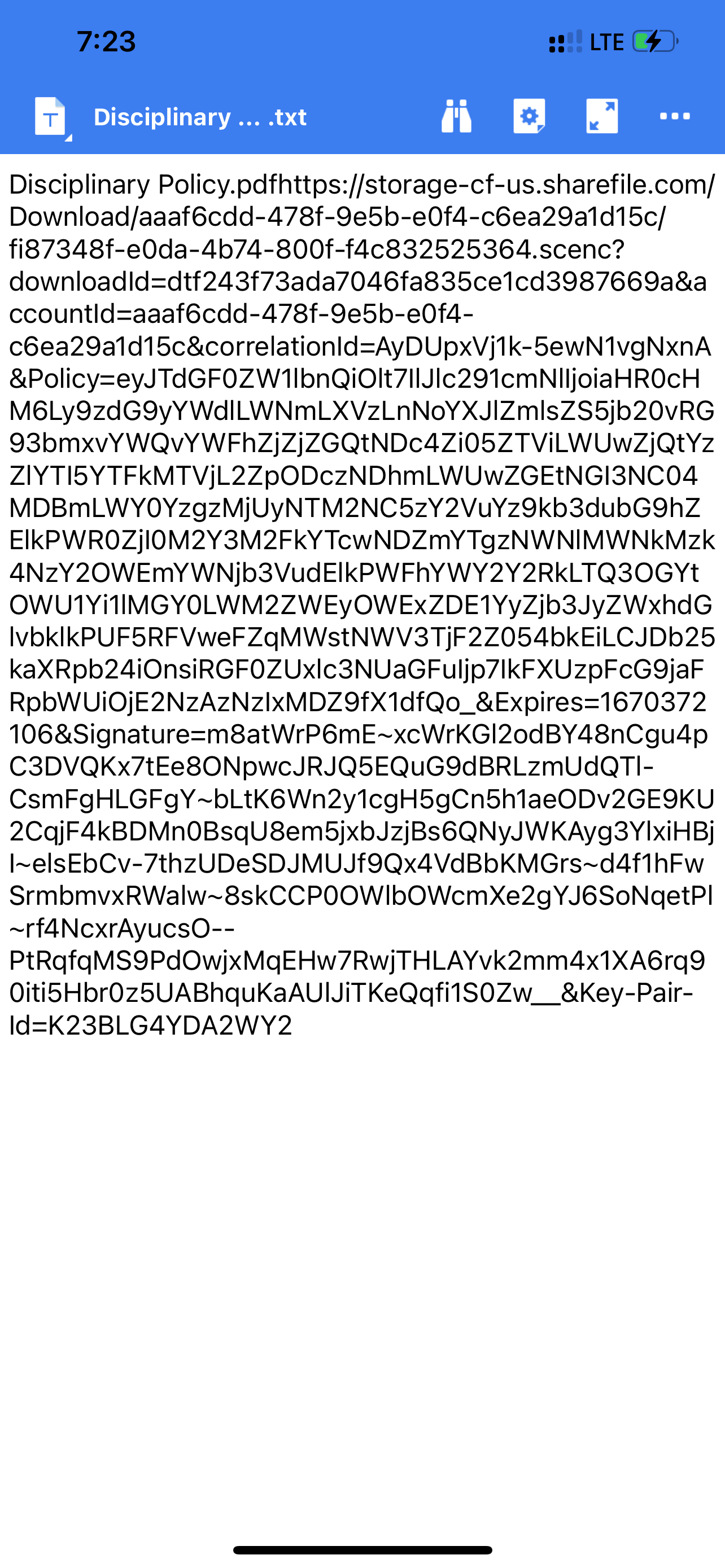
Thank you.  I tried those, but it uploads a file with information about the new file (example name, url, etc) that was uploaded. I can’t get it to actually copy the new file and paste that copy in the selected folder.


Troy Tessalone
Zapier Orchestrator & Solution Partner
Forum|alt.badge.img+14
  • Zapier Orchestrator & Solution Partner
  • December 6, 2022

@PK97 

Please post detailed screenshots with how your Zap steps are configured in order for us to have context, thanks.


  • Author
  • Beginner
  • December 6, 2022

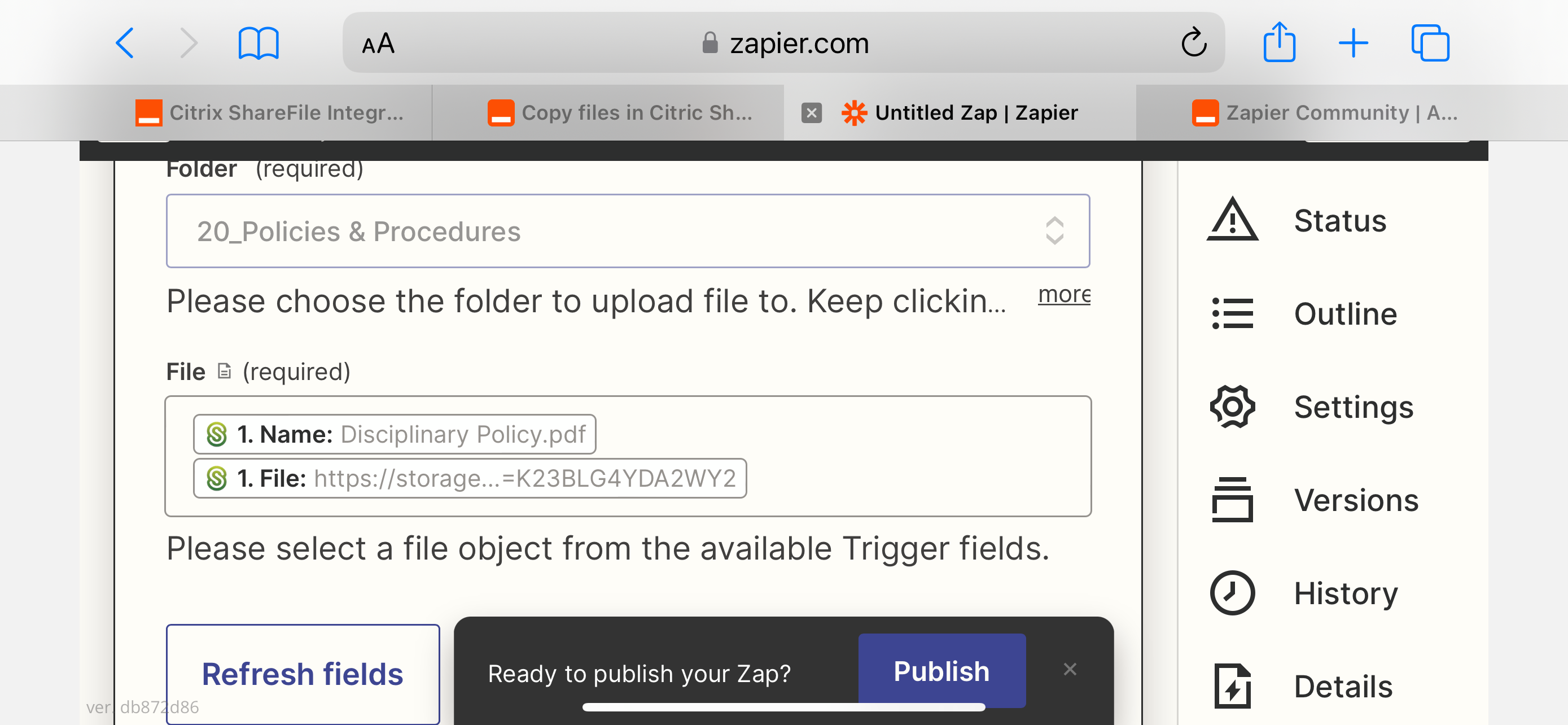
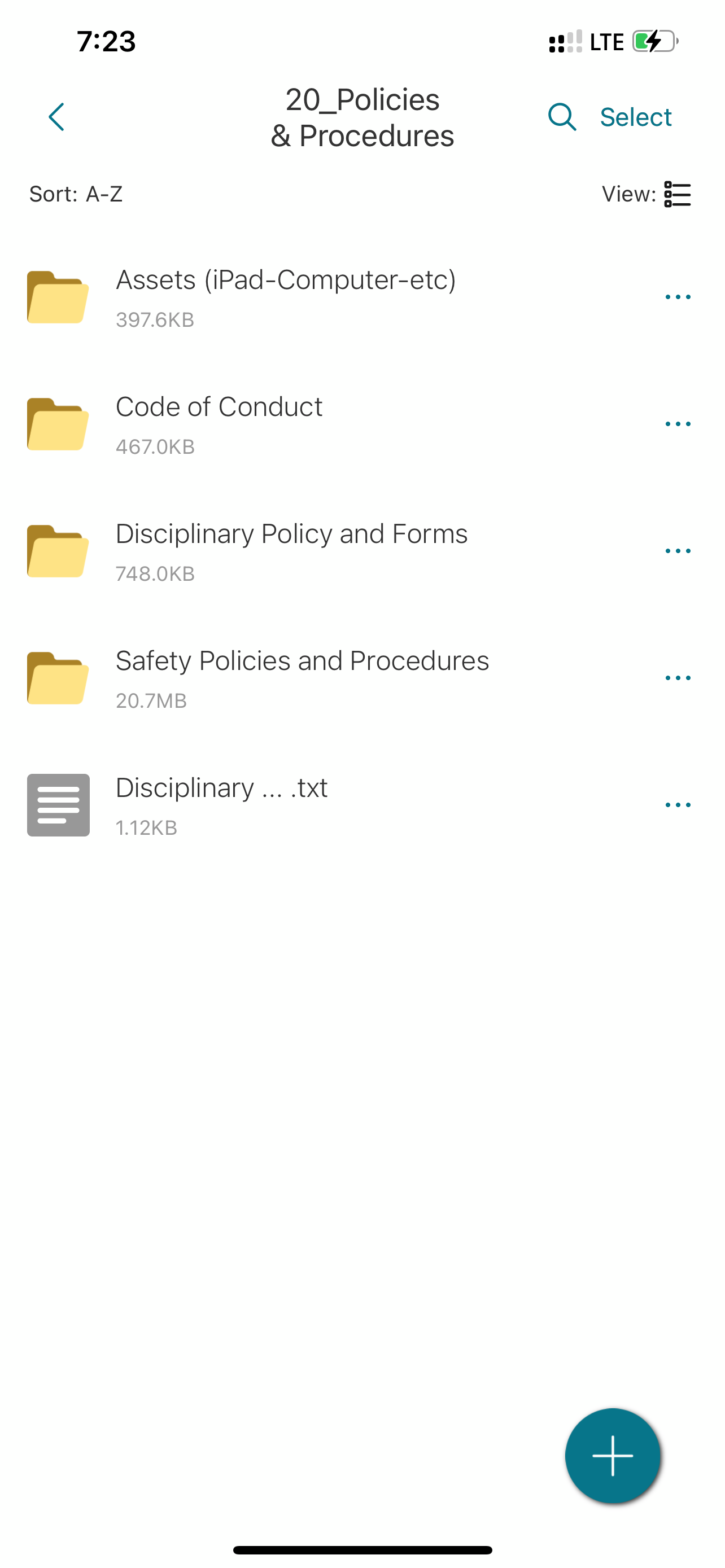
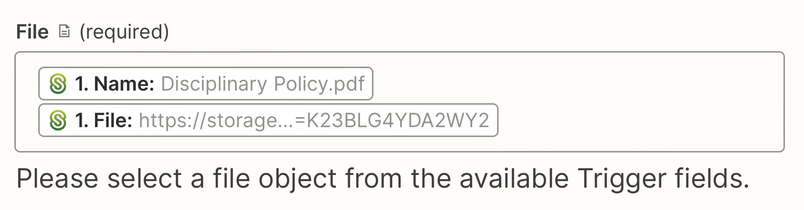
Apologize as I am now on the road so these are screenshots.  I set it all up, but at the end, it gives you the options to select the folder for it to go (correct) but then the file object.  The file appears in the correct folder but this is what you get. 


Troy Tessalone
Zapier Orchestrator & Solution Partner
Forum|alt.badge.img+14
  • Zapier Orchestrator & Solution Partner
  • December 6, 2022

@PK97 

You need to remove the mapped “Name” variable.


Help article for sending files in Zaps: https://zapier.com/help/create/basics/send-files-in-zaps


  • Author
  • Beginner
  • December 6, 2022

Troy,

Based off the link you sent.  1.  It does NOT offer a file Icon.  2.  It does have a URL link.  When copied and pasted into a private browser it prompts you to download the file which means it is good. So, when I redo the pics i sent previously, I only include the1.File: https://…... and again, no luck.  It comes back as, 

Failed to create an upload_file in Citrix ShareFile

The app returned "ERROR: The request could not be satisfied".

At this point I am back to square one… not sure what to do.


Troy Tessalone
Zapier Orchestrator & Solution Partner
Forum|alt.badge.img+14
  • Zapier Orchestrator & Solution Partner
  • December 6, 2022

@PK97

If the URL is prompting a download VS automatically downloading, then it’s likely not the correct file link to use.


Else, post screenshots with all the available fields from the Citrix Zap trigger for us to have more context.


  • Author
  • Beginner
  • December 6, 2022

Here you go...


Troy Tessalone
Zapier Orchestrator & Solution Partner
Forum|alt.badge.img+14
  • Zapier Orchestrator & Solution Partner
  • December 6, 2022

@PK97 

My recommendation for further assistance would be to open a ticket with Zapier Support: https://zapier.com/app/get-help


christina.d
Forum|alt.badge.img+9
  • Zapier Staff
  • Answer
  • December 7, 2022

Hey there, @PK97! I double checked and can see you were able to reach out to support - thanks so much for that!

I wanted to share what was discovered in case it’s helpful for anyone following along which is that it appears we’re running into a bug. 😞

The bug report explains that due to a limitation in the number of download requests we can make to Citrix (generated by "get_download_link"), the Citrix ShareFile Zapier app can run into that 502 error (meaning the Zap can't download the file from the trigger to upload in the action step).

While we can’t advise on when a fix will be available, we’ll be sure to post here once it is! 

@PK97 it looks like you and Matt may be working towards a workaround, which is amazing! If ya’ll eventually arrive at one, definitely keep us posted. We’d love to know. 🙂