Best answer

Converting url into a PDF in Airtable

  • April 6, 2021
  • 3 replies
  • 697 views

I am trying to create a zap that will convert a url into a pdf that can be stored in Airtable. The first zap is using Docusign to connect to our Airtable base which generates a url of asigned Letter of Agreement from Docusign. We now need to be able to take the url that is generated and convert it into the pdf to store in the same Airtable base. 

Is this possible? 
Best answer by nicksimard

Hi @CCD_ATL!

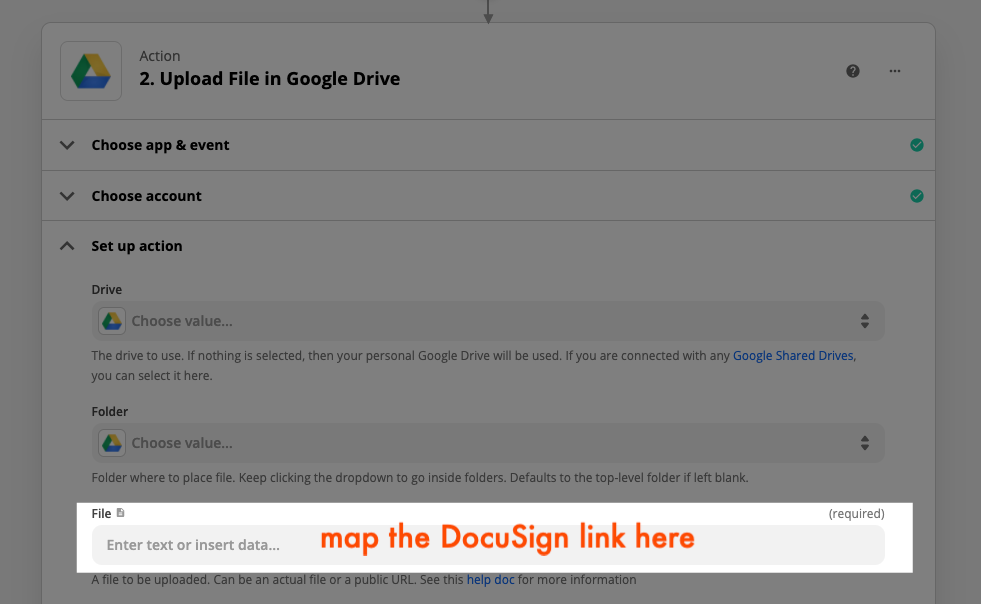
This is a bit hacky, but you can first upload that signed document to something like Google Drive…

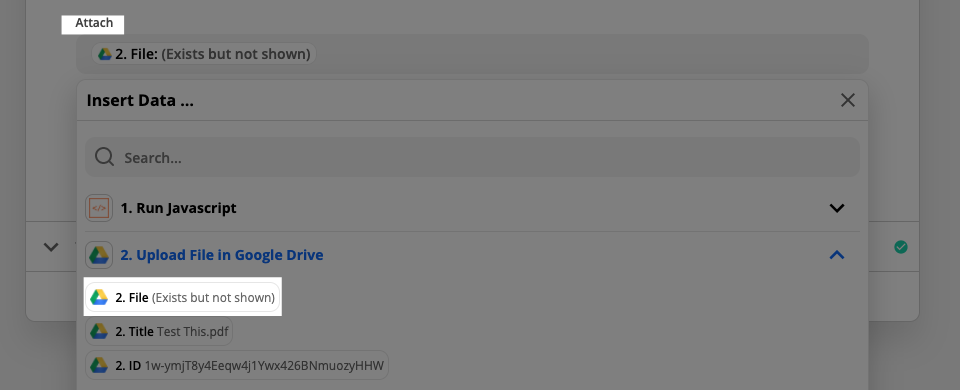
...then map the Google Drive file to Airtable’s attachment column:

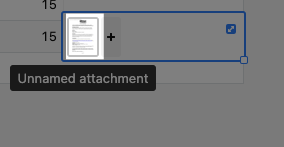
I tested it out, and sure enough, the document is now attached:

Hope that helps!

This post has been closed for comments. Please create a new post if you need help or have a question about this topic.

3 replies

Troy Tessalone
Zapier Orchestrator & Solution Partner
Forum|alt.badge.img+14
  • Zapier Orchestrator & Solution Partner
  • April 6, 2021

Hi @CCD_ATL 

Does the DocuSign trigger return the signed PDF file?

In Airtable, are you trying to store the PDF link in a URL field OR as a file in an Attachment field?


XRay Tech
Forum|alt.badge.img+4
  • Zapier Solution Partner
  • April 7, 2021

@CCD_ATL depending on the url, replacing the “.com” with “.pdf” will sometimes work.


This is definitely a scrappy solution that we usually use for converting between document types; however, it works for certain types of URLs, and it might be worth spending a couple minutes to see if this replacement is feasible.

Then you could include a formatter step that replaces the “.com” with “.pdf”.


nicksimard
Forum|alt.badge.img+11
  • Zapier Staff
  • Answer
  • April 7, 2021

Hi @CCD_ATL!

This is a bit hacky, but you can first upload that signed document to something like Google Drive…

...then map the Google Drive file to Airtable’s attachment column:

I tested it out, and sure enough, the document is now attached:

Hope that helps!