Question

Constant Contact Lead to Podio Find/Update or Create Item - avoiding duplicates

  • June 15, 2021
  • 5 replies
  • 132 views

Hi, im new to this community, i’m very glad to be here and learn some new great stuff! 

i have a question, i’m connecting Constant contact to podio, so when people fills the form on our website , zapier sends info to my Podio Account (i did the test and worked on 1st try) then i did a second test with same “lead” and a new item was created instead of overriding/updating the old one.  i need to know if some kind of double filtering can be used:
a new lead comes in --> check Email & name --> if it matches then updates old contact, →
if it doesnt, → then it creates a new item

 

This post has been closed for comments. Please create a new post if you need help or have a question about this topic.


5 replies

Troy Tessalone
Zapier Orchestrator & Solution Partner
Forum|alt.badge.img+14
  • Zapier Orchestrator & Solution Partner
  • June 15, 2021

Hi @LatinxTelecom 

The Podio Zap app integrations offers this search action: Find Item


You may have to use Paths: https://zapier.com/apps/paths/integrations

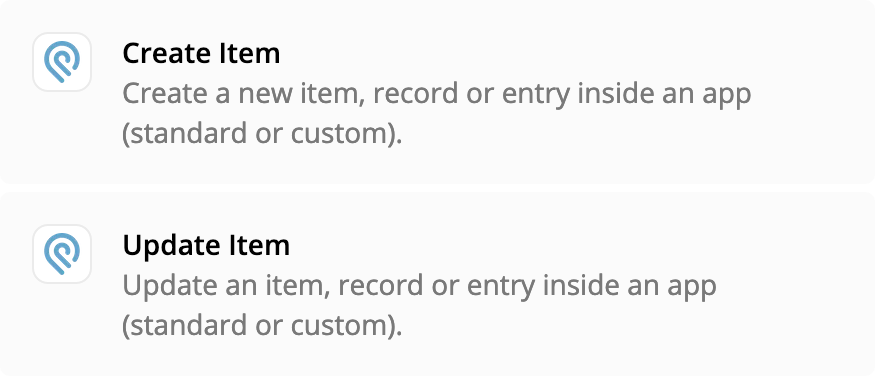
If Item Found = TRUE, then Update Item

If Item Found = FALSE, then Create Item


  • Author
  • Beginner
  • June 17, 2021

hi, thanks.  

well i tried this option just now, but i’m having an issue, i need to check email field , because name / phone is entered different  by same customer sometimes (888-555-5555 / (888)555-555 / +18885555555) 

but when trying to compare mails (“search item”: email on podio is equal to “email” entered on Contant Contact → True  (this option should update item on podio, im still getting duplicates)

i got this error message: 
The app returned "Invalid value "xxxxxxxxxxx" (string): must be array".


Troy Tessalone
Zapier Orchestrator & Solution Partner
Forum|alt.badge.img+14
  • Zapier Orchestrator & Solution Partner
  • June 17, 2021

@LatinxTelecom 

You can use a Formatter > Numbers > Format Phone Number step to standardize the phone number format before doing a search in Podio.

https://zapier.com/help/create/format/get-started-with-formatter#all-number-transformations

All number transformations

Learn more about number transformations.


  • Author
  • Beginner
  • June 17, 2021

thanks, it is an option that i did not know

but in this particular zap, i would need to format old phone numbers on podio as well to compare them with new  formated entries (as old phone numbers are not formated at all comparison won’t work with those old leads) 
mail should be our weapon of choice in this case as they are formated already by default,

my question would be, why im I getting that array error when trying to compare email slots? 
it should be an easy path: 

new item added in Constant contact → path “Find Item” → Email address → 
if item found → then update client information 
if item Not found → create new item 

many many thanks. 


Troy Tessalone
Zapier Orchestrator & Solution Partner
Forum|alt.badge.img+14
  • Zapier Orchestrator & Solution Partner
  • June 17, 2021

@LatinxTelecom 

Please post a screenshot of the error and how your Zap step is configured, thanks.