Best answer

Change name of file attached through URL in gmail

  • December 7, 2020
  • 2 replies
  • 646 views

Hi Everyone!

I have completed my zap of sending an email through a triggered event.  I mangaed to attach my pdf fil through a google drive URL.  However the received email has an attahced file with no title “ Attached file without title.pdf”. I can open the pdf file but would like to change the name.


Any suggestions?


Thank you very much!!!


Paola Serna
 

Best answer by andywingrave

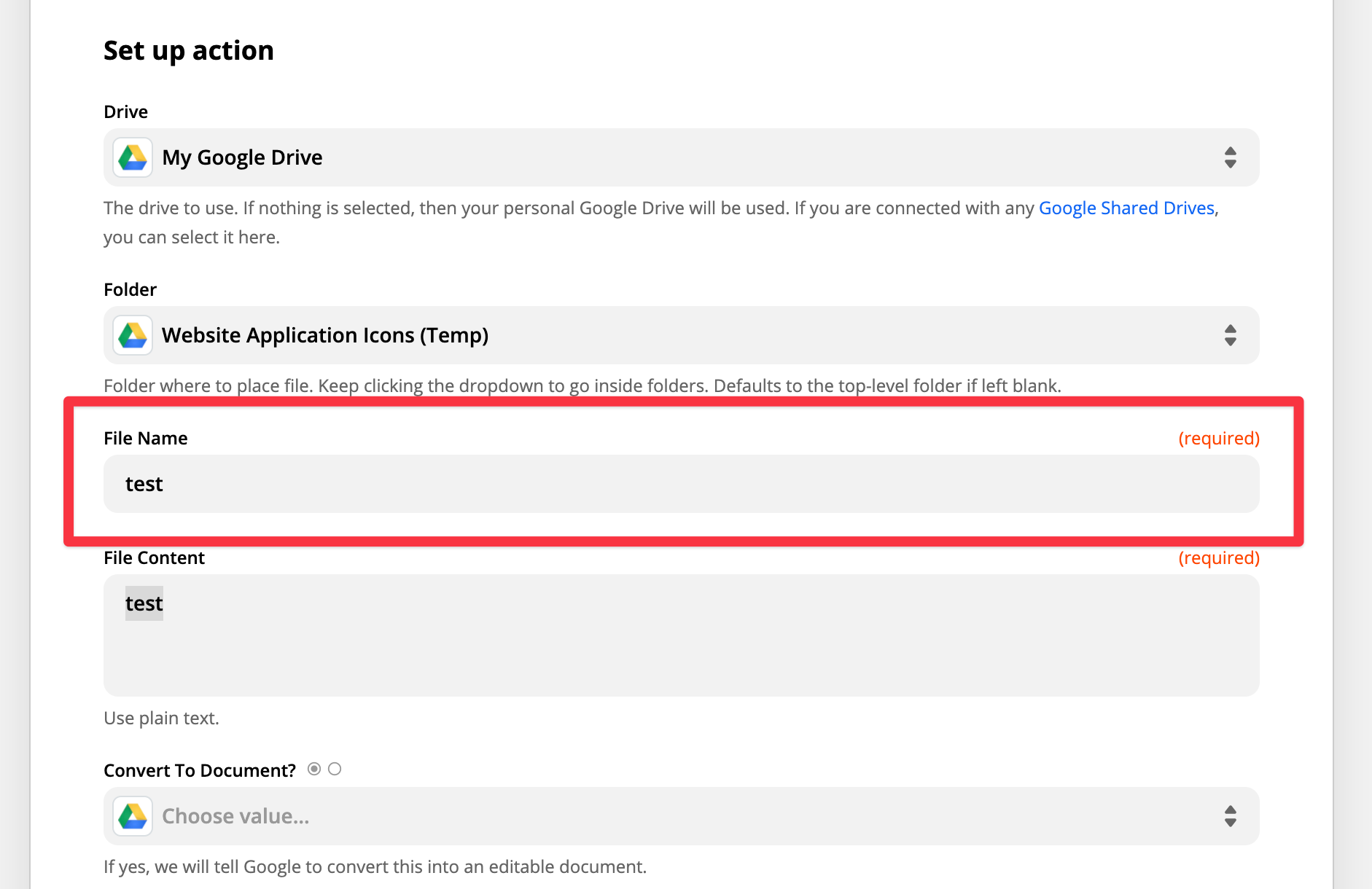
Hello! Have you tried naming it when you create it in Google Drive?

An alternative is to use formatter to rename it - There’s a good tutorial here: https://www.formsite.com/blog/rename-files-uploaded/

This post has been closed for comments. Please create a new post if you need help or have a question about this topic.

2 replies

Troy Tessalone
Zapier Orchestrator & Solution Partner
Forum|alt.badge.img+14
  • Zapier Orchestrator & Solution Partner
  • December 7, 2020

How is the file being created in GDrive?


andywingrave
Forum|alt.badge.img+9
  • Zapier Solution Partner
  • Answer
  • December 13, 2020

Hello! Have you tried naming it when you create it in Google Drive?

An alternative is to use formatter to rename it - There’s a good tutorial here: https://www.formsite.com/blog/rename-files-uploaded/