Best answer

Can't create new contact in Salesforce - selected options for last name field not accepted

  • November 27, 2021
  • 11 replies
  • 355 views

Hi there,


I’m in the process of setting up the Asana & Salesforce integration, but with Asana pushing data to Salesforce.

The trigger (when a new task is created in Asana) works perfectly, but the action (create a new contact in Salesforce), is problematic.  The required field (last name), isn’t accepting any of the options I select.


If you’ve come across this situation before, or know how to resolve this, then please let me know.


Thanks,

James 
Best answer by Troy Tessalone

Hi @footsoldiers 

Are you getting an error when testing?

If yes, what is the error message?

Make sure to test with unique data points, as often Salesforce settings have deduplication rules in place.


Error: “DUPLICATE_VALUE”

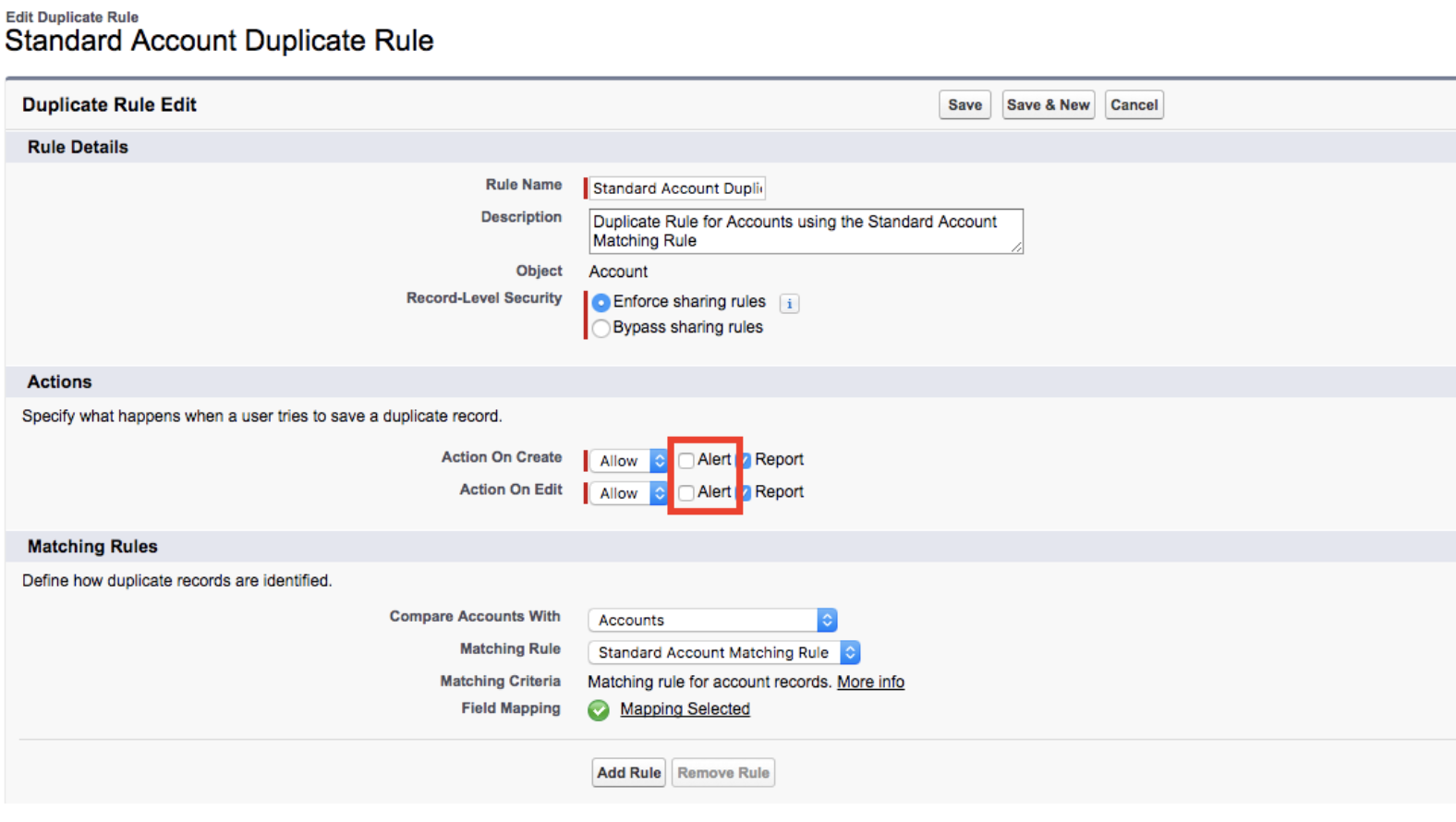
If you see this error, there may be a "Duplicate Rule" in place on your Salesforce account preventing Zapier from creating the record. Here is an example of a "Duplicate Rule" for Account objects:

Salesforce Standard Account Duplicate Rule

If the Actions are set to 'Alert', the rule will block these "fuzzy duplicates" from getting created and throw the "DUPLICATE_VALUE" error).

Unchecking the 'Alert' box will allow the "duplicate" to be created.

Salesforce's help docs cover more details on duplicate rules for standard objects and how to customize a duplicate rule.

This post has been closed for comments. Please create a new post if you need help or have a question about this topic.

11 replies

Troy Tessalone
Zapier Orchestrator & Solution Partner
Forum|alt.badge.img+14
  • Zapier Orchestrator & Solution Partner
  • Answer
  • November 27, 2021

Hi @footsoldiers 

Are you getting an error when testing?

If yes, what is the error message?

Make sure to test with unique data points, as often Salesforce settings have deduplication rules in place.


Error: “DUPLICATE_VALUE”

If you see this error, there may be a "Duplicate Rule" in place on your Salesforce account preventing Zapier from creating the record. Here is an example of a "Duplicate Rule" for Account objects:

Salesforce Standard Account Duplicate Rule

If the Actions are set to 'Alert', the rule will block these "fuzzy duplicates" from getting created and throw the "DUPLICATE_VALUE" error).

Unchecking the 'Alert' box will allow the "duplicate" to be created.

Salesforce's help docs cover more details on duplicate rules for standard objects and how to customize a duplicate rule.


  • Author
  • Beginner
  • December 2, 2021

Hi @Troy Tessalone ,

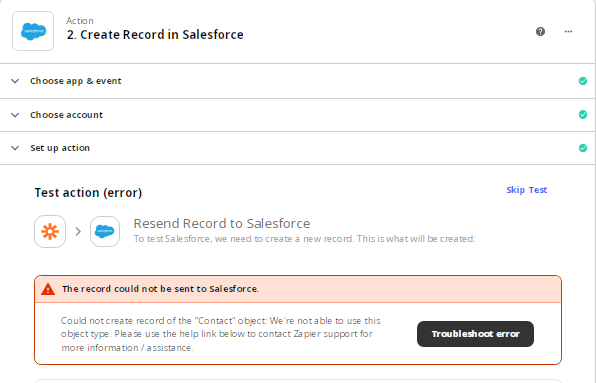
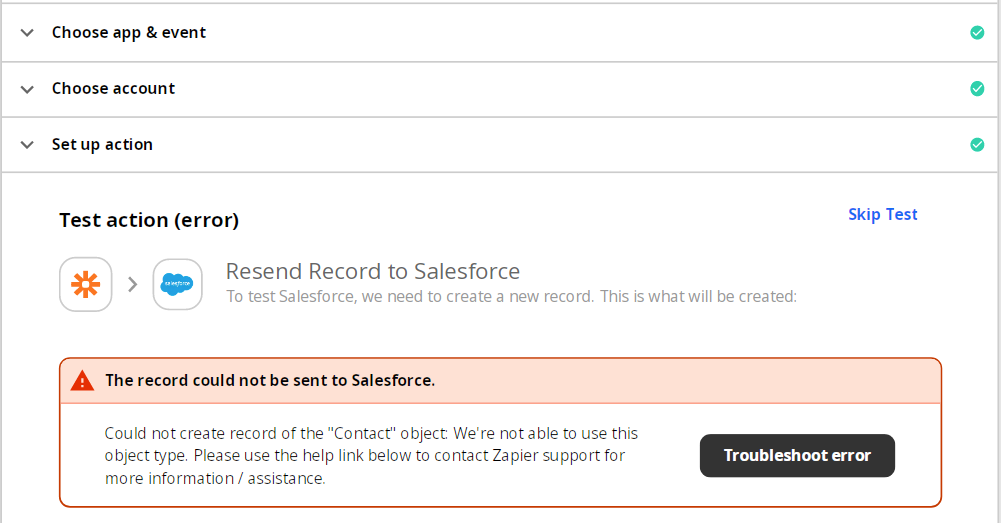
Thanks for your reply. I managed to fix the *required field error I received last time. Now I’m getting a new error message:

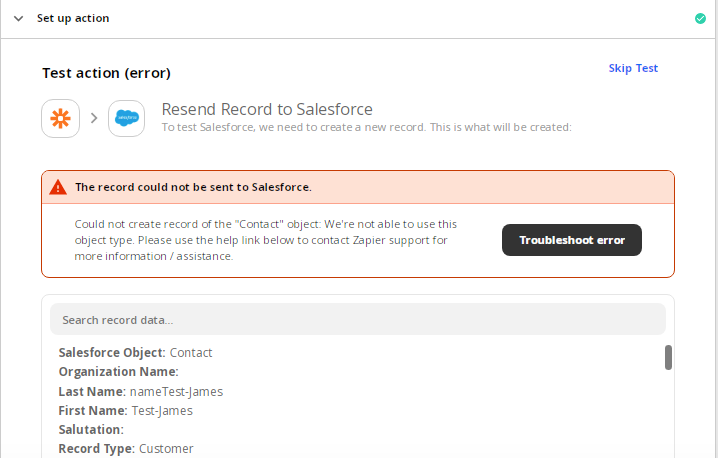
“The record could not be sent to Salesforce” - Could not create record of the "Contact" object: We're not able to use this object type. Please use the help link below to contact Zapier support for more information / assistance.


Any ideas on how to fix this? 


Thanks,

James


Troy Tessalone
Zapier Orchestrator & Solution Partner
Forum|alt.badge.img+14
  • Zapier Orchestrator & Solution Partner
  • December 2, 2021

@footsoldiers

Please post screenshots with how your Zap step is configured, thanks.


Error: "we’re having trouble loading ‘Object’ data"

If you run into this error, this means we couldn't find new objects with the name "" or that we're currently not able to use this object type. You can report this to support.


  • Author
  • Beginner
  • December 3, 2021

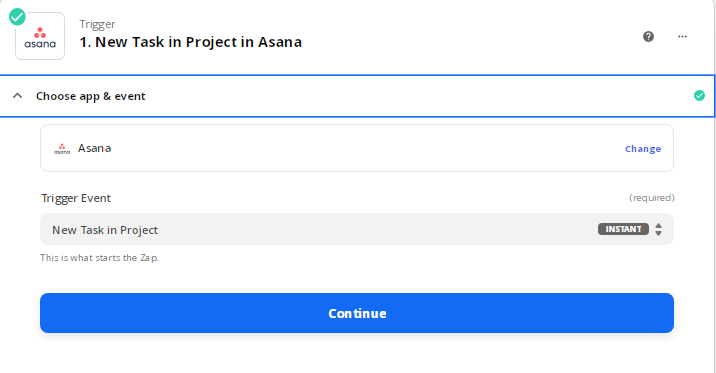
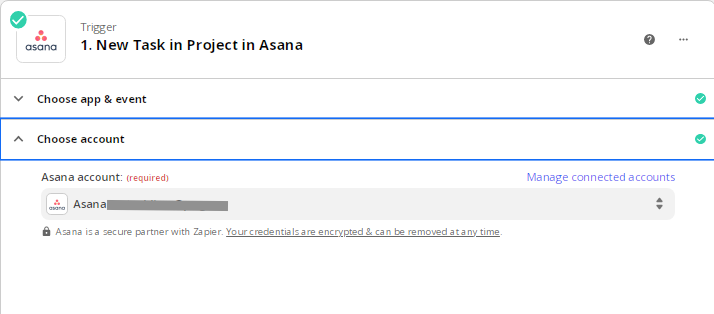
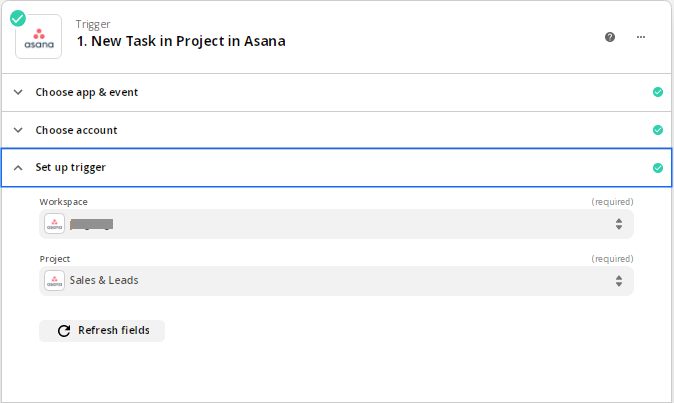
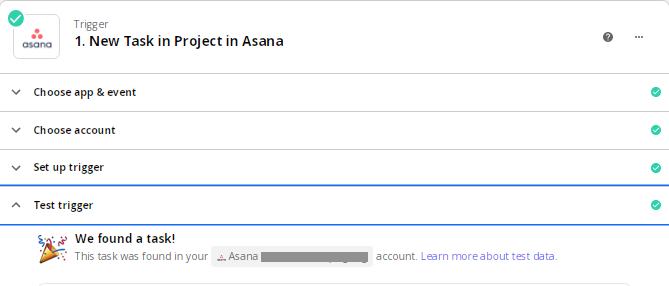
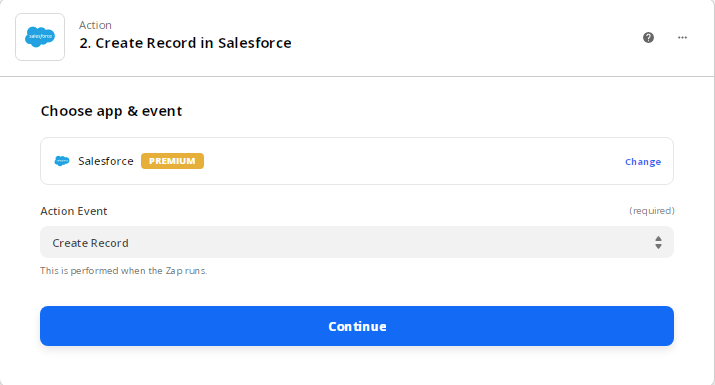
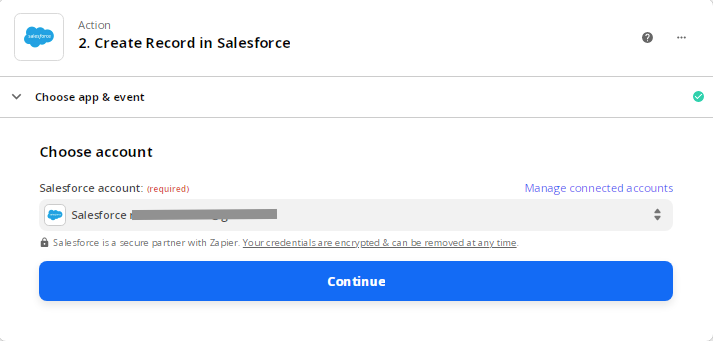
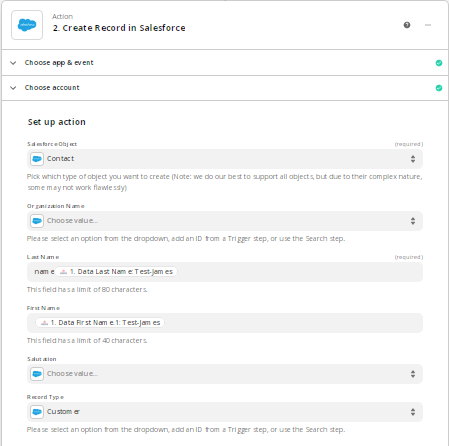
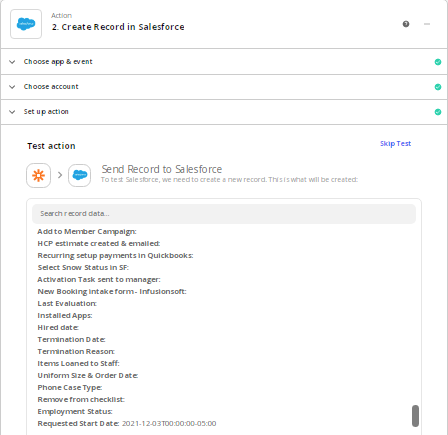
@Troy Tessalone, here you go:


Thanks,

James


Troy Tessalone
Zapier Orchestrator & Solution Partner
Forum|alt.badge.img+14
  • Zapier Orchestrator & Solution Partner
  • December 3, 2021

@footsoldiers

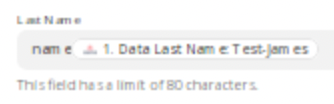
Last Name field seems to have some static values that should be removed.


  • Author
  • Beginner
  • December 3, 2021

Thanks @Troy Tessalone 

How do I do that?


Troy Tessalone
Zapier Orchestrator & Solution Partner
Forum|alt.badge.img+14
  • Zapier Orchestrator & Solution Partner
  • December 3, 2021

@footsoldiers 

Edit the Salesforce Zap step and manually remove the “nam e” static value in the Last Name field.


  • Author
  • Beginner
  • December 7, 2021

Hi @Troy Tessalone ,


Unfortunately, I get the same result as before:


Troy Tessalone
Zapier Orchestrator & Solution Partner
Forum|alt.badge.img+14
  • Zapier Orchestrator & Solution Partner
  • December 7, 2021

@footsoldiers 

Probably best to open a ticket with Zapier Support: https://zapier.com/app/get-help

May have to do with settings/permissions in your Salesforce instance.


  • Author
  • Beginner
  • December 7, 2021

Thanks for the help, @Troy Tessalone 


SamB
Community Manager
Forum|alt.badge.img+11
  • Community Manager
  • December 8, 2021

Hey @footsoldiers!

I’ve seen this sort of “We're not able to use this object type” error before when there have been Extra Fields present on the Salesforce step. 

Can you try checking your Zap to see if there are any extra fields present? If there are, click the Remove these extra fields button to get rid of them and then retest the step to see if it goes through successfully.

Hopefully that’ll fix it. :)