
Question

Can I link a WooCommerce order from Site A to place an order on Site B?

  • August 31, 2023
  • 6 replies
  • 314 views

sushea

I know what I’m trying seems redundant, but I’m attempting to do the following:

  1. User places a woocommerce order on Site A
  2. Zapier links that order to second site
  3. The woocommerce order from Site A, places an order for a woocommerce product on Site B

I’m going to make the product on Site B free, and hidden from view, so that I can just keep track internally. We offer a custom music making platform, and I want orders placed from clients on Site A, to send the order to Site B, as Site B is the one who gets the orders to fulfill.


Is this possible?

This post has been closed for comments. Please create a new post if you need help or have a question about this topic.

6 replies

ken.a
Forum|alt.badge.img+6
  • Zapier Staff
  • August 31, 2023

Hi there @sushea,

Welcome to the Community! 🎉

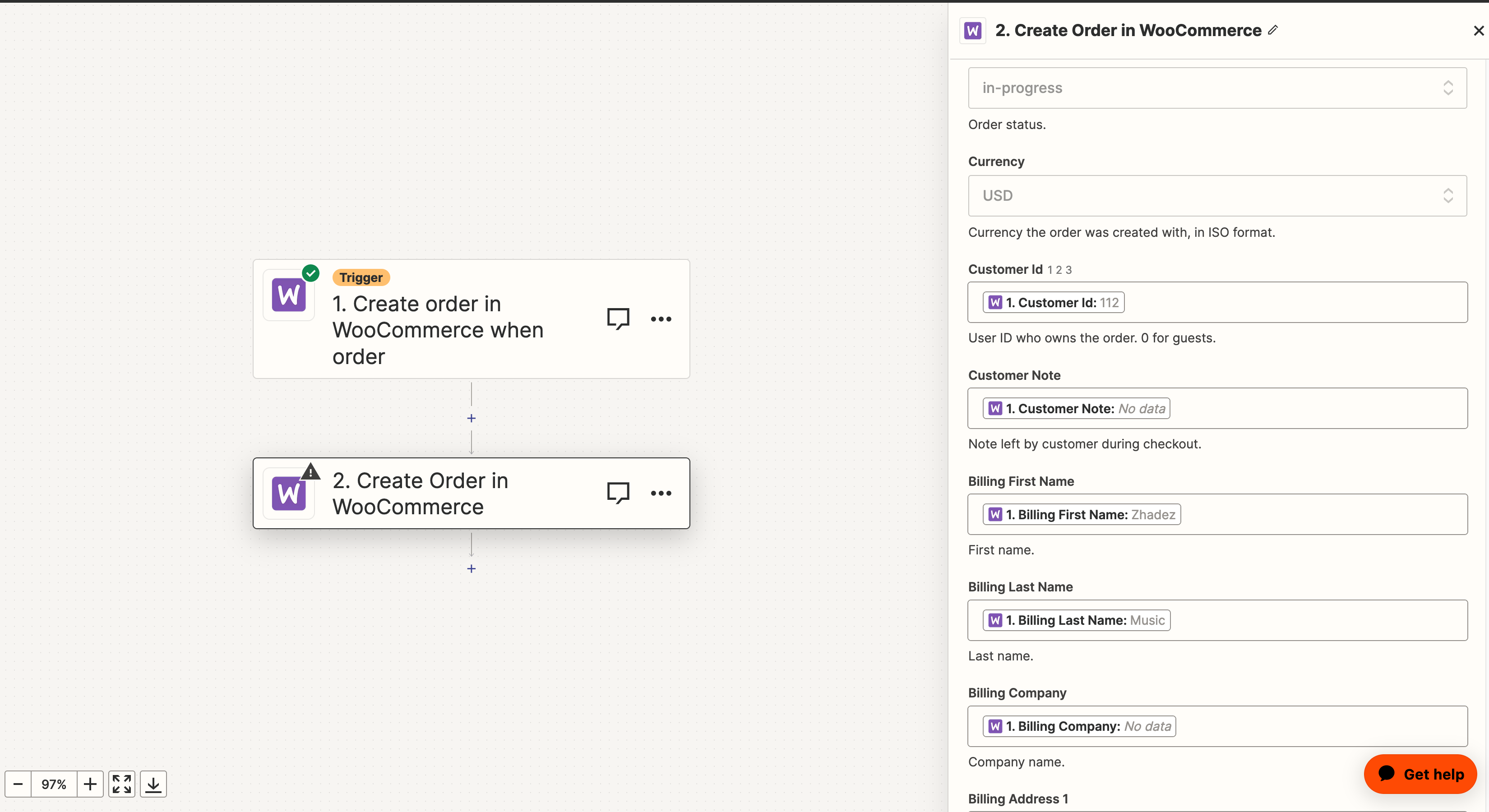
Here’s how I see the Zap setup based on your workflow:

  1. Trigger: WooCommerce - New Order - Connect your Site A account.
  2. Action: WooCommerce - Create Order - Connect your Site B account.

You can check out suggested workflows for WooCommerce from our website: https://zapier.com/apps/woocommerce/integrations

Additionally, I’d like to share this awesome Community post by Danvers that might help you with your workflow: 

Please give that a try, and let me know how it goes! 😊


sushea
  • Author
  • Beginner
  • August 31, 2023

Okay so I tried to do what you said, but I’m getting this error now


WooCommerce returned "Customer ID is invalid.". Error code: "woocommerce_rest_invalid_customer_id" on https://skye-collective.com.
 

I just used the import from the list it gave me


Troy Tessalone
Zapier Orchestrator & Solution Partner
Forum|alt.badge.img+14
  • Zapier Orchestrator & Solution Partner
  • August 31, 2023

Hi @sushea 

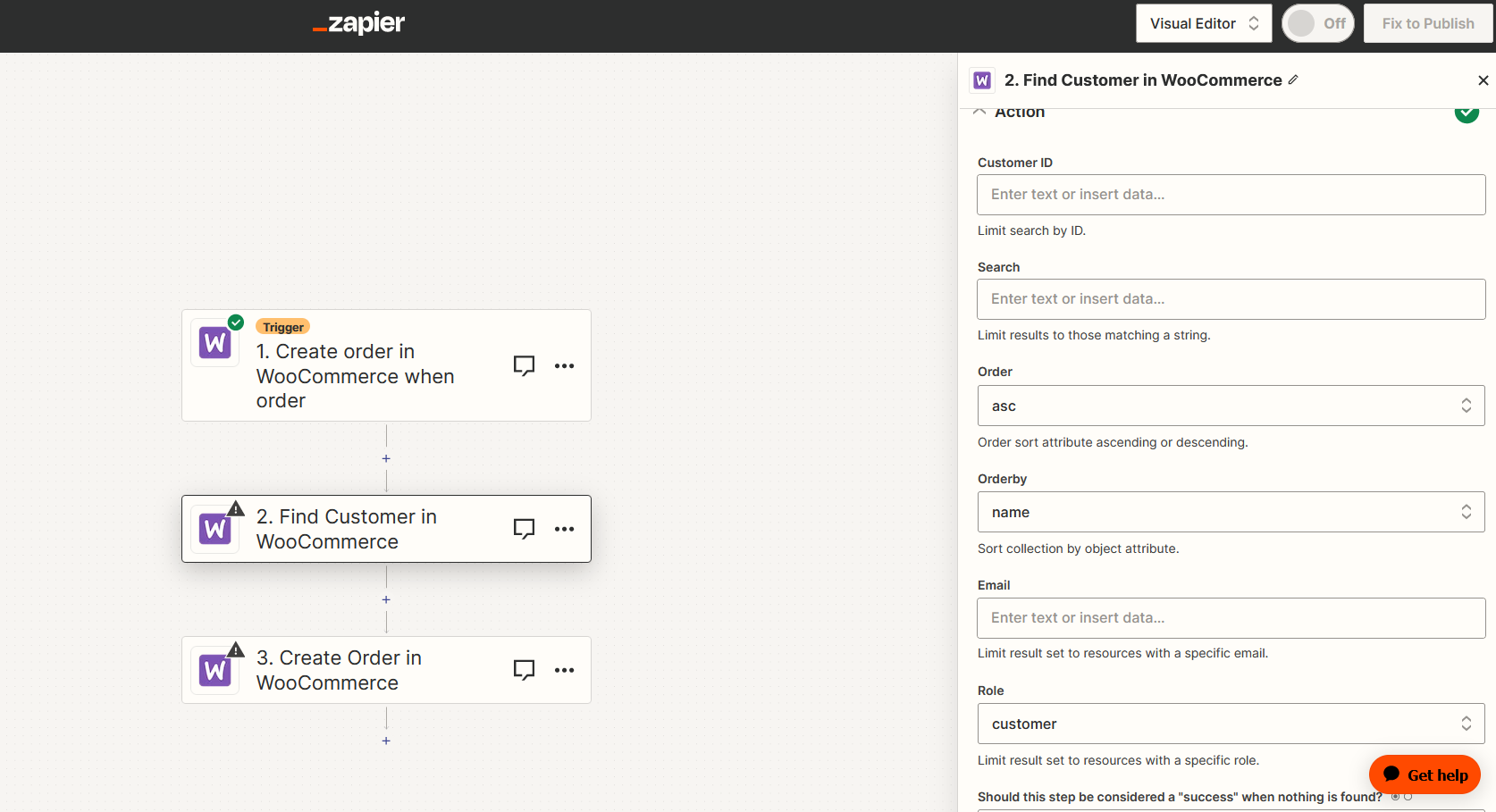
Try adding this Zap action: WooCommerce - Find/Create Customer

This will return the Customer ID from Site 2.


sushea
  • Author
  • Beginner
  • September 1, 2023

This is way above what I’m used to, and I’m sorry but the information you are supplying isn’t quite specific enough. I get an error, saying it can’t find any customers I’m sorry


ken.a
Forum|alt.badge.img+6
  • Zapier Staff
  • September 1, 2023

Hi there @sushea,

Did you connect your “Site B” on the “Find Customer” step? If you have, could you confirm whether the customer from “Site A” exists in “Site B”? If not, I recommend checking the “Create WooCommerce Customer if it doesn't exist yet?” checkbox so that the customer from “Site A” can be created on “Site B.”

After that, you can go ahead, and setup the “Create Order” step.

Please give that a try, and let me know how it goes!


Troy Tessalone
Zapier Orchestrator & Solution Partner
Forum|alt.badge.img+14
  • Zapier Orchestrator & Solution Partner
  • September 1, 2023

Hi @sushea 

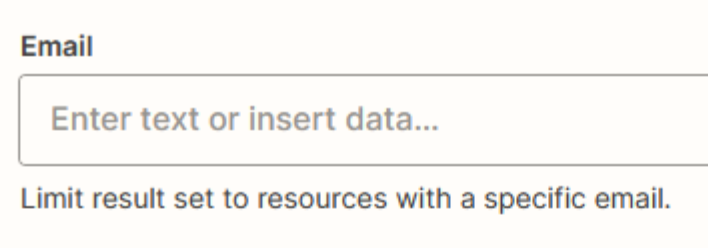
Map the email variable to the Email field to search for a Customer with the email address value.