Best answer

Can I create a zap that takes multiple WPForms uploads and write them to Dropbox? Today it only sends a .txt file showing the multiple attachments.

  • November 18, 2020
  • 5 replies
  • 209 views

I have a zap that captures a WPForms entry with multiple attachments.  It works great with one attachment.  But, I may have between 1 and 5.  When more than one, it sends a .txt file showing all the attachment locations.  How can I upload them all and forward them to Dropbox?

Best answer by jesse

Just following up to wrap up this thread! If the multiple attachments are coming across from WPForms, unfortunately, there isn’t much we can do here. :( We would need to receive multiple file objects to be able to make this work. If you’re open to exploring alternative form apps (maybe Jotform could work?) that might be a way around this! If not, this would be great feedback for the WPForms team to see if they are open to changing how that data is sent across. 🙂

This post has been closed for comments. Please create a new post if you need help or have a question about this topic.


5 replies

Troy Tessalone
Zapier Orchestrator & Solution Partner
Forum|alt.badge.img+14
  • Zapier Orchestrator & Solution Partner
  • November 18, 2020

Please provide screenshots of how the data is sent when there are multiple attachments for 1 form submission.


  • Author
  • Beginner
  • November 19, 2020

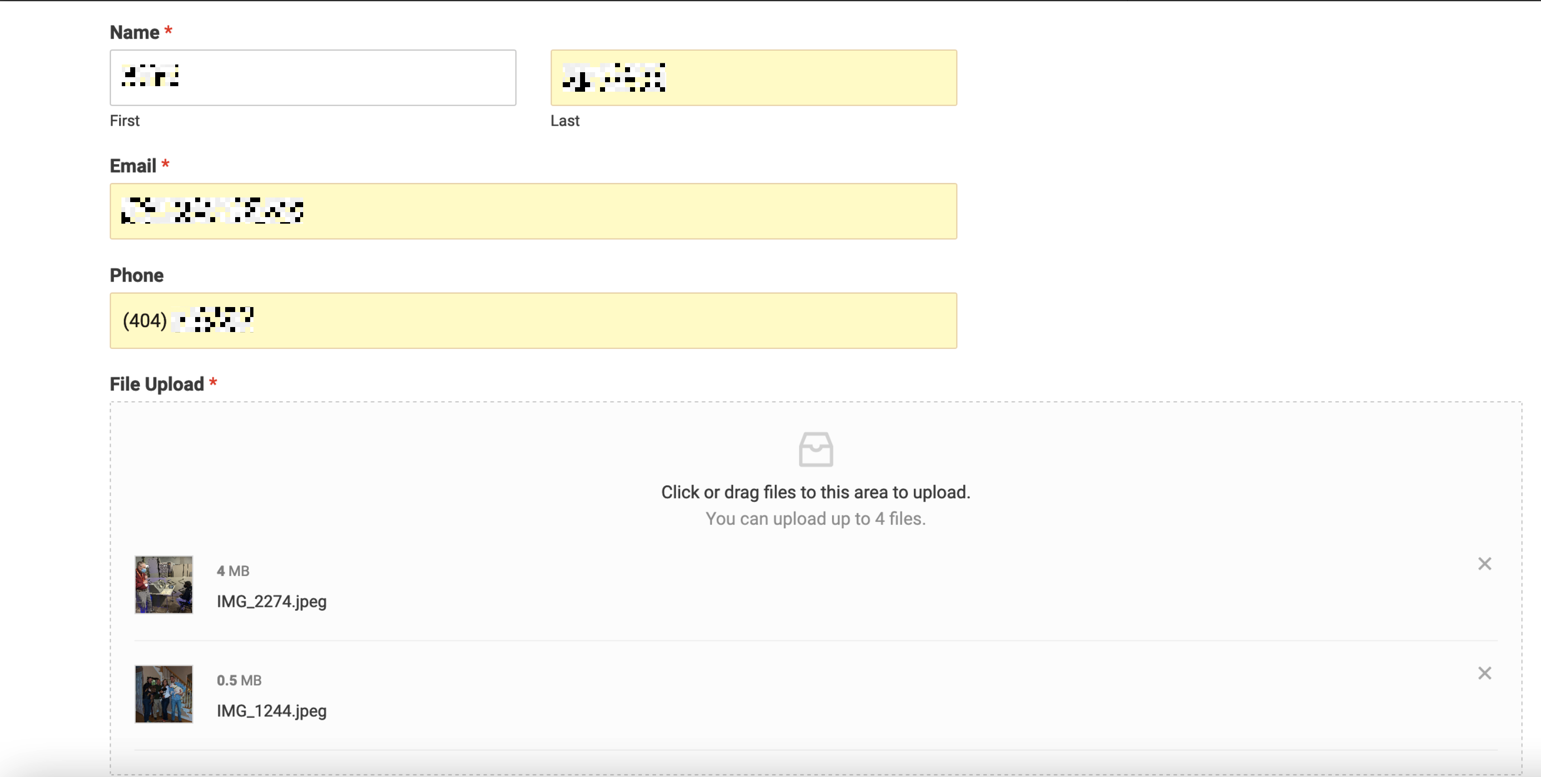
Here’s my upload form.

WPForm upload

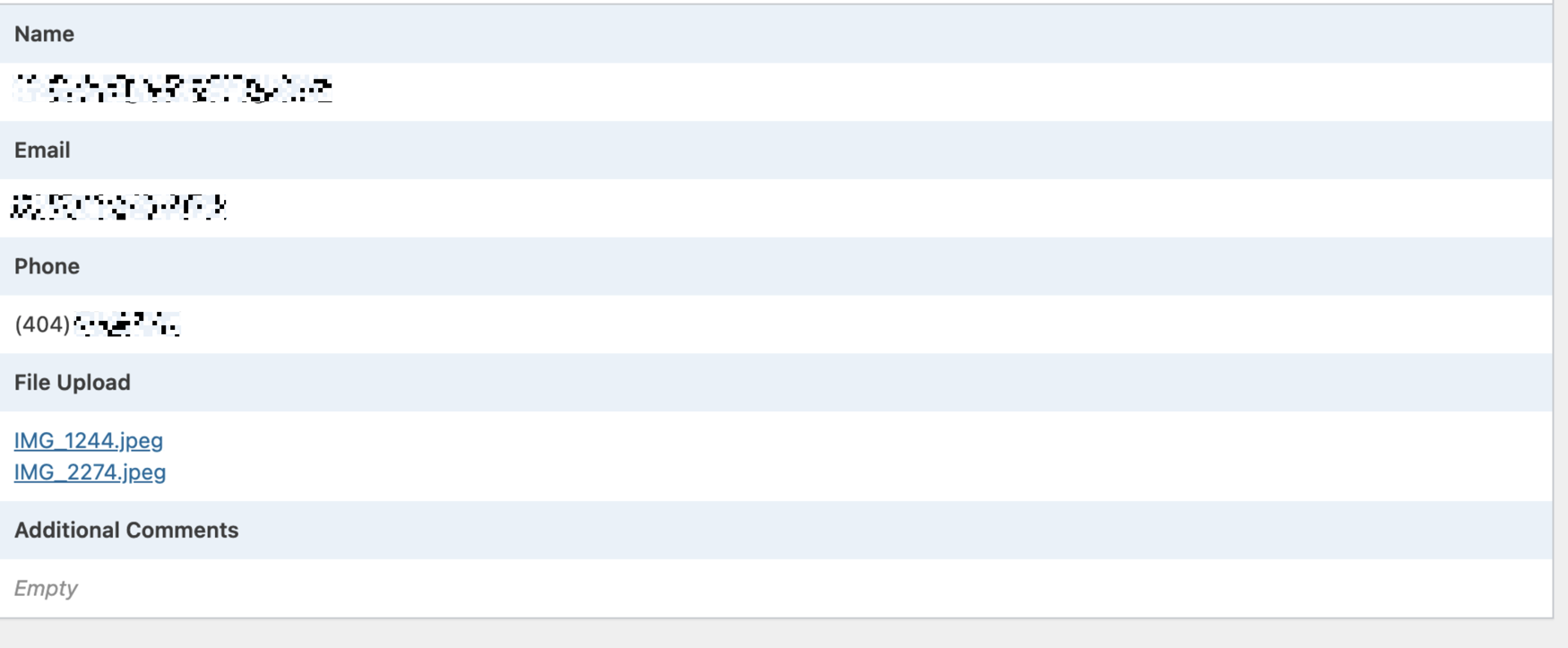
Here is what WPForms shows in Wordpress.  The files are there.

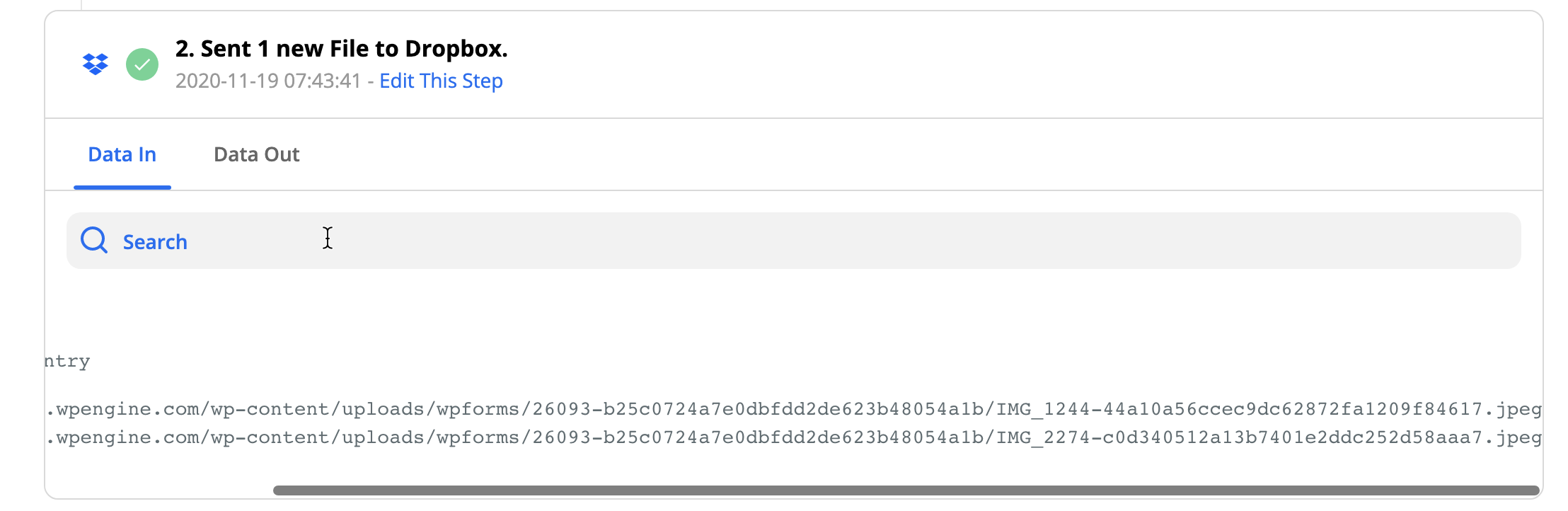
Here is the details of the Zap.  Data In.

Zap, Data In


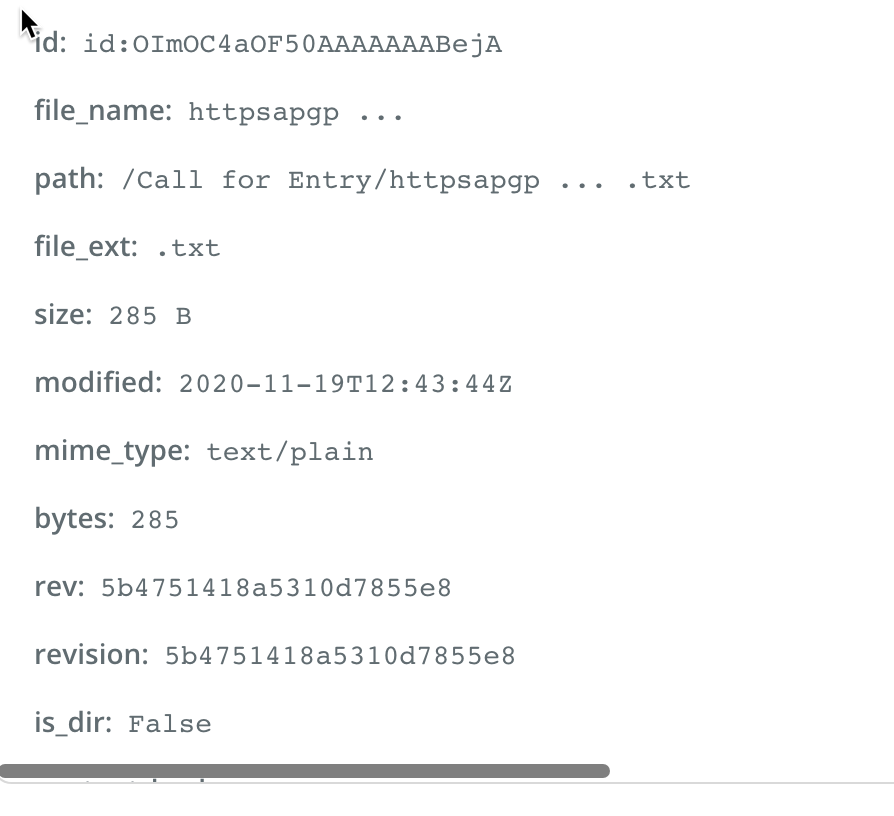
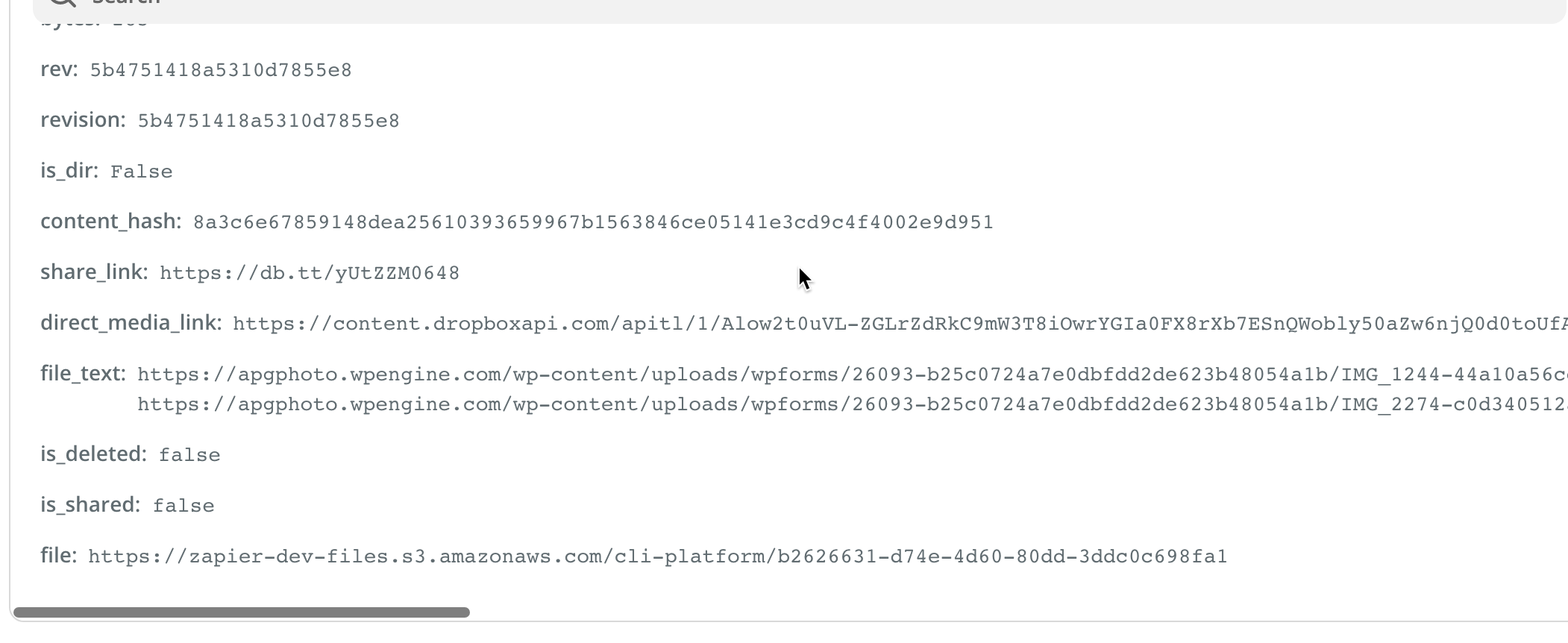
Zap, Data Out

see file_text


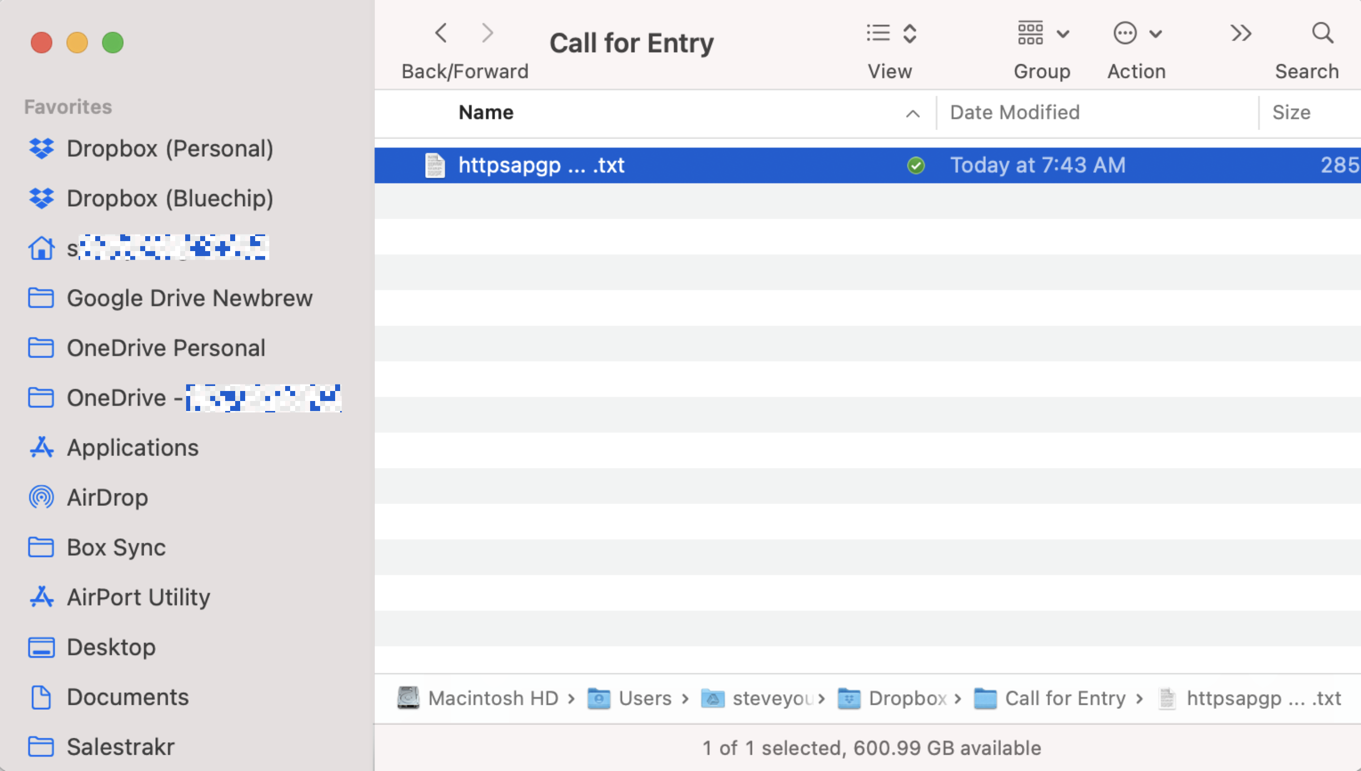
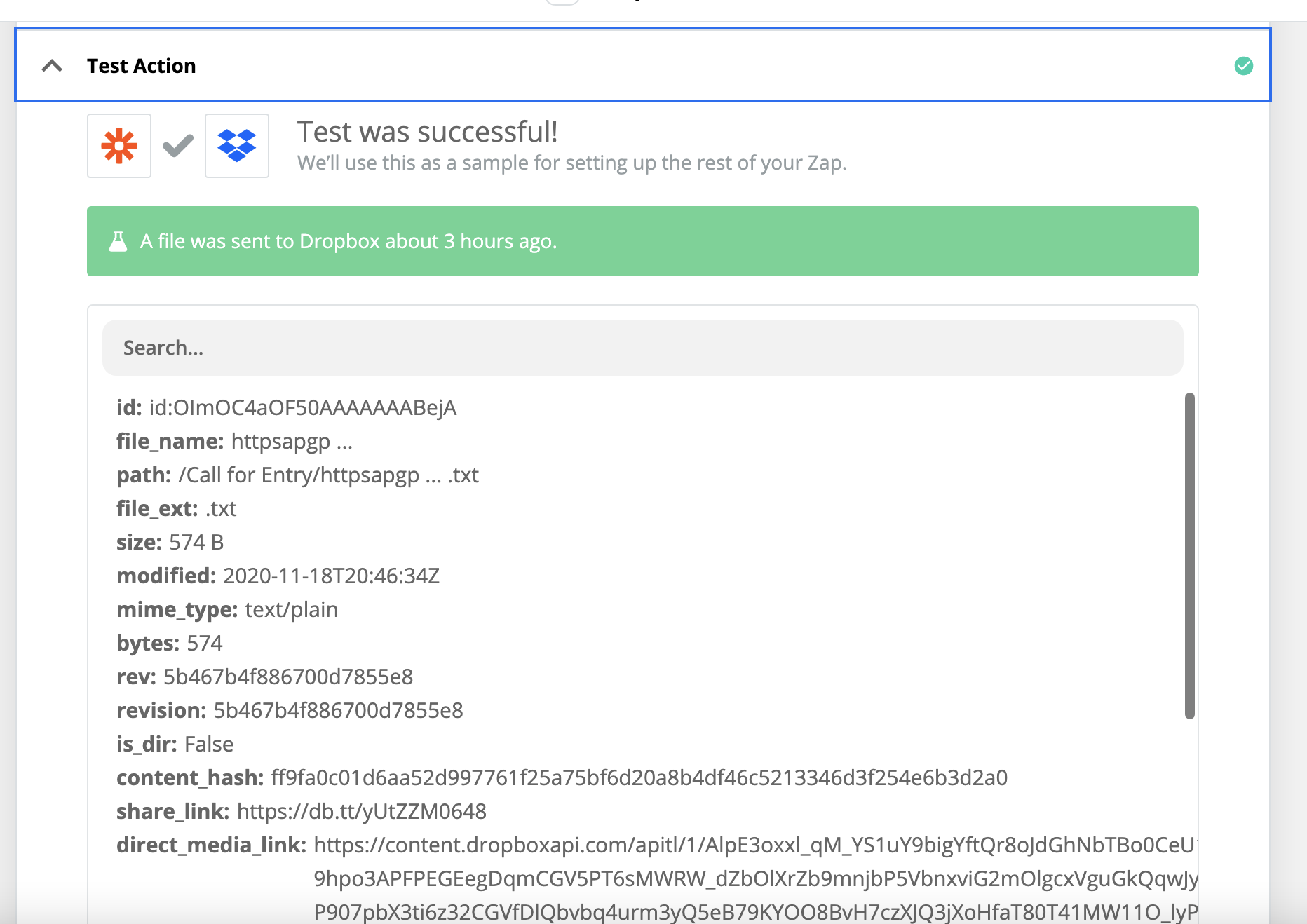
What was written to Dropbox, 1 file, TXT


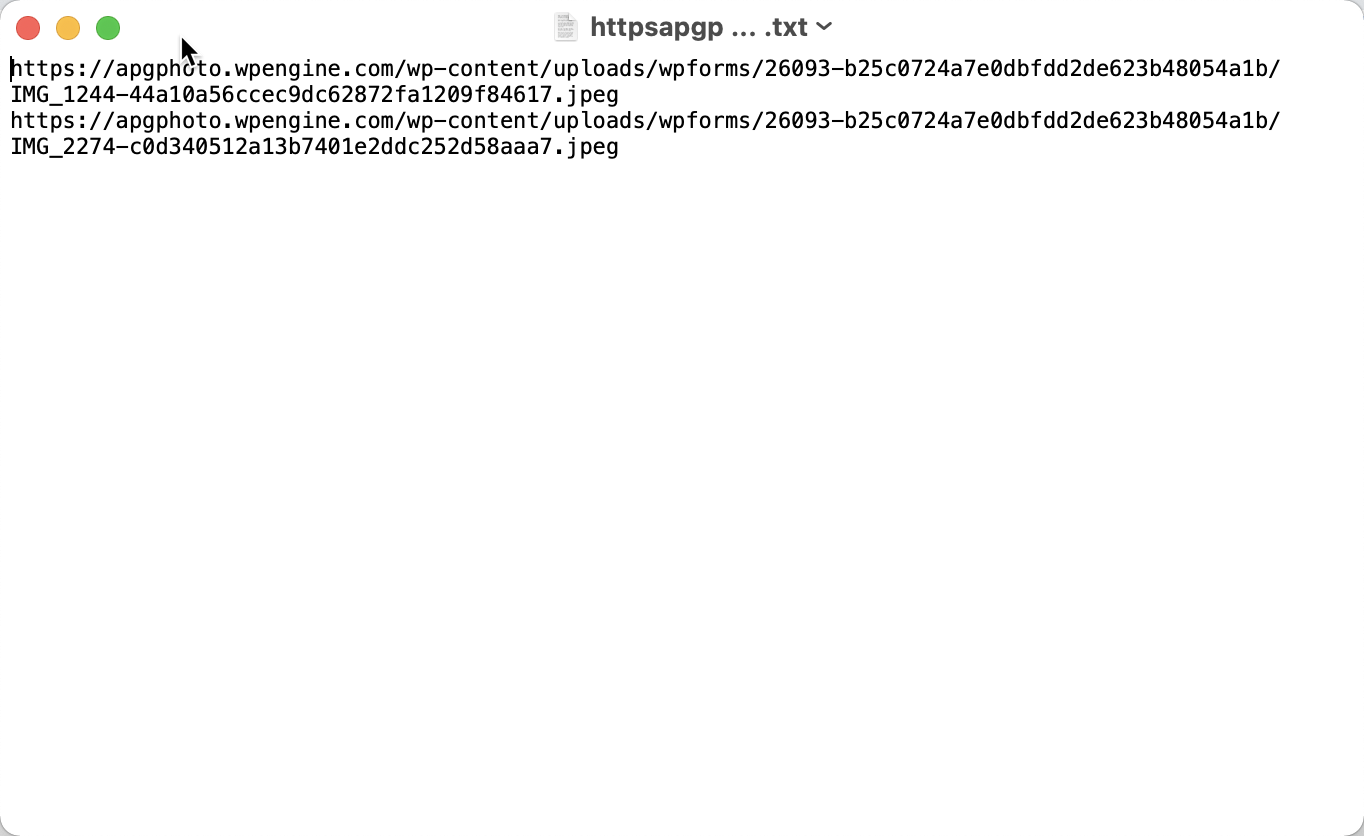
Open up the TXT file shows references to the files back on WP site.


This post was edited by a moderator to remove or obscure personal informaiton. The Zapier Community is a public forum, please be careful not to share private/personal information. 


Troy Tessalone
Zapier Orchestrator & Solution Partner
Forum|alt.badge.img+14
  • Zapier Orchestrator & Solution Partner
  • November 19, 2020

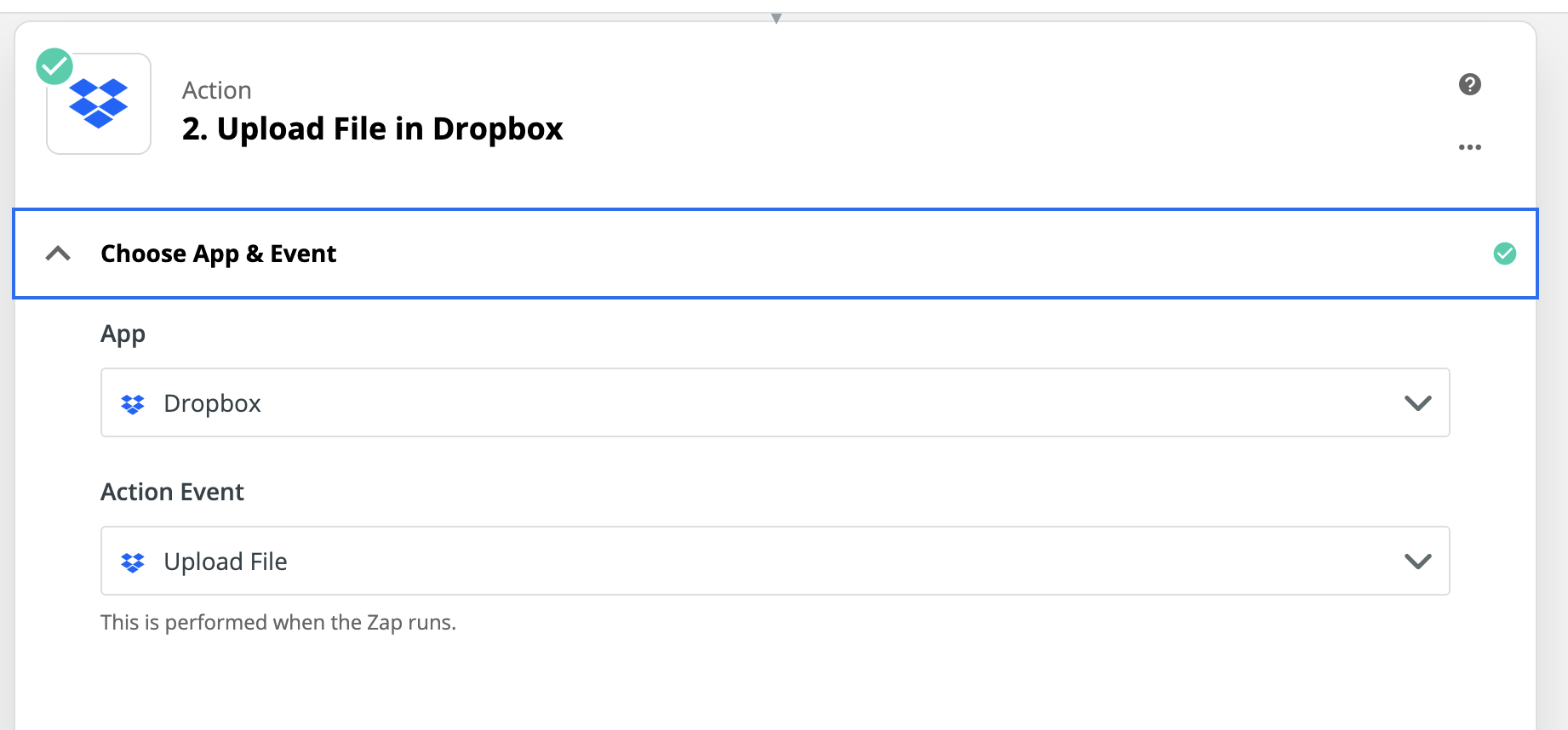
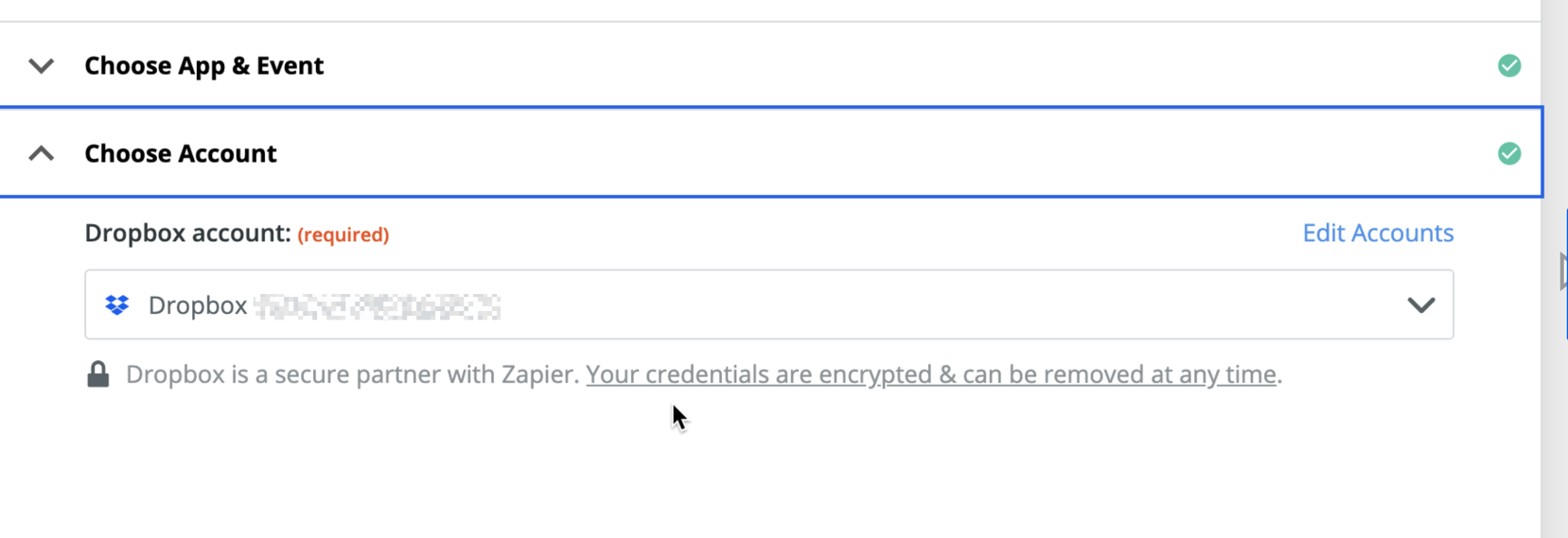
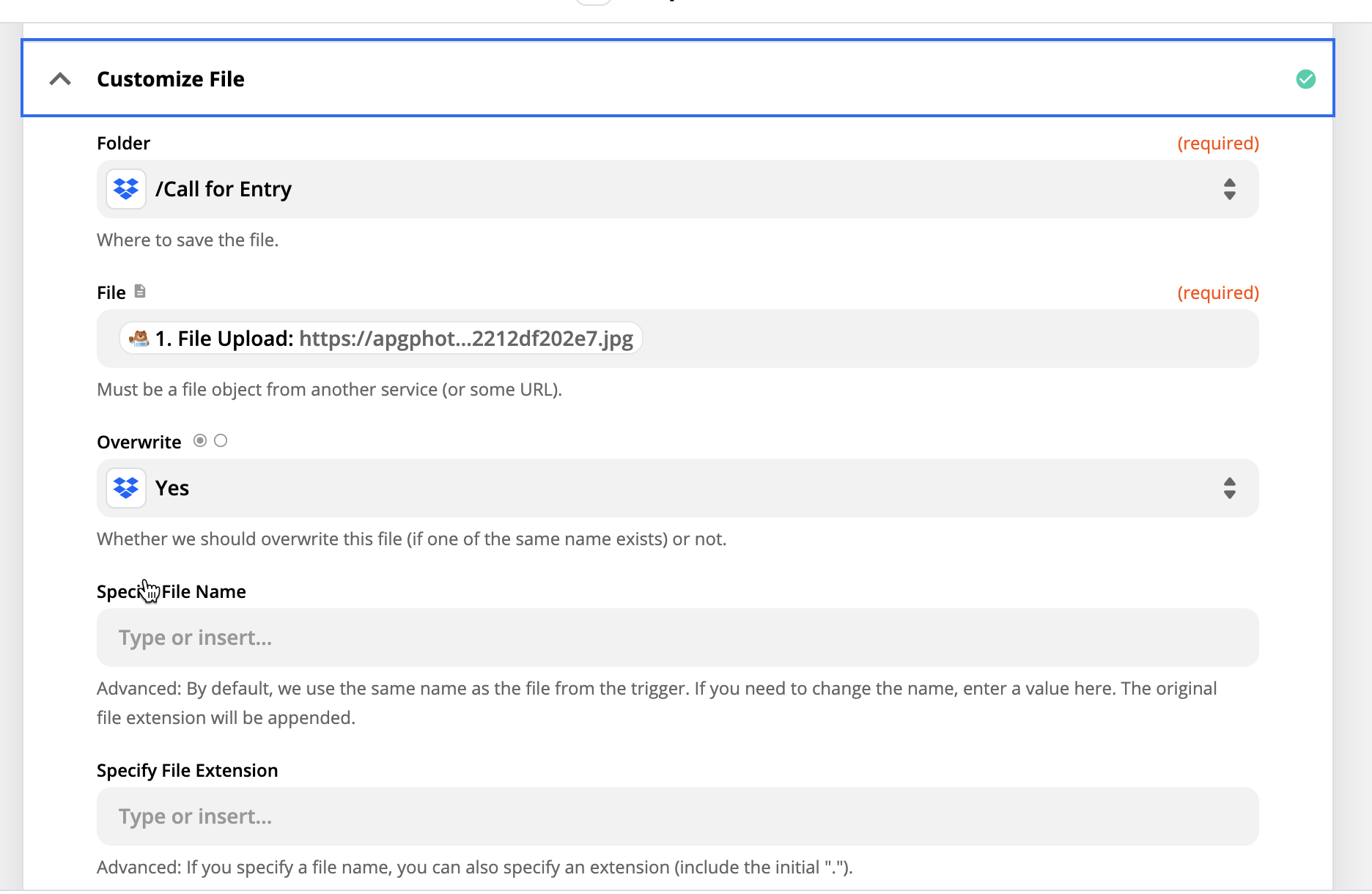
Please provide screenshots of how the Dropbox action step in the Zap is configured to map data points from the trigger.


  • Author
  • Beginner
  • November 19, 2020


jesse
Forum|alt.badge.img+9
  • Architect
  • Answer
  • April 28, 2022

Just following up to wrap up this thread! If the multiple attachments are coming across from WPForms, unfortunately, there isn’t much we can do here. :( We would need to receive multiple file objects to be able to make this work. If you’re open to exploring alternative form apps (maybe Jotform could work?) that might be a way around this! If not, this would be great feedback for the WPForms team to see if they are open to changing how that data is sent across. 🙂