Best answer

Can I create a custom Jobber trigger for sending forms after visit completion?

  • September 4, 2024
  • 3 replies
  • 95 views

Is there a way to create a custom Jobber trigger? I want the trigger to be “when a visit is completed.” 

I want a form to be created and sent to the client email upon visit completion. 

Best answer by Troy Tessalone

Hi @JMaberry 

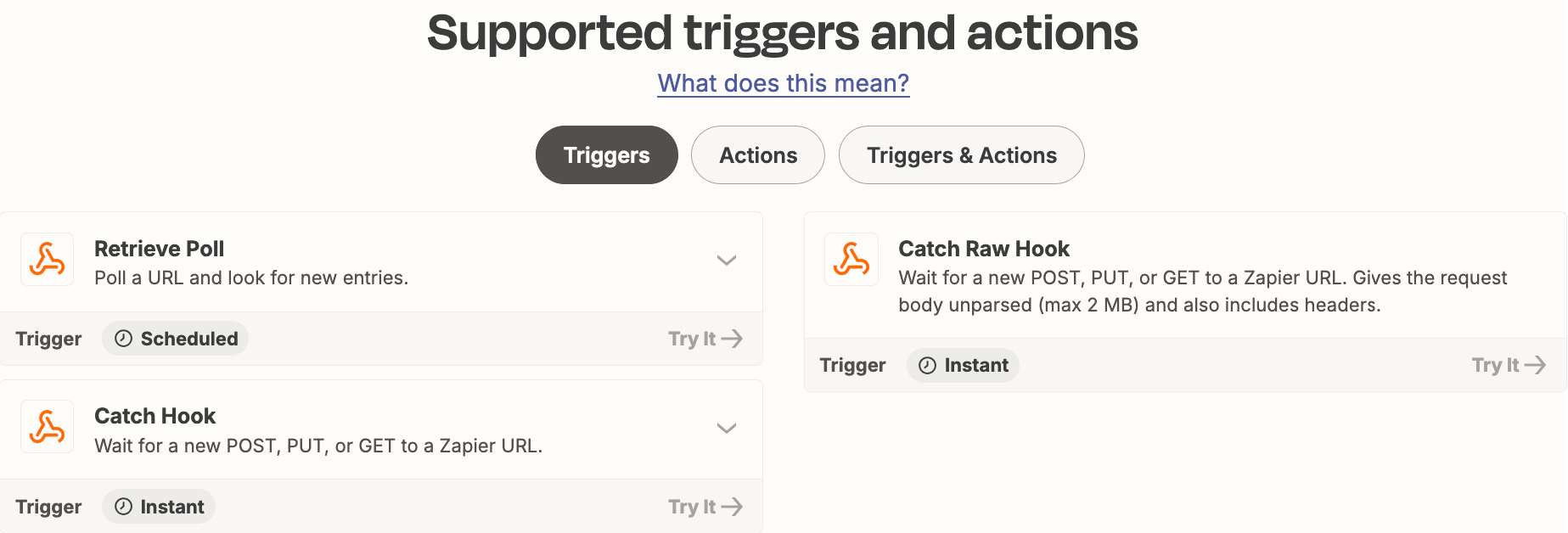
That will involve using the app API or supported webhook events from the app.

Zap App: Webhooks

Help: https://zapier.com/apps/webhook/help
 

This post has been closed for comments. Please create a new post if you need help or have a question about this topic.


3 replies

Troy Tessalone
Zapier Orchestrator & Solution Partner
Forum|alt.badge.img+14
  • Zapier Orchestrator & Solution Partner
  • Answer
  • September 4, 2024

Hi @JMaberry 

That will involve using the app API or supported webhook events from the app.

Zap App: Webhooks

Help: https://zapier.com/apps/webhook/help


ken.a
Forum|alt.badge.img+6
  • Zapier Staff
  • September 10, 2024

Hi @JMaberry,

+1 to what Troy suggested. You will need to use Webhooks by Zapier for your desired workflow. This will work as long as the Jobber API supports “when a visit is completed” API.

Hope this helps!


  • New
  • October 2, 2024

This post has been edited by a moderator to remove personal information. Please remember that this is a public forum and to remove any sensitive information prior to posting.

Yes, you can create a custom Jobber trigger to send forms after a visit is completed. By using Jobber's API or automation features, you can set up a workflow that activates once a visit status changes to "completed." This allows you to automatically send out the desired forms to your clients, streamlining your process. For detailed implementation, you might want to check resources or tutorials specific to Jobber. If you need help, consider reaching out to a specialist.



