Hi everyone,
I’m building an automation using Fellow → Zapier → monday.com, and I’d appreciate some architectural guidance before I refactor everything.
🔁 Current Trigger
I’m using:
Fellow → New AI Note (Instant)
This is intentional because I want the automation to run automatically whenever a meeting recap is generated.
🎯 What the Zap Does
-
Extracts the # Action Items section from the recap
-
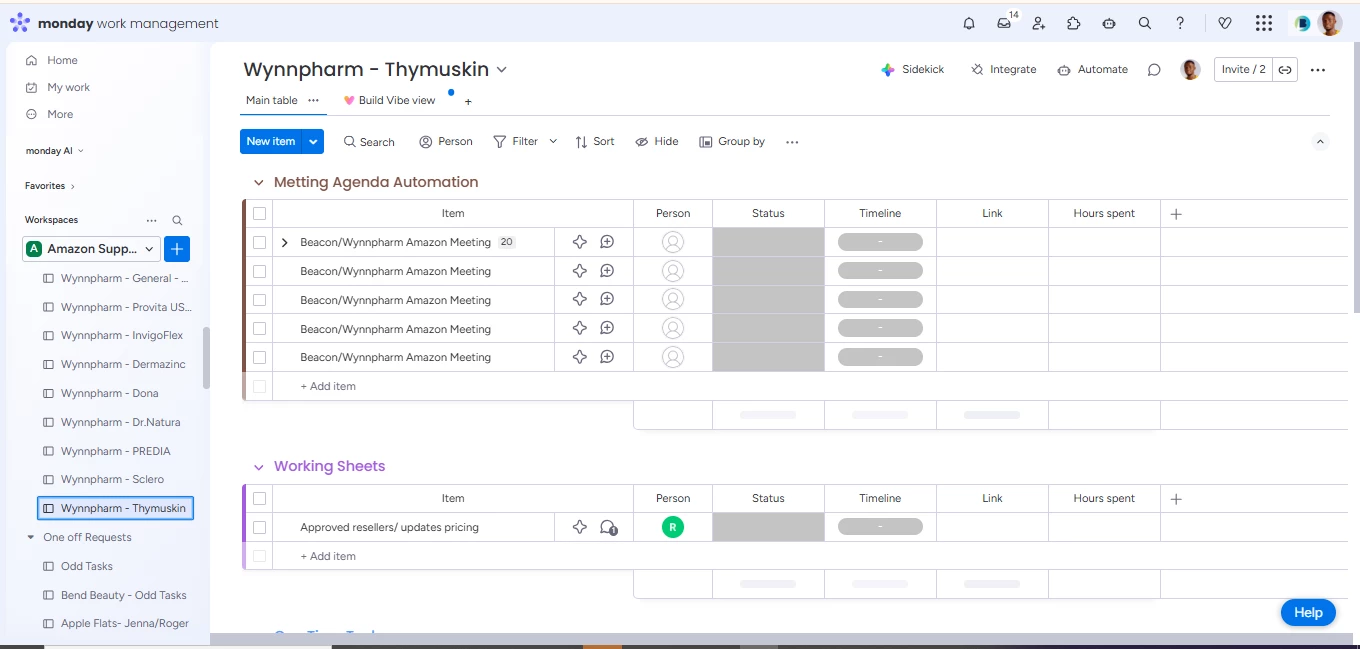
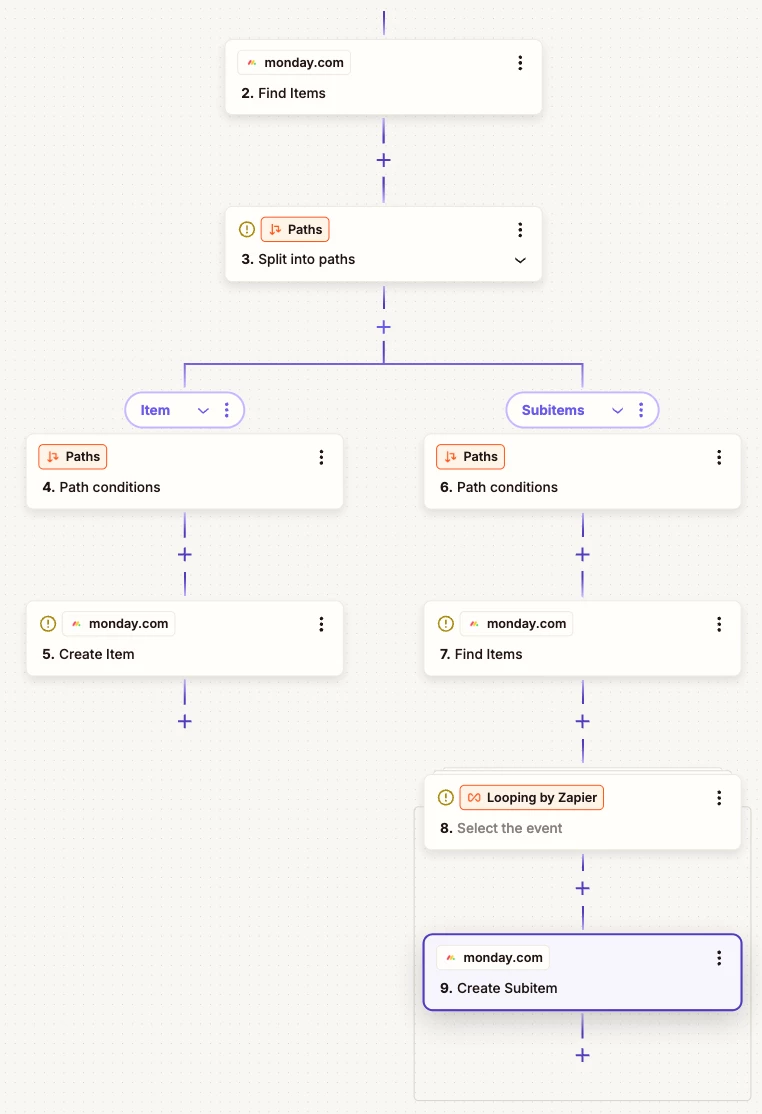
Finds a matching parent item in monday.com (by Event Title)
-
Creates the parent if it doesn’t exist
-
Loops through action items and creates subitems
⚠️ The Problem
I’m experiencing:
-
Duplicate parent items
-
Duplicate subitems
-
Multiple runs for what appears to be the same meeting
I understand that “New AI Note” may trigger multiple times (regeneration, edits, transcript updates, etc.), but I want to keep the automation fully automatic.
🏗 Current Architecture
Trigger: New AI Note
Filter: AI Notes contains # Action Items
Filter: Event Title contains specific keyword
Formatter: Extract Action Items
Formatter: Text to Line Items
Loop: Iterate action items
Find Item (Exact Match by Event Title)
Create Item (if not found)
Create Subitem
❓ My Questions
-
What is the best way to make this Zap idempotent while still using “New AI Note”?
-
Should I store the Fellow Note ID in Storage by Zapier and check against it before processing?
-
Is there a cleaner deduplication strategy I should implement at the parent or subitem level?
-
How would you structure this to make it production-stable?
My goal is long-term stability without manual cleanup of duplicates.
Thanks in advance for any architectural advice.