Question

Automatic Email Response dependant on folder the doc is located in

  • February 13, 2025
  • 9 replies
  • 32 views

Is there a way to automate email responses in Gmail to access requests to a file in Google Drive depending on what folder it is in?


Ie I request access to doc1 and doc2, they are respectively in folder1 and folder2. I want it to determine what folder it is in and automatically send a specific response to the person based on the folder that the file is located in.


So people requesting doc1 would get response1 as its located in folder1


Does that make sense?

This post has been closed for comments. Please create a new post if you need help or have a question about this topic.

9 replies

Troy Tessalone
Zapier Orchestrator & Solution Partner
Forum|alt.badge.img+14
  • Zapier Orchestrator & Solution Partner
  • February 13, 2025

Hi ​@AceT 

How are you receiving the access requests? (screenshot as example)


GDrive Zap app available triggers/actions: https://zapier.com/apps/google-drive/integrations#triggers-and-actions 


You can do searches to find the file if you know the file ID or the file name.


If you know the file, then you can find the folder.

If you know the folder, then you can find the response template.


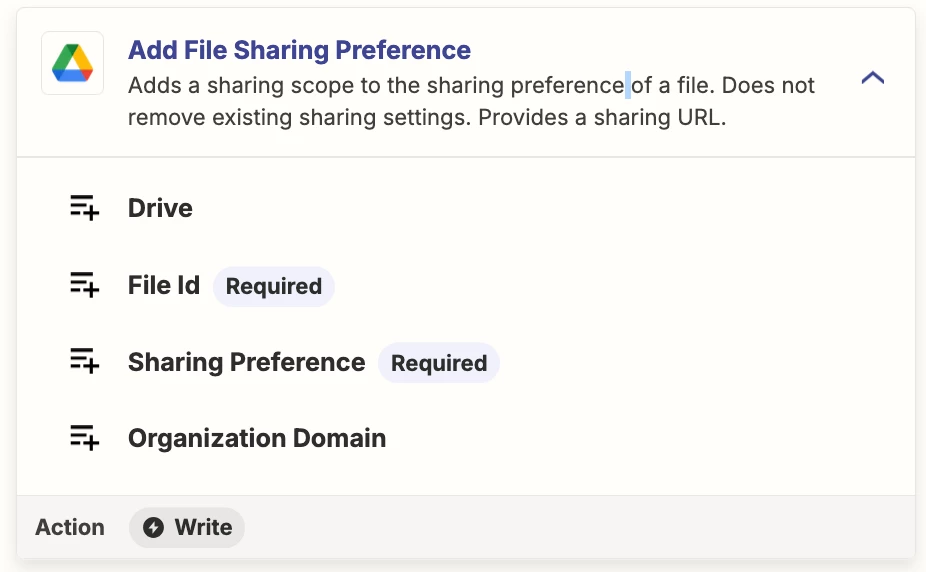
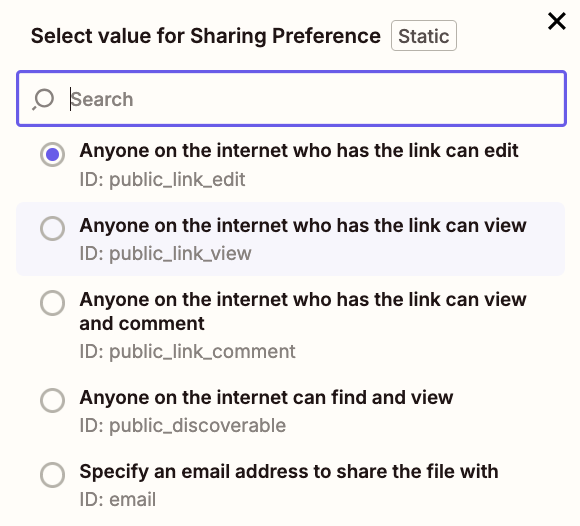
Zap action: GDrive - Add File Sharing Preference


  • Author
  • Beginner
  • February 13, 2025

Hey! Sorry this was typed up late last night while half asleep


So (this is actually for a friend but I'm helping them) would get emailed the access request but the response email would include a link to a Google form for the person requesting access to fill out and once that is done they can then get access to the specific folder the file is in


Troy Tessalone
Zapier Orchestrator & Solution Partner
Forum|alt.badge.img+14
  • Zapier Orchestrator & Solution Partner
  • February 13, 2025

@AceT 

It would be helpful for us to have more context, if you can outline a specific example for us to follow the data flow. (screenshots)


  • Author
  • Beginner
  • March 7, 2025

Sorry for the super late reply! Things have been messy


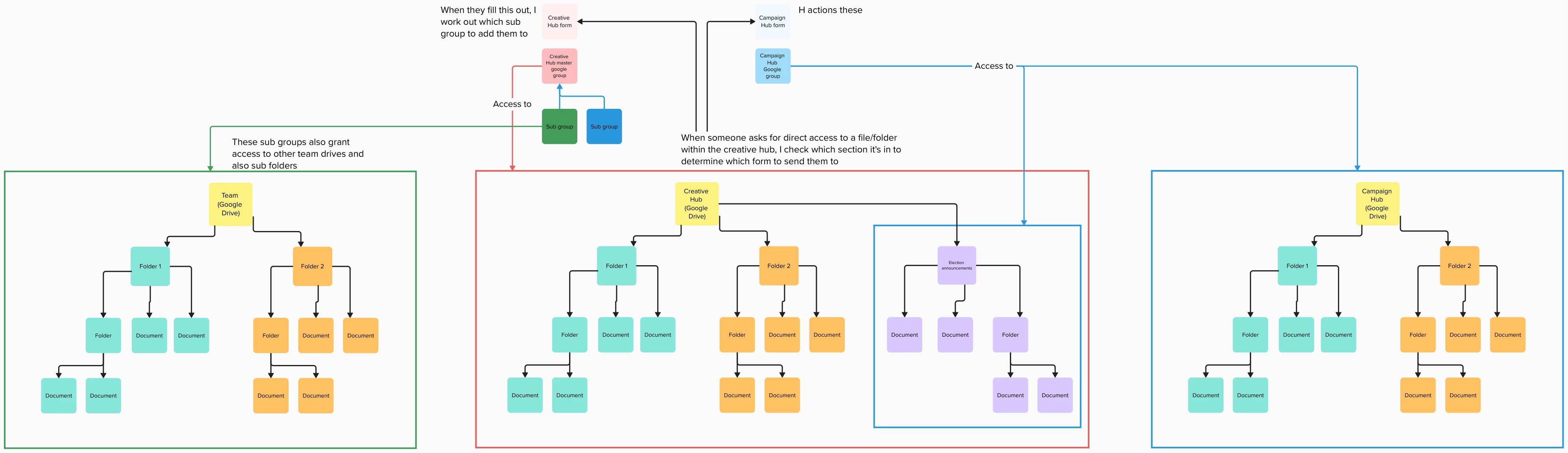
Anyway here’s a flowchart of what is the process with comments etc


Troy Tessalone
Zapier Orchestrator & Solution Partner
Forum|alt.badge.img+14
  • Zapier Orchestrator & Solution Partner
  • March 7, 2025

@AceT 

Sounds like you need to use some lookup tables.

Resources for lookup tables:


  • Author
  • Beginner
  • March 7, 2025

Thanks! I’ll have a look into those


  • Author
  • Beginner
  • March 7, 2025

So, if I’m reading that write I can set up a look up table to translate ‘if person is added to x google group translate that info to autoatmically give access to x y and z on google drive and then translate it again to automatically send the “you’ve been added” email template”


JammerS
Forum|alt.badge.img+6
  • Zapier Staff
  • March 10, 2025

Hi ​@AceT,


You can automate the process of granting Google Drive file access and sending email notifications when someone joins a Google Group using Zapier. The Zap would trigger when a new member is added, share specific files with them, and send an email notification. While a Lookup Table isn't necessary, you might use Formatter or Paths for conditional logic based on group membership.


Thank you for your understanding and patience. If you have any further questions, please don't hesitate to ask.


SamB
Community Manager
Forum|alt.badge.img+11
  • Community Manager
  • April 4, 2025

Hey ​@AceT, just checking in—were you able to get this sorted using some lookup tables as Troy suggested? 

Let us know if you still need any help, want to make sure you’re all set! 🙂