We urgently would need this feature… I think it’s for every sf-integration-user a topic who handles end customer business

Best answer
Any news on person accounts from SF being supported by zapier?
Best answer by christina.d
Hey there, friends!
An email recently went out with some instructions and clarification on how to create a person account using the “Create Record” Salesforce Action and I’ll share those below:
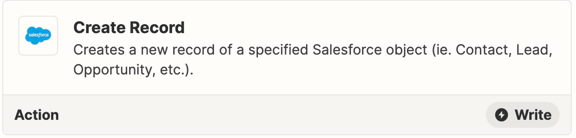
This functionality is available using the "Create Record" Salesforce action.
Here's a guide for setting up a Zap to create a person account:
1. Make sure you have enabled person accounts in Salesforce
2. In the action step of your Zap, select Salesforce and Create Record
3. In the set up action step, select "Account" as the Salesforce object
4. For the Record Type field, select the desired account type ie. "Person Account"
5. Complete the rest of your Zap
Don’t hesitate to get in touch if things aren’t working like you expect, or if you run into any other trouble. We’re always here and happy to help!
Hope this helps! 🤗
This post has been closed for comments. Please create a new post if you need help or have a question about this topic.







Early access

Next Gen Zaps
Build and deploy automations from AI tools you already use. With Agentic Management, if anything breaks, the agent diagnoses the issue and proposes a fix.
Request access now
Enter your E-mail address. We'll send you an e-mail with instructions to reset your password.