Question

Allowed Values - How do I work out what it is?

  • June 3, 2024
  • 9 replies
  • 50 views

Hi everyone,

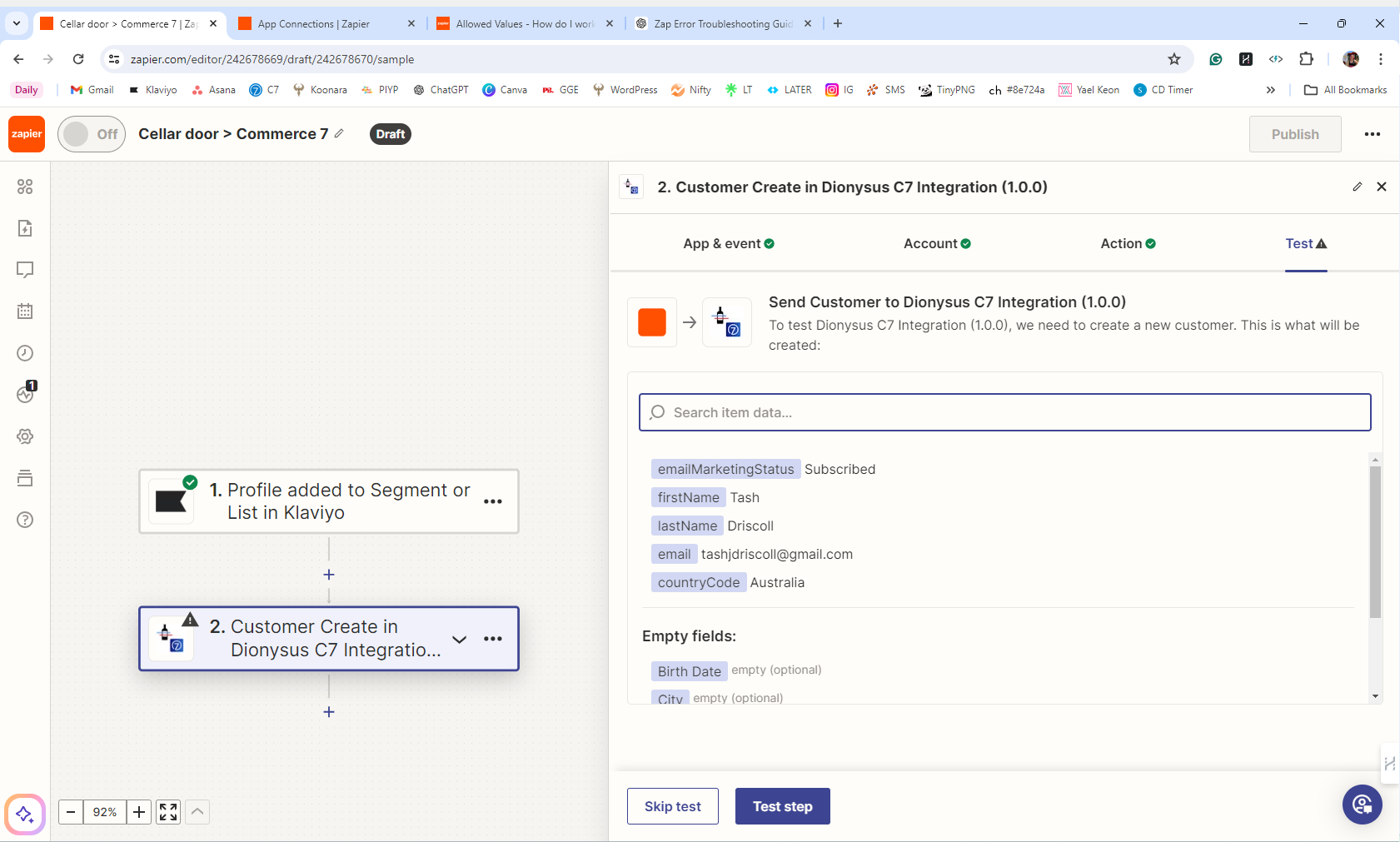
I’m trying to create a Zap that takes a new Klaviyo profile and creates a corresponding profile in our e-commerce software, Commerce7, using the Dionysus C7 Integration (1.0.0).

Setup:

  • Data: First name, last name, and email address from Klaviyo.
  • Issue: Integration requires a Country Code, which fails to be accepted no matter how it’s formatted.

Source of Data:

  • Sign-ups are coming from our Cellar Door via a Caard page, which populates the data into Klaviyo without issues.
  • The problem arises when trying to create the new profile in Commerce7 via Zapier.

Attempts:

  • I’ve tried directly connecting Caard to Zapier and then to Klaviyo, then to Commerce7.
  • Used webhooks to insert "Australia" or "AU" as the country code automatically.
  • Every attempt results in the following error:
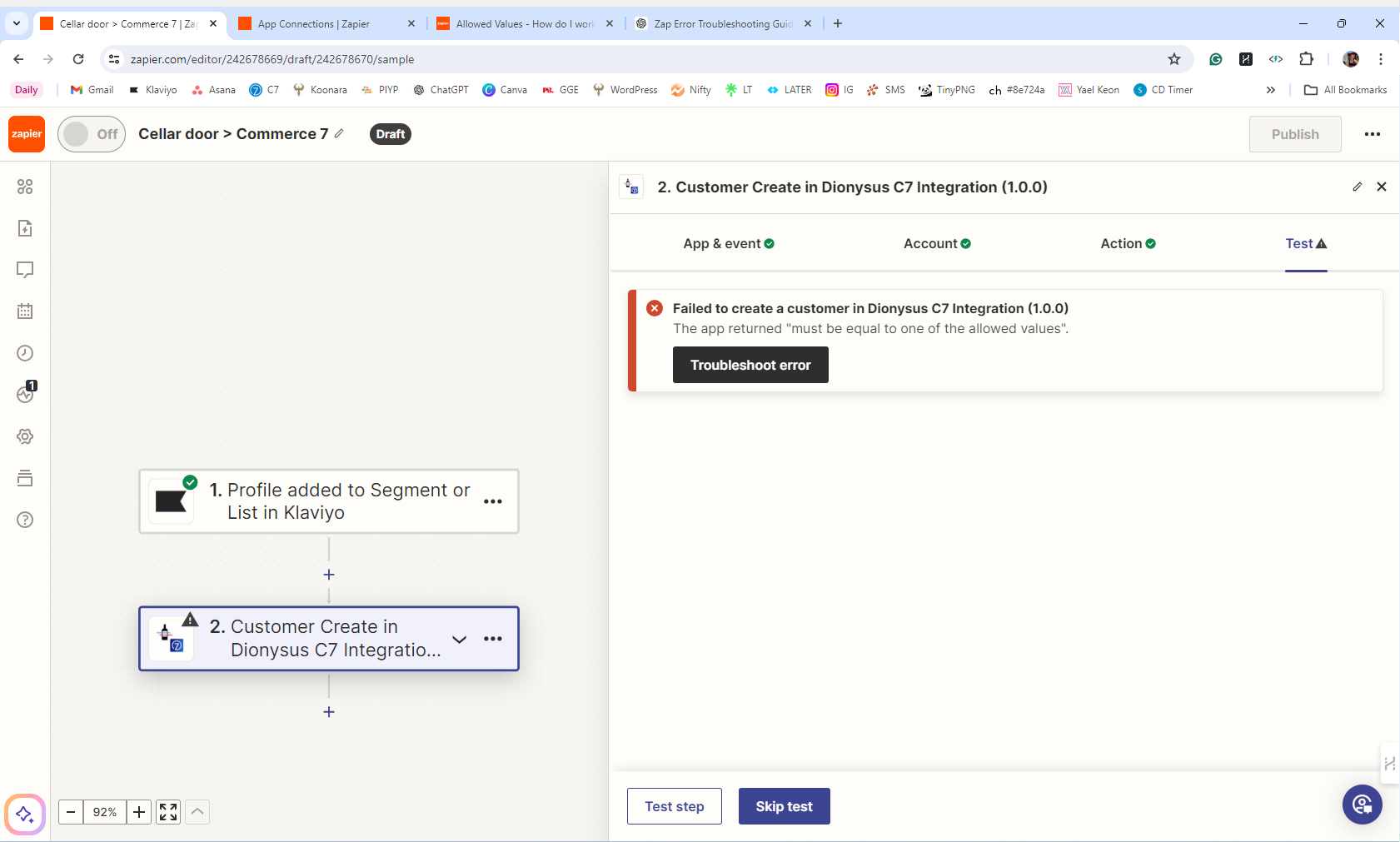
    • Error Message: "Failed to create a customer in Dionysus C7 Integration (1.0.0). The app returned 'must be equal to one of the allowed values'."

I can’t figure out why this seemingly simple task is proving so difficult. Any advice or solutions would be greatly appreciated!

Thanks in advance!



This post has been closed for comments. Please create a new post if you need help or have a question about this topic.

9 replies

Troy Tessalone
Zapier Orchestrator & Solution Partner
Forum|alt.badge.img+14
  • Zapier Orchestrator & Solution Partner
  • June 3, 2024

Hi @TashJD 

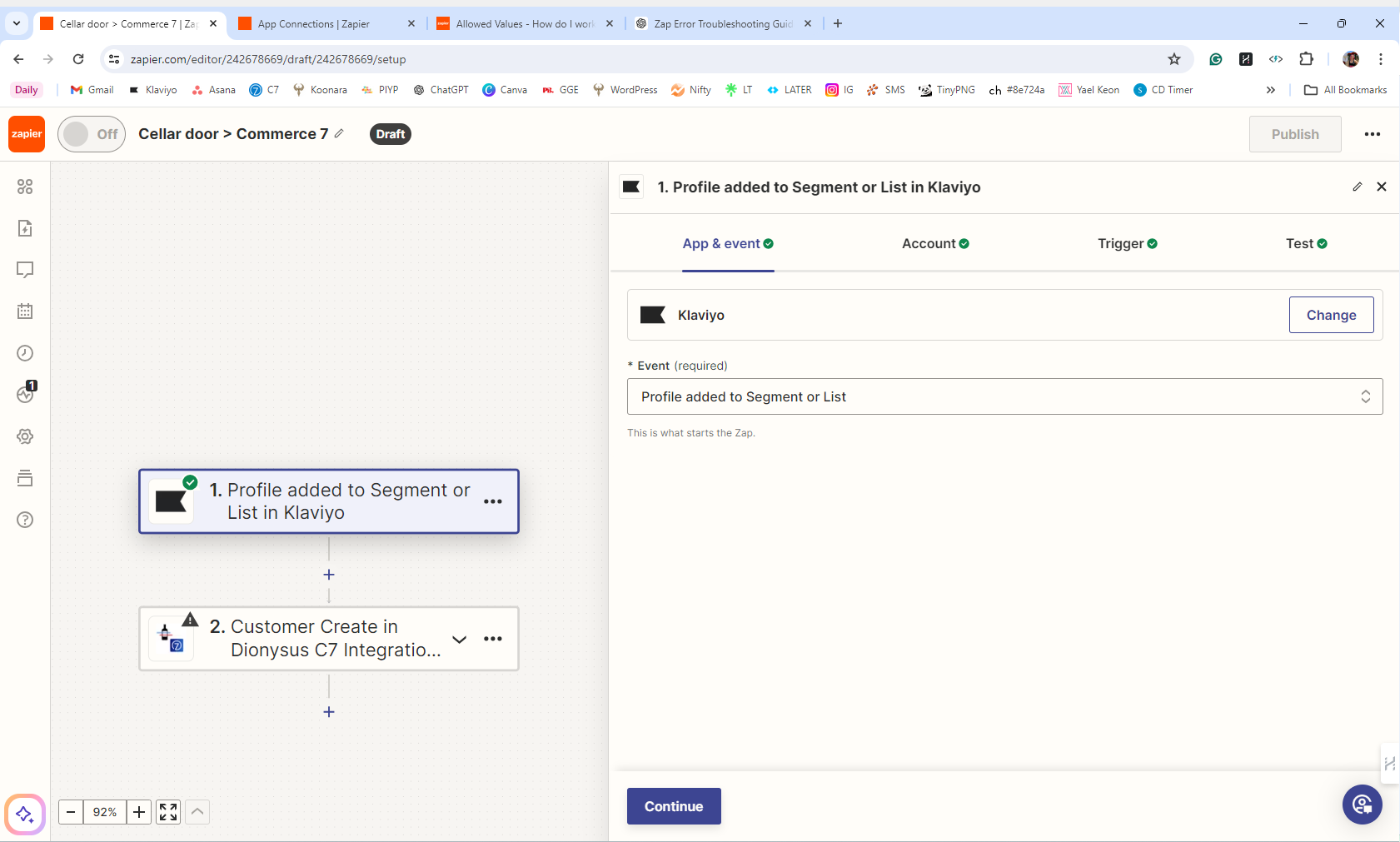
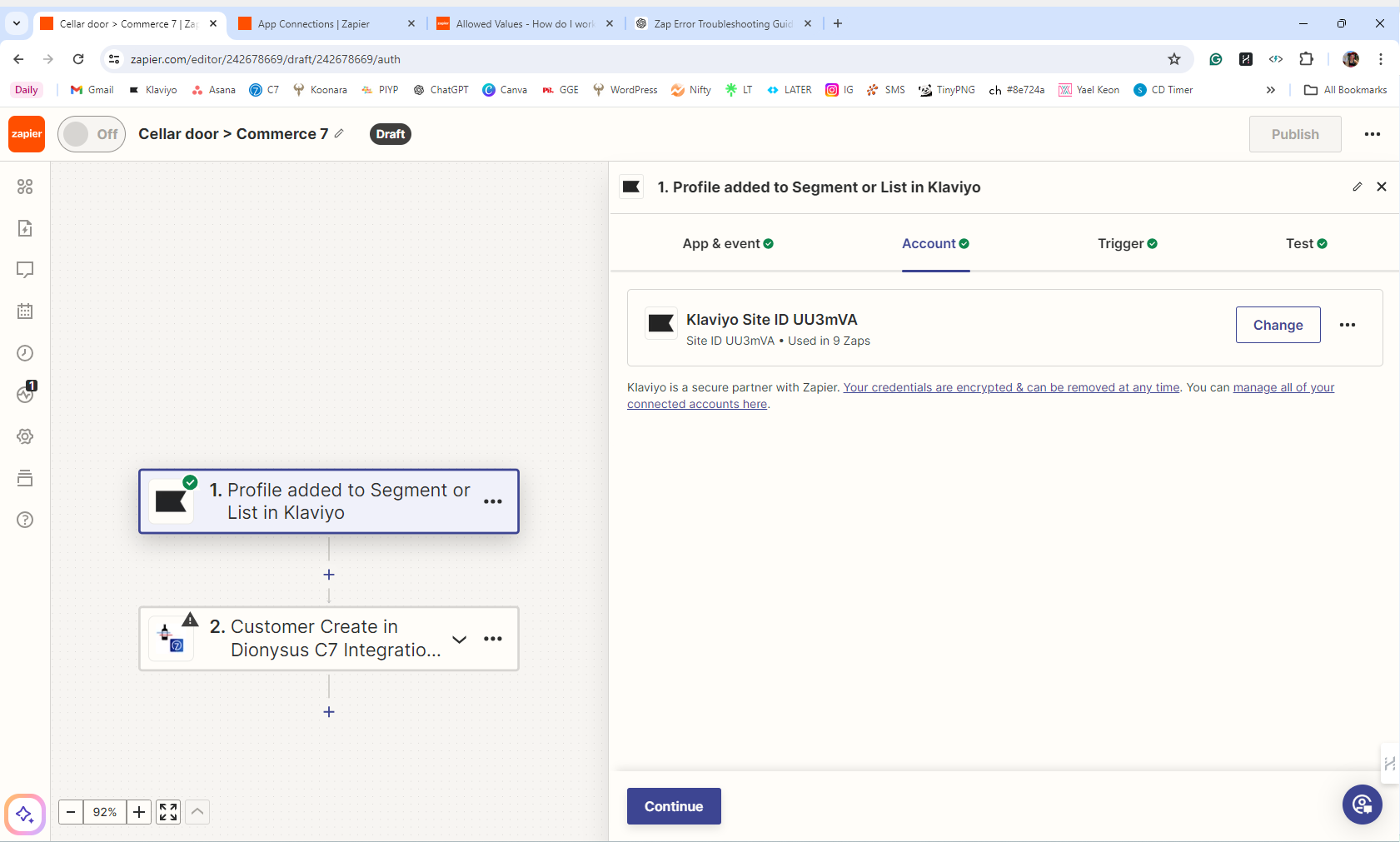
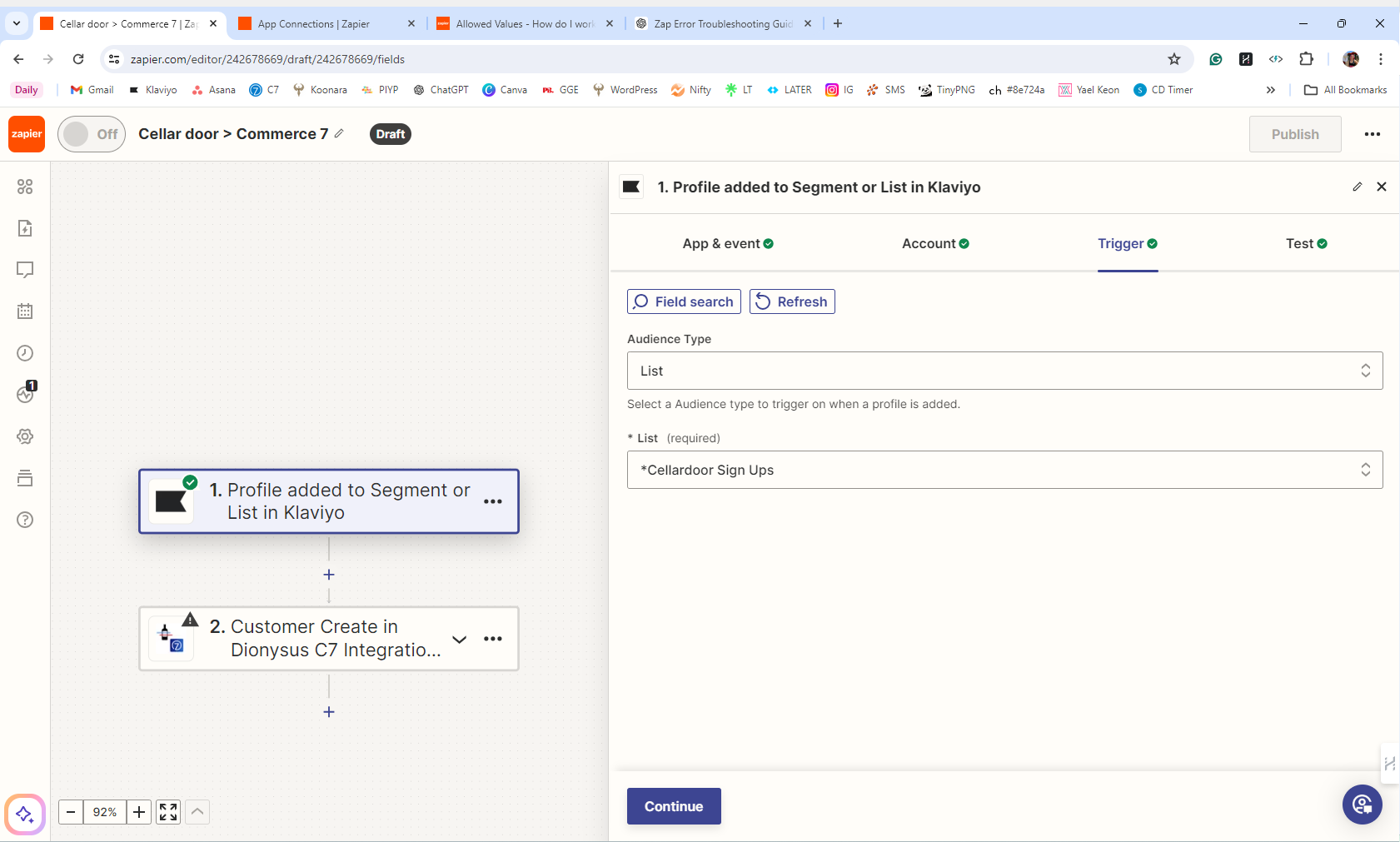
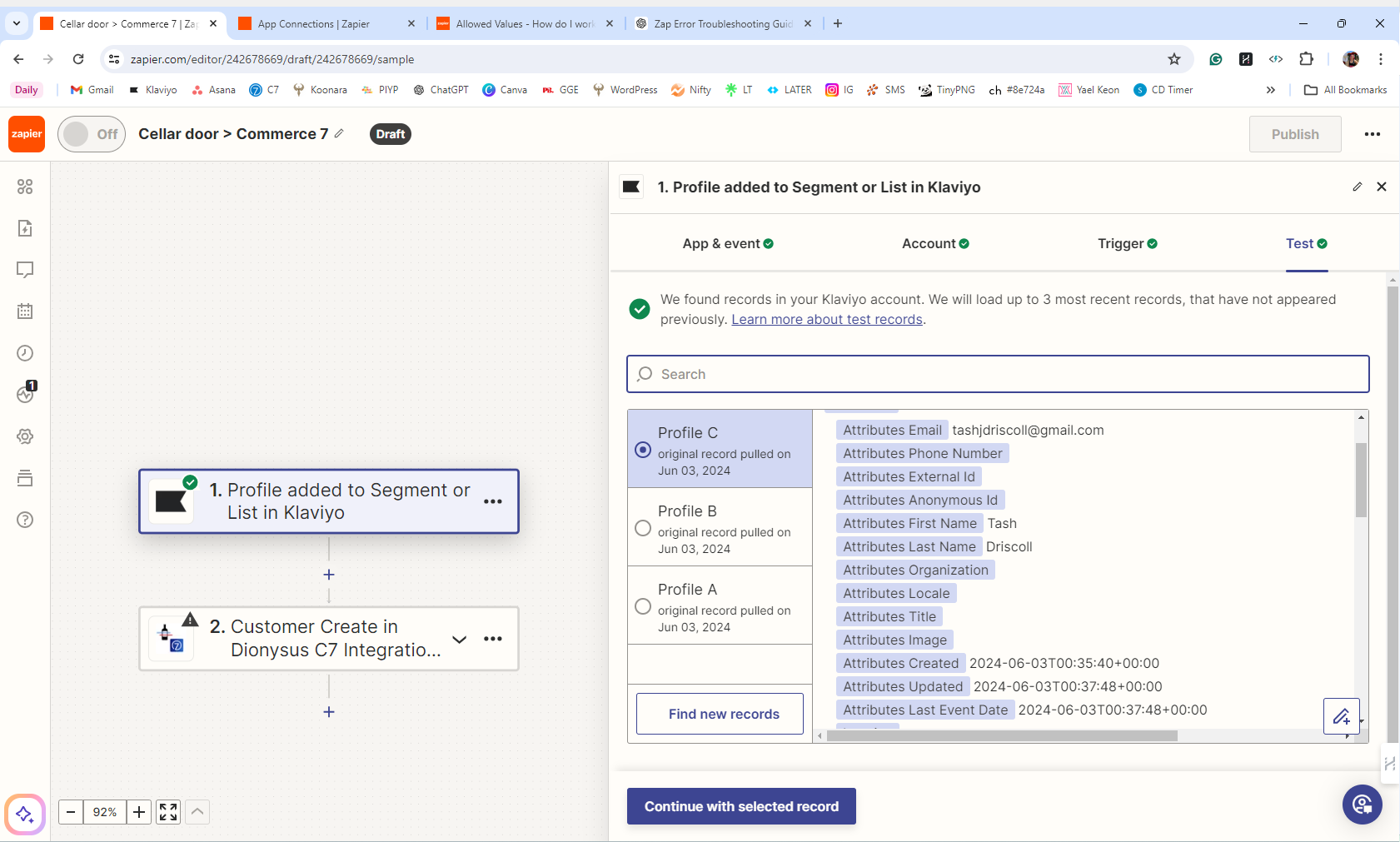
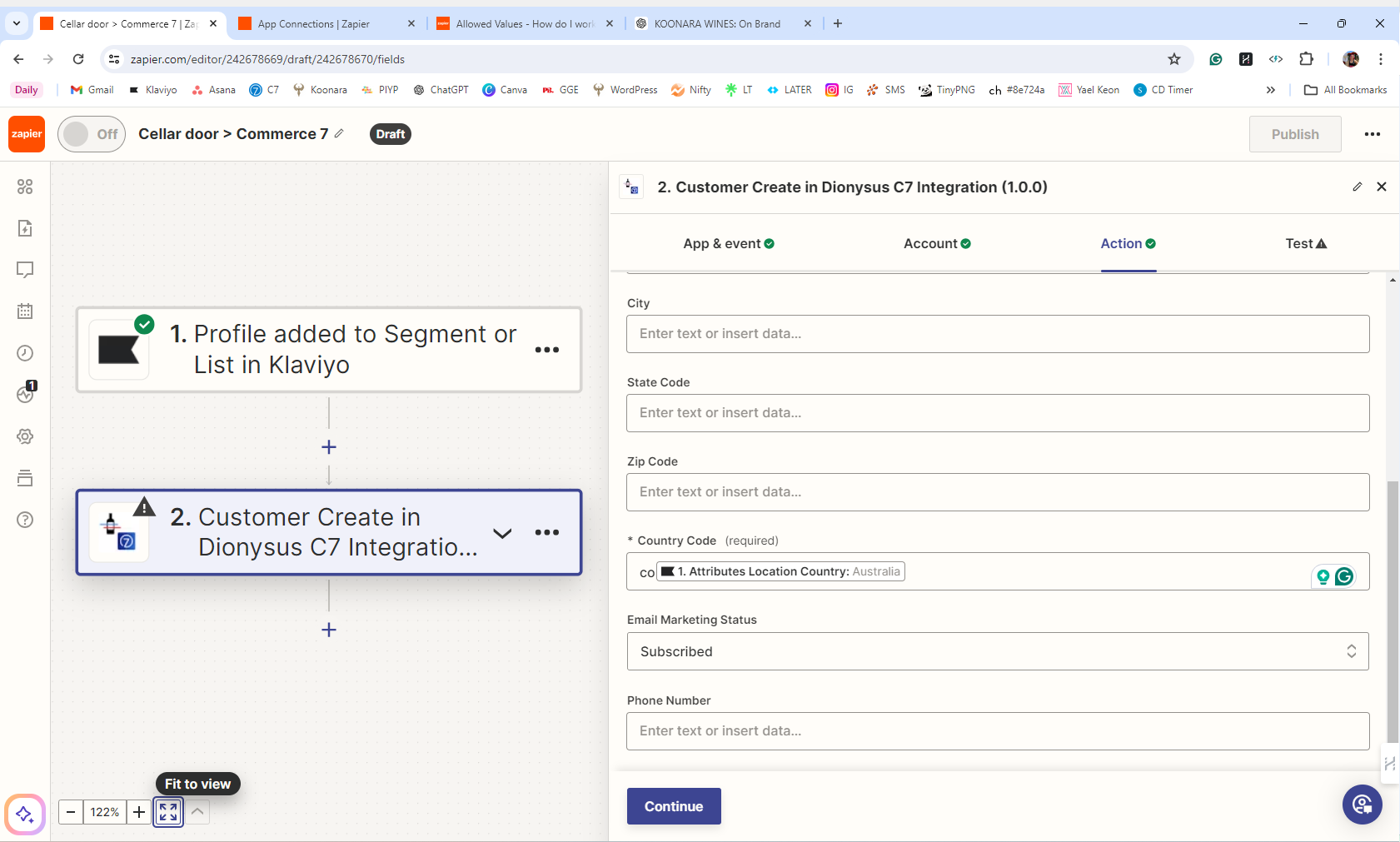
Provide more context by posting screenshots with how your Zap steps are outlined and configured in EDIT mode.


  • Author
  • Beginner
  • June 3, 2024

I hope this is what you mean @Troy Tessalone 


Troy Tessalone
Zapier Orchestrator & Solution Partner
Forum|alt.badge.img+14
  • Zapier Orchestrator & Solution Partner
  • June 3, 2024

@TashJD 

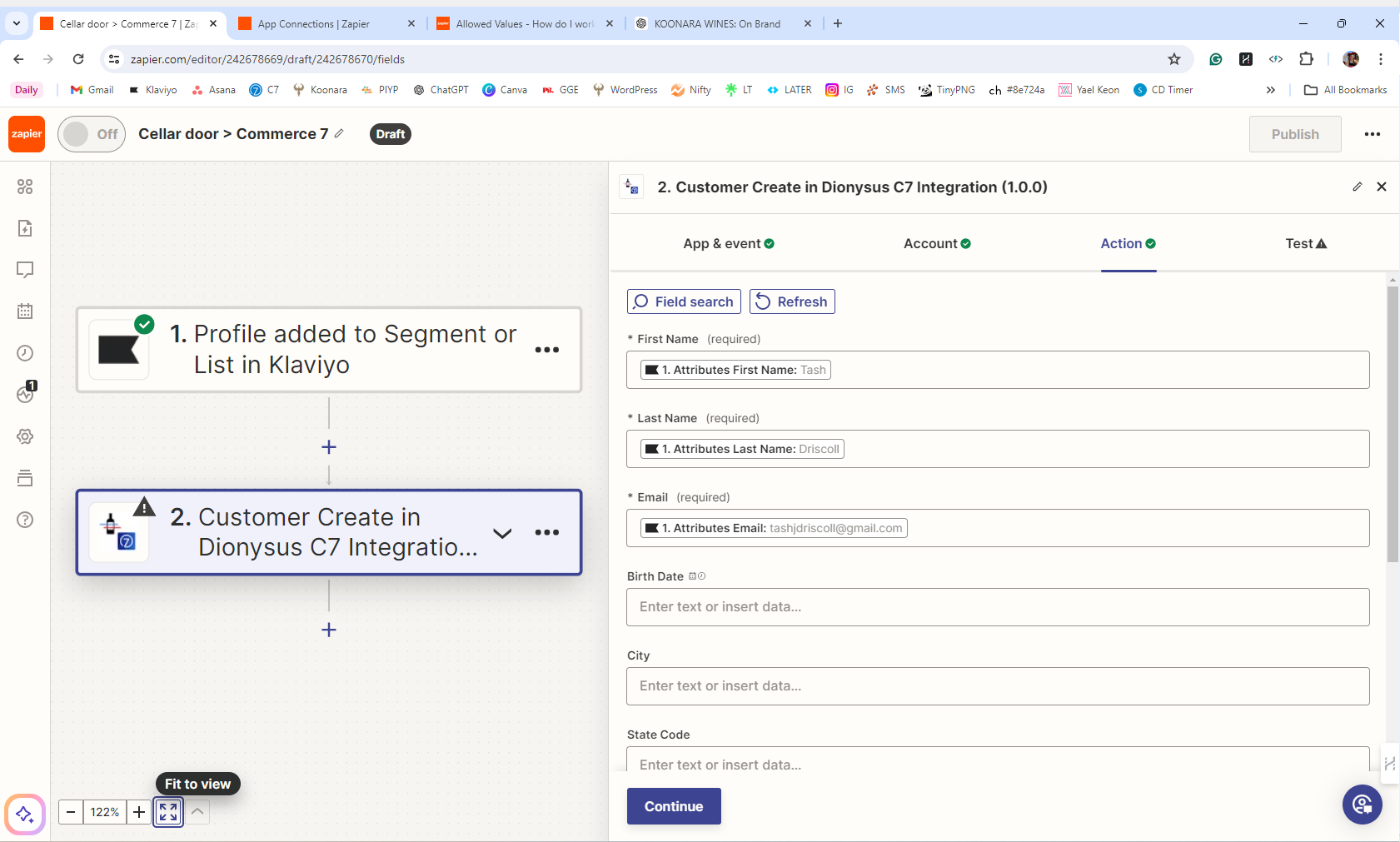
We need to see how your Zap step 2 is configured for the ‘Action’ tab section.


  • Author
  • Beginner
  • June 3, 2024

second times a charm right @Troy Tessalone (have you guessed i’m not amazing at this stuff) 


Troy Tessalone
Zapier Orchestrator & Solution Partner
Forum|alt.badge.img+14
  • Zapier Orchestrator & Solution Partner
  • June 3, 2024

@TashJD 

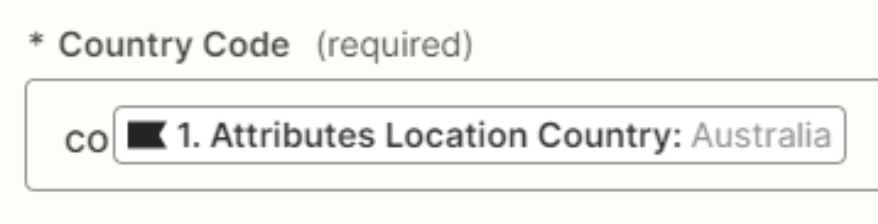
Try removing the hardcoded value of “co” before the mapped variable.

Also, the Country Code field likely expects either AU or AUS.


  • Author
  • Beginner
  • June 3, 2024

Thanks for these pointers @Troy Tessalone  Yup So, have taken the Co out(not sure why that was there TBH) - Tried using the Klaviyo attribute - Fail. Deleted Klaviyo Attribute and manually typed AUS - failed, Typed AU, failed, Typed Australia, failed - then tried variations in lowercase etc and still it fails with the same error message that 

Failed to create a customer in Dionysus C7 Integration (1.0.0)

The app returned "must be equal to one of the allowed values".


  • Author
  • Beginner
  • June 3, 2024

I even tried +61 for fun to see if it was after a mobile phone code - Nope


Troy Tessalone
Zapier Orchestrator & Solution Partner
Forum|alt.badge.img+14
  • Zapier Orchestrator & Solution Partner
  • June 3, 2024

@TashJD 

You may need to reach out to the app developer for help with their Zap app integration.


  • Author
  • Beginner
  • June 3, 2024

Yup, I have. I thought id see if anyone here could help in the meantime. Thanks so much.