Question

Adding new rows and columns from email attachment data

  • January 17, 2022
  • 6 replies
  • 146 views

I created a Zap that is correctly entering the data from an email attachment into the right columns, but it is not creating new rows.  It adds all the data that is in that column into one cell without creating a new row.


Date Rep ID Commission  
2021-1,2021-2.2021-3,2021-4 1.67,1.88,1.91,1.22

$10.50,$217.25,$33.61,$22.27


Any thoughts on how I can get it to recognize the comma and put it on a new row?


Thanks!

This post has been closed for comments. Please create a new post if you need help or have a question about this topic.

6 replies

  • Author
  • New
  • January 17, 2022

BTW, it is writing to a Google Sheet


Troy Tessalone
Zapier Orchestrator & Solution Partner
Forum|alt.badge.img+14
  • Zapier Orchestrator & Solution Partner
  • January 17, 2022

Hi @tdhott2011 

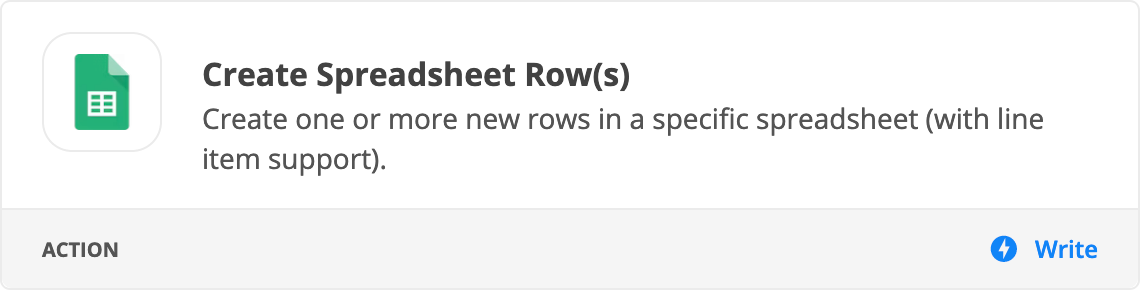
Try using this action: GSheets - Create Row(s)


  • Author
  • New
  • January 17, 2022

I have that set and it creates a new row, but the data is still grouped together in the same cell


Troy Tessalone
Zapier Orchestrator & Solution Partner
Forum|alt.badge.img+14
  • Zapier Orchestrator & Solution Partner
  • January 17, 2022

@tdhott2011 

Please post screenshots with how your Zap steps are configured, thanks.


As an alternative, you can try using the Looping app to handle line items:https://zapier.com/apps/looping/integrations


  • New
  • February 24, 2022

Hi @tdhott2011 

Were you ever able to figure this out? having the same issue. 


Troy Tessalone
Zapier Orchestrator & Solution Partner
Forum|alt.badge.img+14
  • Zapier Orchestrator & Solution Partner
  • February 24, 2022

Hi @HRM4194 

Please post screenshots with how your Zap steps are configured for us to have more context.

Also, please outline a specific example to use.