Best answer

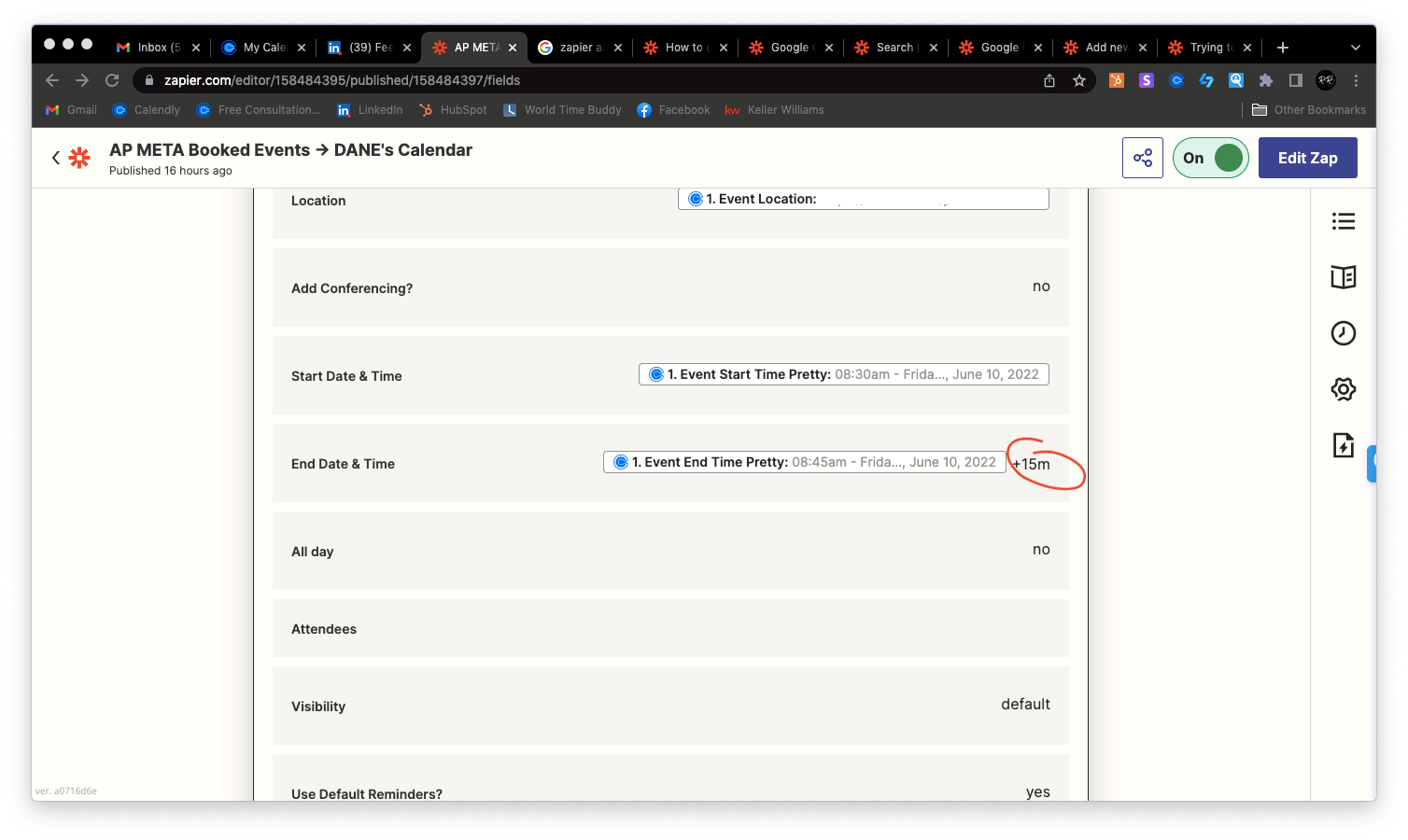
Adding 15m on the end date & time in Google Calendar is not working

  • June 10, 2022
  • 4 replies
  • 274 views

rnr.digital

Been trying to work this out - but i failed to do it.


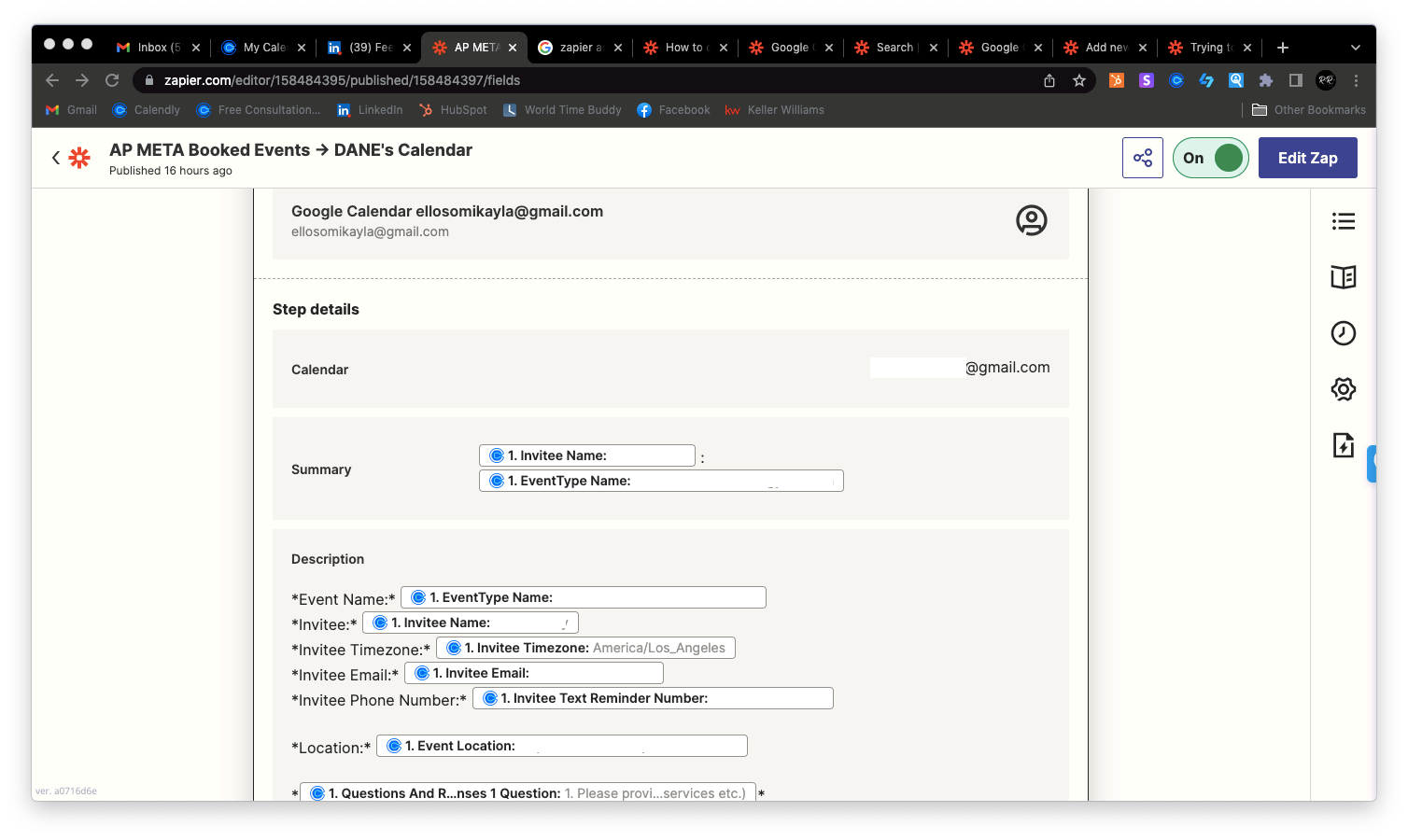
I need to create a detailed event from the New Event added to Caledly and add it on our other team member’s Google Calendar.


Followed the zapier article to add 15m on the end date & time, but still it doesnt work.


What should i do to make it work.. 😨


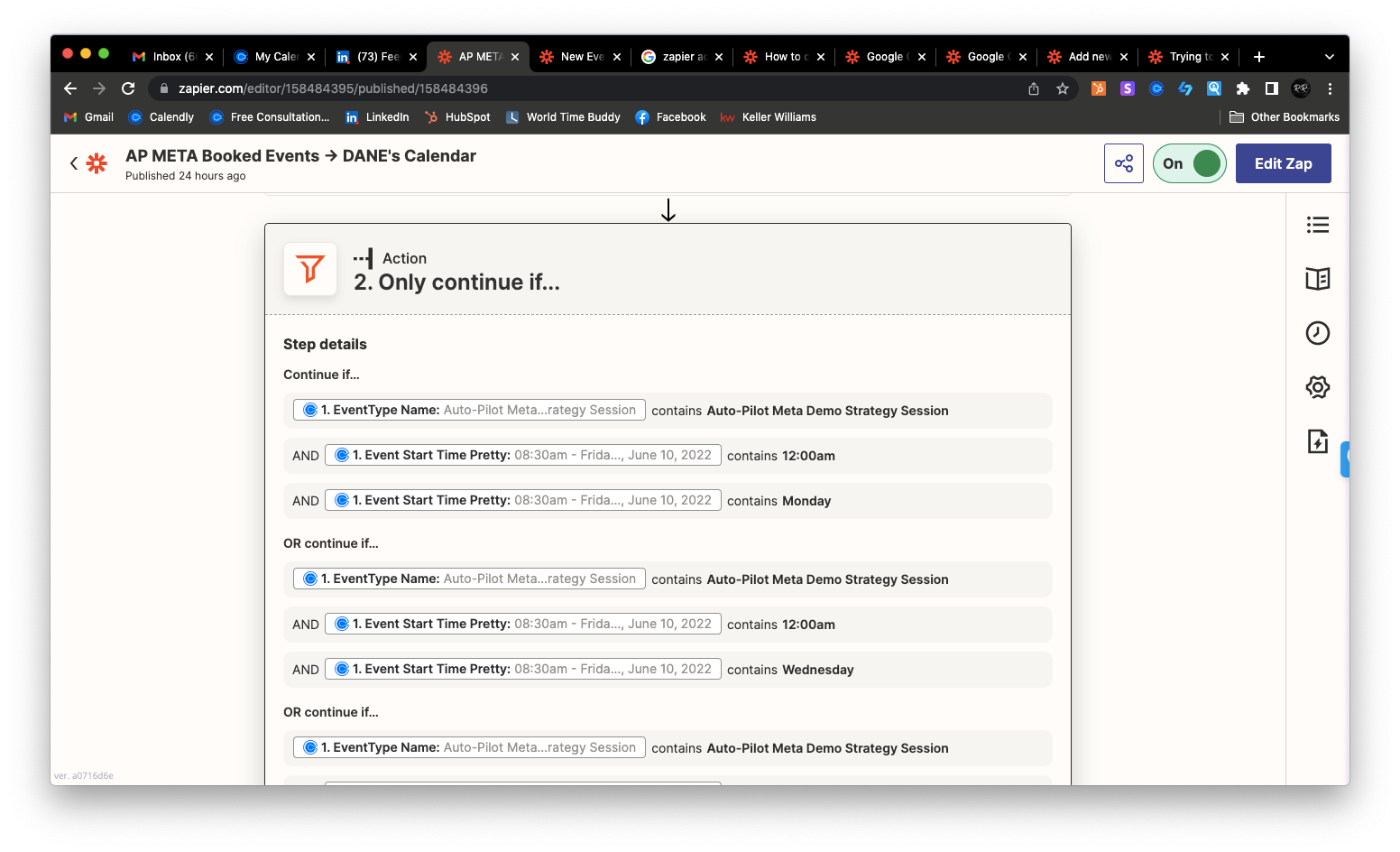
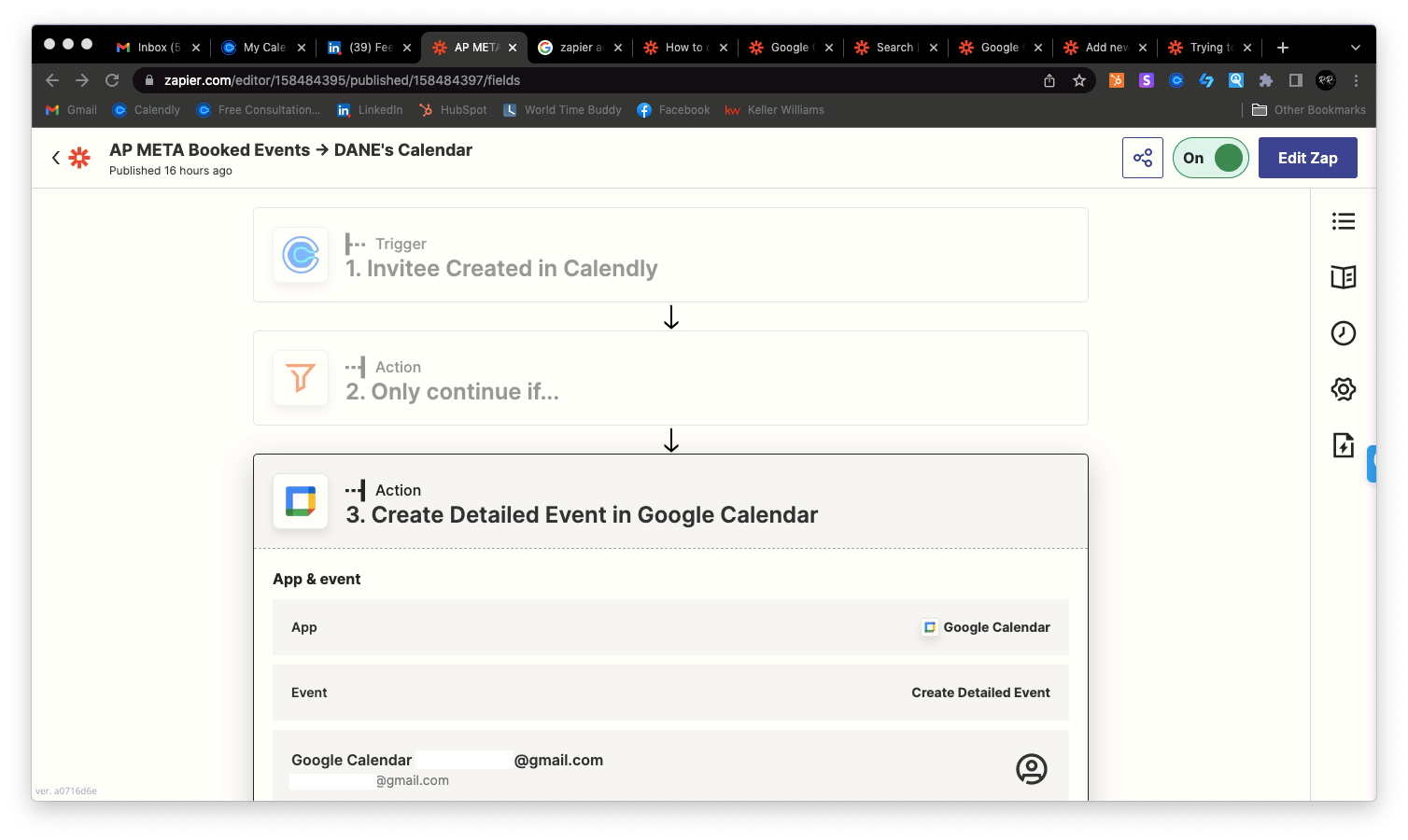
Please see attached photos for reference.


Best answer by Troy Tessalone

@rnr.digital 

Try using the non-pretty variable for the Event Start Time.


This post has been closed for comments. Please create a new post if you need help or have a question about this topic.

4 replies

Troy Tessalone
Zapier Orchestrator & Solution Partner
Forum|alt.badge.img+14
  • Zapier Orchestrator & Solution Partner
  • June 10, 2022

Hi @rnr.digital 

Good question.

If you connect GCal to Calendly it will automatically create an event, no Zap necessary.

Can you please describe the need for your use case beyond what it already natively supported between these apps?


rnr.digital
  • Author
  • New
  • June 10, 2022

@Troy Tessalone 

The thing is we have multiple events type on Calendly that are mostly for the CEO only. This is why we subscribe to zapier - so only the said event will only be the one to automatically added to the team member’s calendar (please see photo for reference)


Let me know, if we can make it work. 


Troy Tessalone
Zapier Orchestrator & Solution Partner
Forum|alt.badge.img+14
  • Zapier Orchestrator & Solution Partner
  • Answer
  • June 10, 2022

@rnr.digital 

Try using the non-pretty variable for the Event Start Time.


christina.d
Forum|alt.badge.img+9
  • Zapier Staff
  • June 14, 2022

Hey there, @rnr.digital! I wanted to drop by and see if Troy’s recommendation did the trick for you? Keep us posted on your success! 🙂