Best answer

How do I find a matter from the contact information in Practice Panther?

  • May 20, 2022
  • 5 replies
  • 119 views

I am trying to create a series of zaps so that when a call ends on RingCentral, it bills the time in Practice Panther automatically to the client and matter. I have managed to format the date, duration, phone number to ensure it stays the same and is in Practice Panther’s units and I have been able to successfully Find Contact, but the issue I am facing is I have not managed to get Zapier to find the matter from the contact info or even the client’s name. So I am unable to complete the zap because I am unable to identify the matter. I tried doing a custom field, but it gave string of text that is not consistent for all matters because they are custom fields. I was wondering if anyone had a solution or a possibility that may work. Thank you.

Best answer by Troy Tessalone

@brianaw 

Make sure to review the description underneath fields.

This optional field likely expects the Contact ID, not the Contact Display Name.


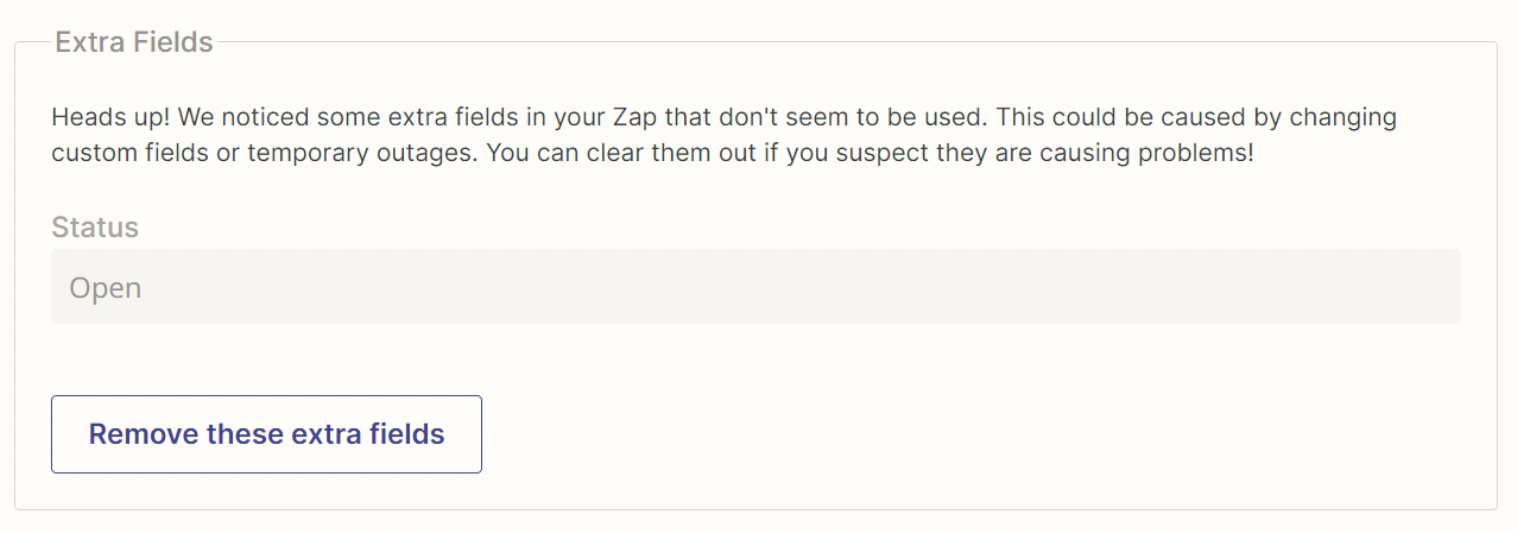
Also best practice is to remove the Extra Fields.


This post has been closed for comments. Please create a new post if you need help or have a question about this topic.


5 replies

Troy Tessalone
Zapier Orchestrator & Solution Partner
Forum|alt.badge.img+14
  • Zapier Orchestrator & Solution Partner
  • May 21, 2022

Hi @brianaw 

Good question.

Please post screenshots with how your Zap steps are configured in order for us to have more context, thanks.


  • Author
  • Beginner
  • May 23, 2022

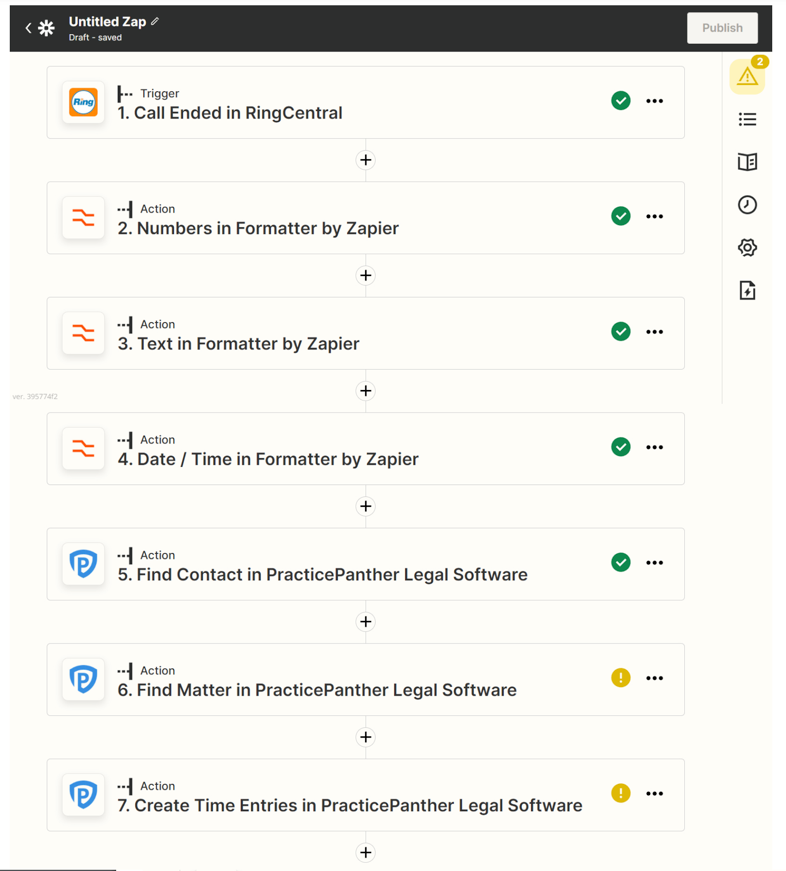
I hope this is what you mean. As you can see from the screenshot, I have successfully completed the steps up to Finding Contact, but I am not able to Find Matter. 


Troy Tessalone
Zapier Orchestrator & Solution Partner
Forum|alt.badge.img+14
  • Zapier Orchestrator & Solution Partner
  • May 23, 2022

@brianaw 

Would need to see screenshots with how this Zap step is configured, thanks.


  • Author
  • Beginner
  • May 23, 2022

Attached is the Find Matter Step with how it was currently set up. 


Troy Tessalone
Zapier Orchestrator & Solution Partner
Forum|alt.badge.img+14
  • Zapier Orchestrator & Solution Partner
  • Answer
  • May 23, 2022

@brianaw 

Make sure to review the description underneath fields.

This optional field likely expects the Contact ID, not the Contact Display Name.


Also best practice is to remove the Extra Fields.