My trigger (New file uploaded in Google Drive) detects a HTML file. I want to run some python code on this HTML file to parse some of the data inside it.
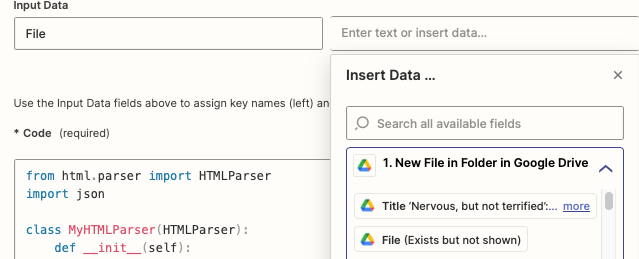
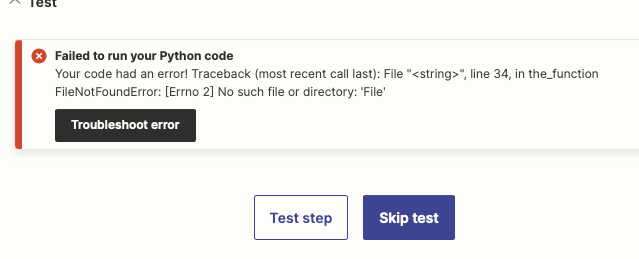
When I try setting the input as “File (Exists but not shown)” - I face the below error in in the test.
In general I have had had issues working with files stored in Google Drive. In another workflow I wanted to read the contents of a Google Doc file but just couldn’t get it to work. I ended up using the Google Docs trigger instead to read the file_raw_plaintext_content” attribute. Unfortunately this wont work here as the input file is HTML.
Any suggestions would be much appreciated