Question

How to tell Zapier to swallow the & character when constructing a URL?

  • July 25, 2023
  • 6 replies
  • 144 views

Raff

Hi,

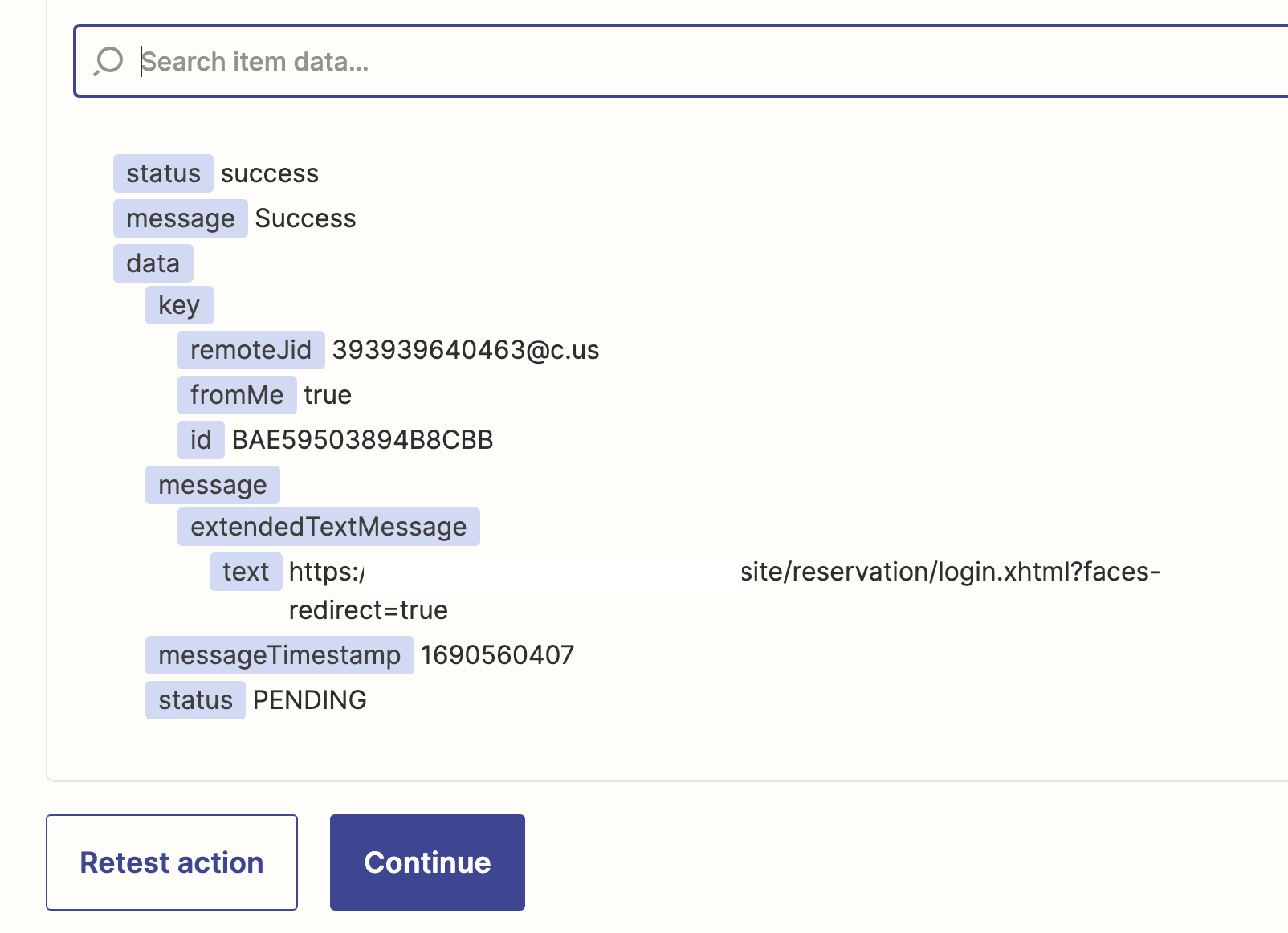
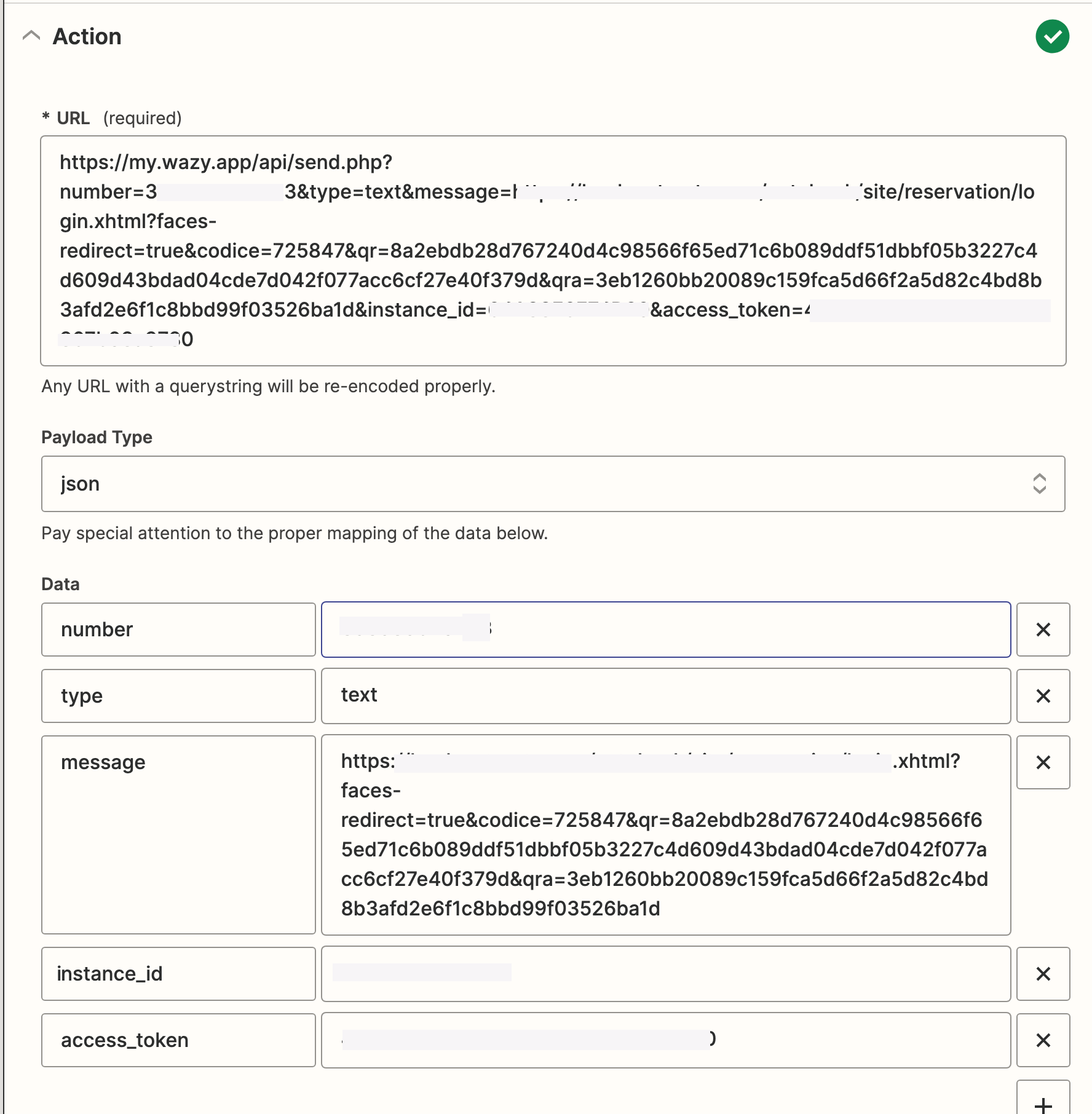
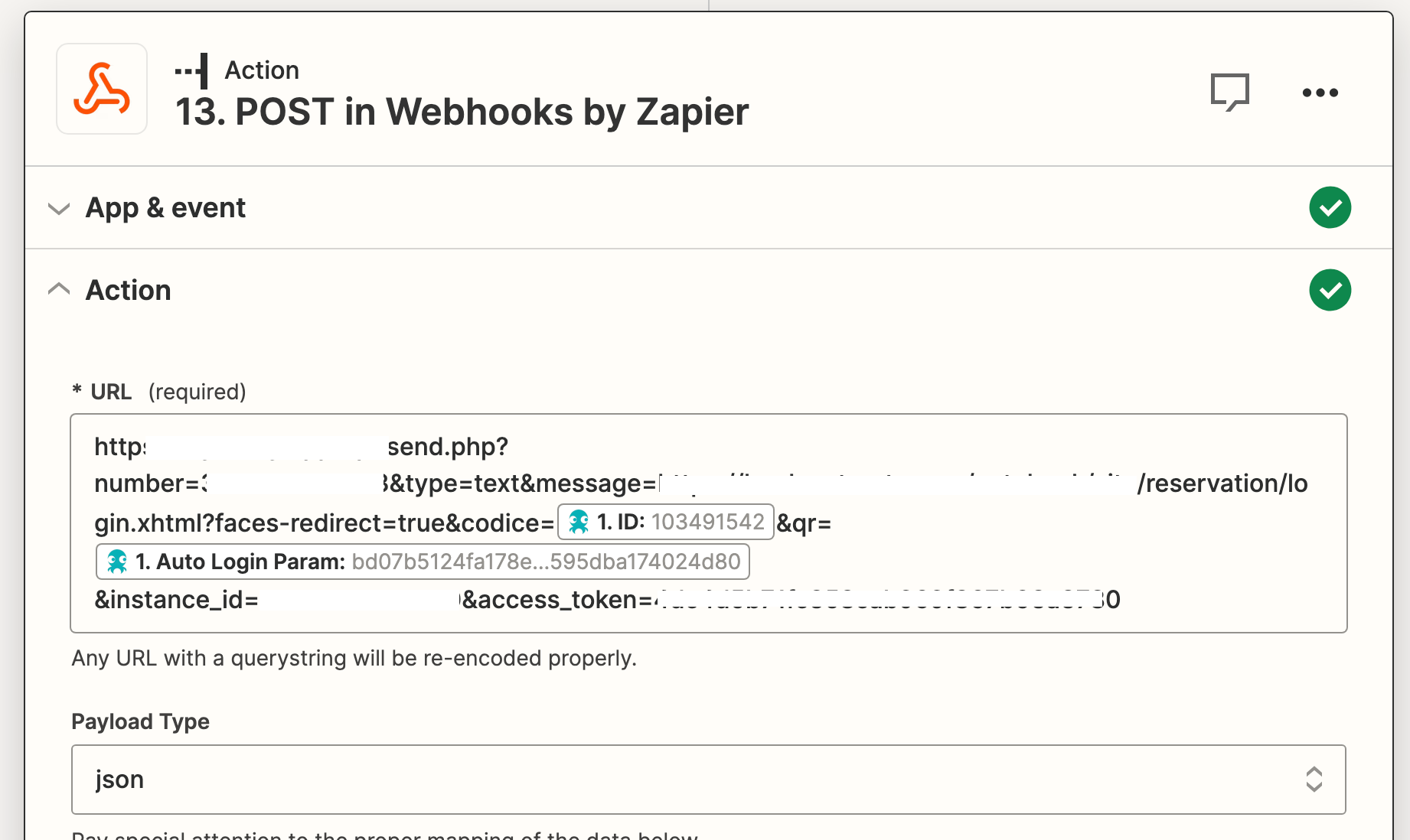
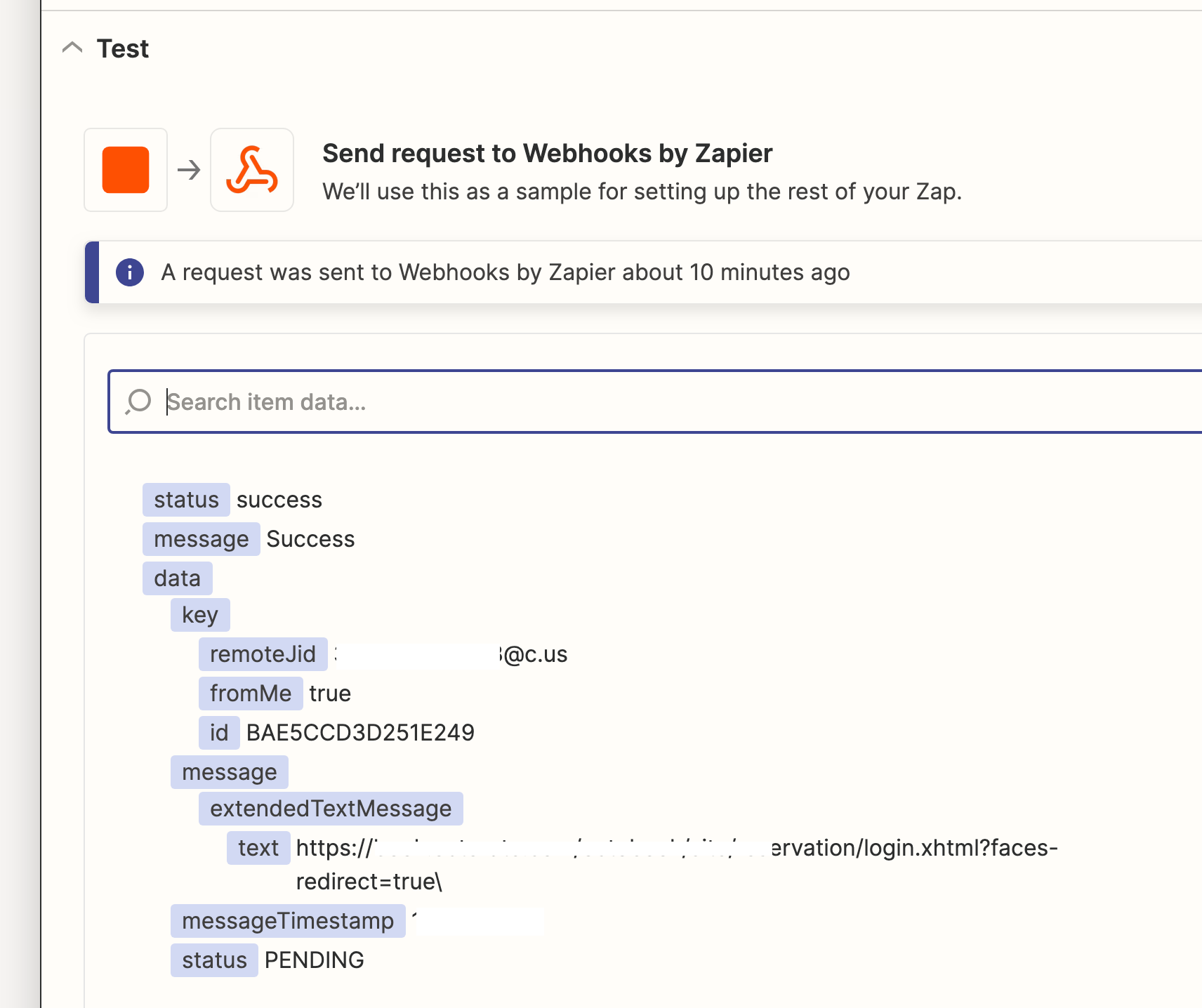
I have a little problem, I have to build and send a url but when Zapier meet (&) truncates the url it when constructing the url. How do you tell him to swallow the &? I have attached the screen shots
 

This post has been closed for comments. Please create a new post if you need help or have a question about this topic.

6 replies

Troy Tessalone
Zapier Orchestrator & Solution Partner
Forum|alt.badge.img+14
  • Zapier Orchestrator & Solution Partner
  • July 25, 2023

Hi @Raff 

Good question.

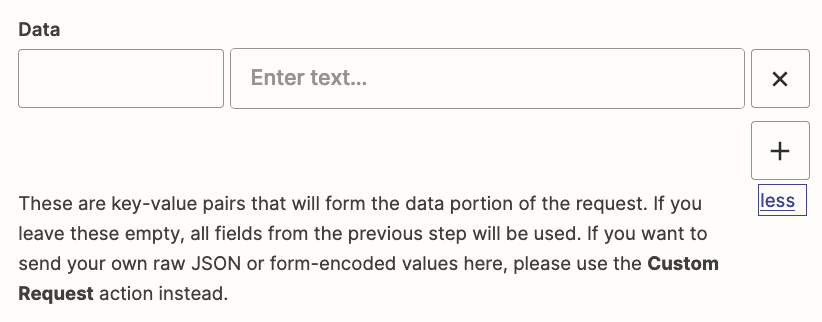
For HTTP POST requests, use the Data section to set the key/value pairs for everything after the first ? in the URL field.


Raff
  • Author
  • Beginner
  • July 28, 2023

HI @Troy Tessalone,


can you explain me better, please?


Troy Tessalone
Zapier Orchestrator & Solution Partner
Forum|alt.badge.img+14
  • Zapier Orchestrator & Solution Partner
  • July 28, 2023

@Raff 

Take all these key-value pairs from the URL field after the ?

Add those to Data section.

Left side is the key (before the =) and right side is the value (after the =).

e.g. left side would be faces-redirect, right side would be true.


Raff
  • Author
  • Beginner
  • July 28, 2023

@Troy Tessalone 

I did as you told me...but it doesn't work


eileenh
Forum|alt.badge.img
  • New
  • July 29, 2023

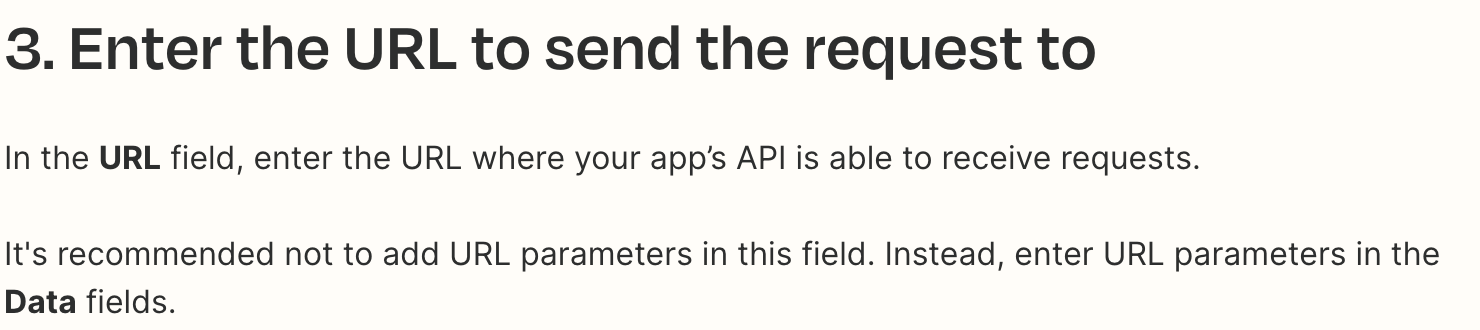
Hi @Raff! I believe you’ll want to remove the URL parameters from the request URL, so that it’s just https://my.wazy.app/api/send.php. I’m getting this from Zapier’s Send webhooks in Zaps documentation: 


I would try that first. If you’re still not working, you could try encoding the URL that’s associated with your “message” key – that would replace special characters, such as &, with their corresponding hexadecimal value, allowing the URL to be passed. There are free tools online (such as this one) where you can input the URL and have it generate the encoded version. It’s possible that Zapier already does this automatically, but I couldn’t find any documentation saying that’s the case.

I hope that helps! Let us know what ends up working or if you’re still having difficulty.


Raff
  • Author
  • Beginner
  • July 31, 2023

Hi @eileenh,

many thanks, you have been a great help now it’s work I have used free tools online.