

Best answer

How to pass image data into PandaDoc inbuilt action block

  • January 23, 2023
  • 1 reply
  • 292 views

This post has been edited by a moderator to remove personal information. Please remember that this is a public forum and to remove any sensitive information prior to posting.

Hello,

We have the PandaDoc action block like this:
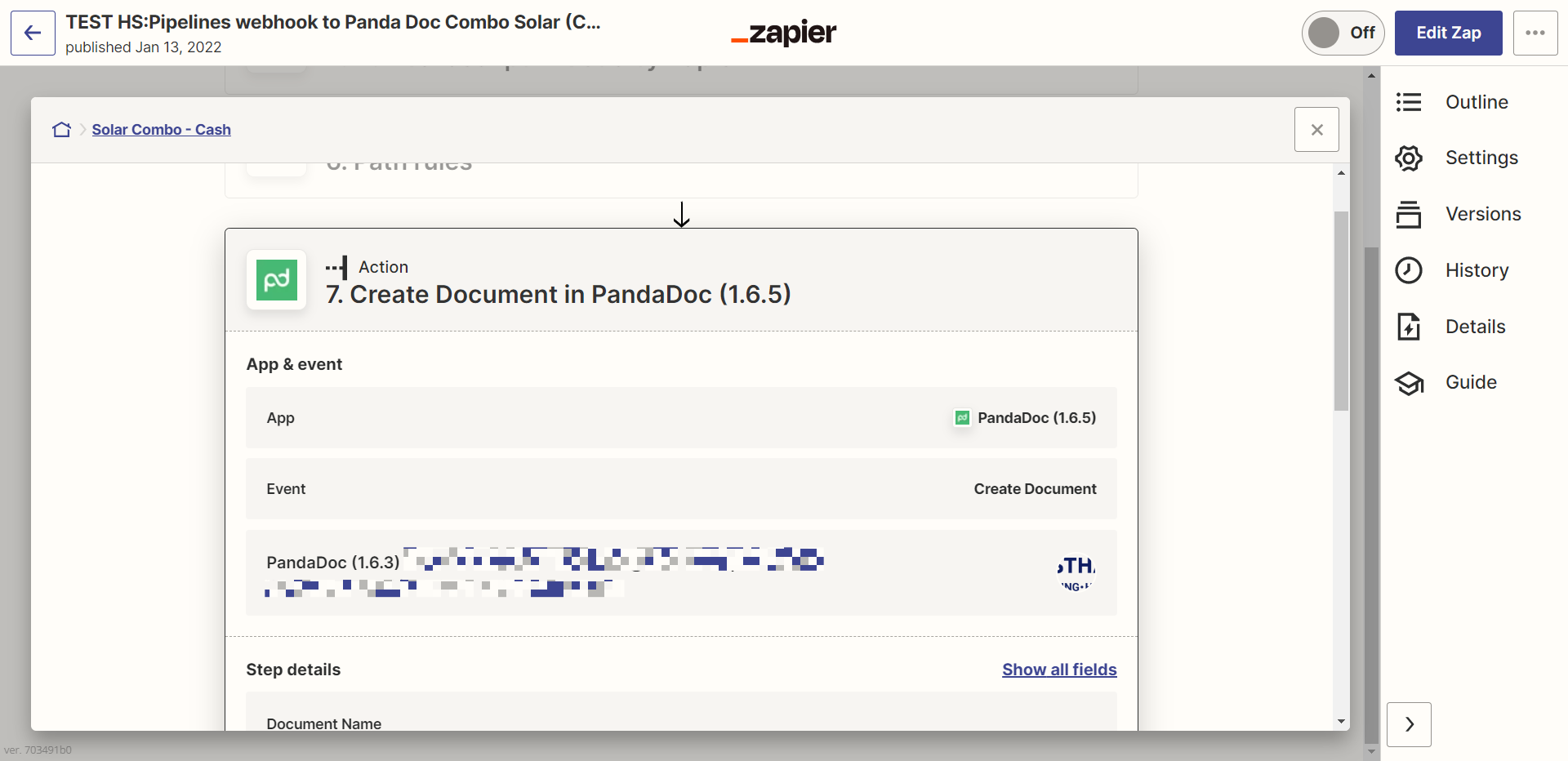
how can we pass following info:

"images": [
{
"name": "Image 1",
"urls": [
"https://s3.amazonaws.com/pd-static-content/public-docs/pandadoc-panda-bear.png"
]
}
]

The format is described under the “images” section here:

https://developers.pandadoc.com/reference/create-document-from-pandadoc-template

Please suggest.

Thank you.

 

Best answer by Troy Tessalone

Hi @Himanshu_Westhaven 

Good question.


If the desired functionality is not available in the PandaDoc Zap app action step, then you may need to use the PandaDoc API endpoint via a Webhook Zap action step.


TIP: Make sure to update your PandaDoc Zap app integration to the newest version.


This post has been closed for comments. Please create a new post if you need help or have a question about this topic.

1 reply

Troy Tessalone
Zapier Orchestrator & Solution Partner
Forum|alt.badge.img+14
  • Zapier Orchestrator & Solution Partner
  • Answer
  • January 23, 2023

Hi @Himanshu_Westhaven 

Good question.


If the desired functionality is not available in the PandaDoc Zap app action step, then you may need to use the PandaDoc API endpoint via a Webhook Zap action step.


TIP: Make sure to update your PandaDoc Zap app integration to the newest version.




