Question

How to extract fields from a JSON array for use in Zapier

  • November 29, 2025
  • 4 replies
  • 55 views

hello all, 


forgive my noob question. 


I am working on a zap which starts with an image file in box.  uses Extracta.ai to extract text fields from the image and then performs a Apify google image search from the text fields extracted from the image file.   


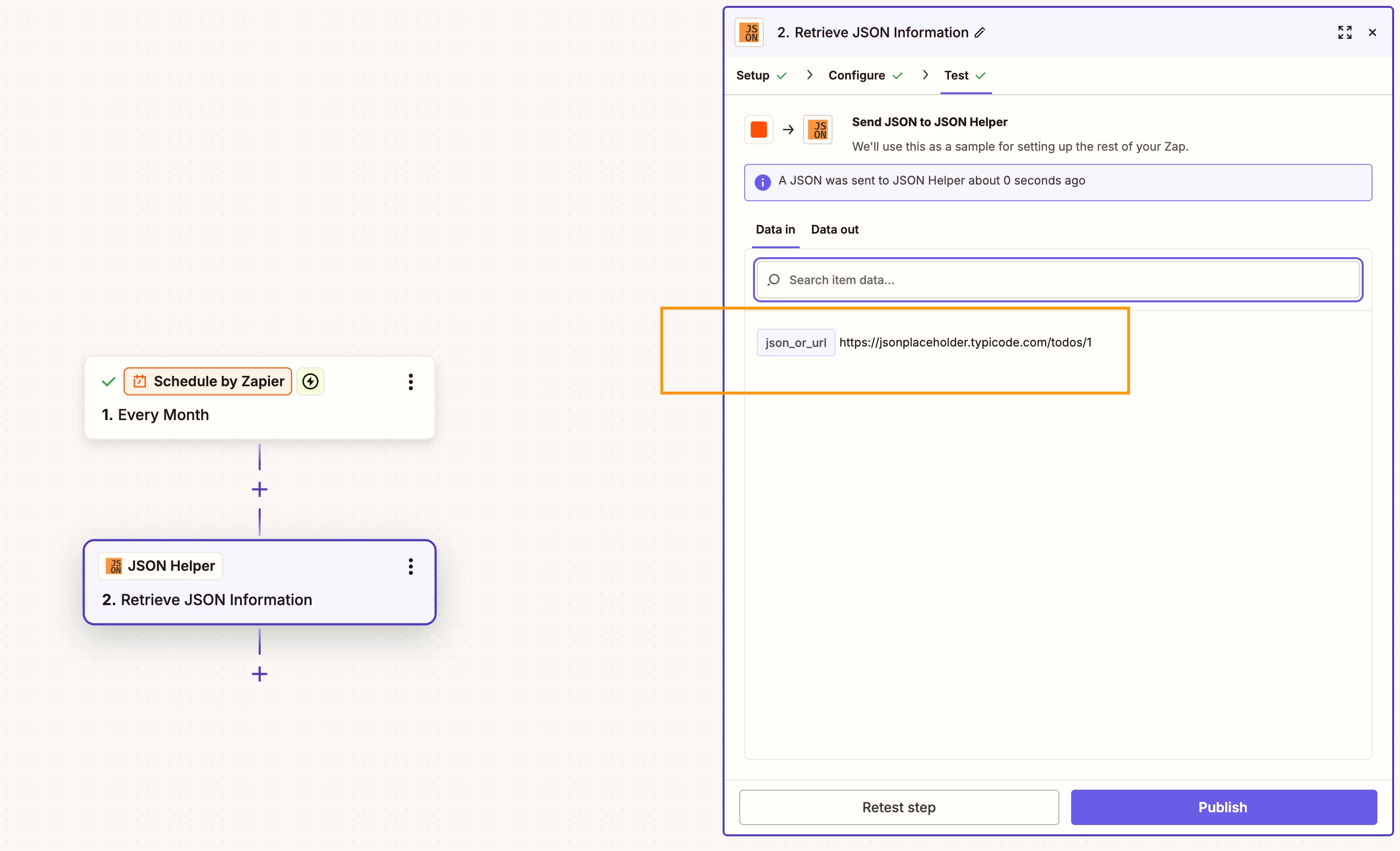
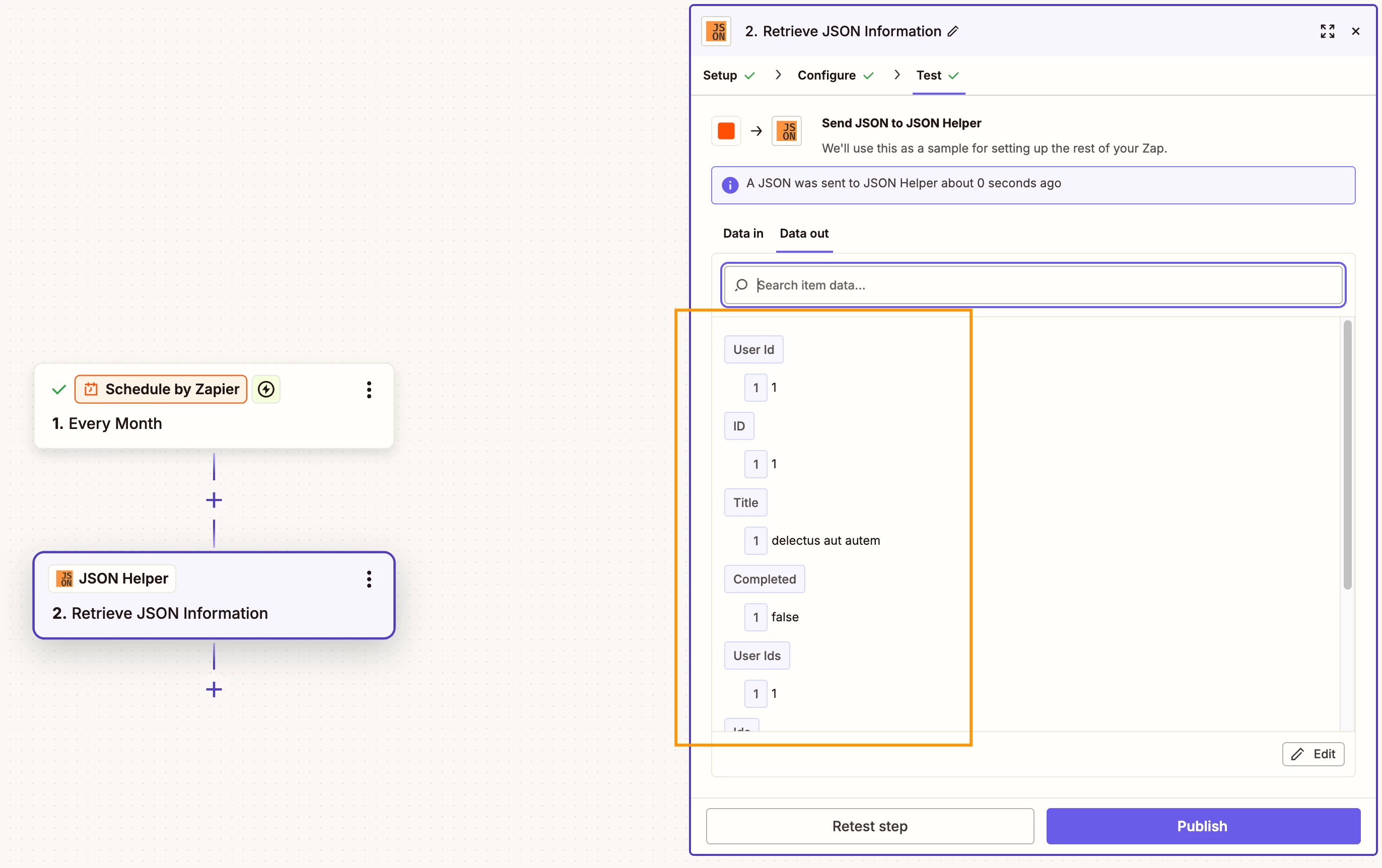
I’ve built the zap  up to the Apify actor call -  Which returns a Json URL listing.   When I open the link in a browser I see it contains good Json data for 4 entries in an array. This is want I think I want..   from Then... I’m lost, how to manipulate the data from the Json file or get it into Zapier to be used. 


Question:  how to take a Json URL link containing the array. and strip out the URL fields I need to continue with my automation. 


Desired result -  using the Json array URL link,  extract a field from the array instances for example

instance 1 “image url” and map it to zapier field “image URL1”


I have tried web hooks ‘get’,  loops,  and code by zapier.    I’m just not that skilled yet. 


Thanks in advance for any advice

Pete

 

4 replies

Troy Tessalone
Zapier Orchestrator & Solution Partner
Forum|alt.badge.img+14
  • Zapier Orchestrator & Solution Partner
  • November 29, 2025

Hi ​@Belfanti machine works 

Help us have more info by posting screenshots showing:

  • how your Zap steps are outlined
  • how your Zap steps are configured in the CONFIGURE tab while in EDIT mode
  • the DATA OUT from the Zap step that has the JSON you want to parse


Help link for parsing raw JSON with a CODE step: 


Or you can try this Zap action: AI by Zapier - Analyze and Return Data


Help links for using Looping: https://zapier.com/apps/looping/integrations#help


If you are looking to hire help, there is a directory of Zapier Partners: https://zapier.com/partnerdirectory


Sparsh from Automation Jinn
Forum|alt.badge.img+6

Hey ​@Belfanti machine works,

You mean the URL doesn’t give the output directly but you have to go to the URL and see the JSON? Please provide screenshots of Data In, Data Out as well as how each Zap step is configured for us to have more context.

I think you probably have to use Webhooks and then a Looping action. Otherwise, you will have to use a Code step for this. You want to make sure that the link is publicly accessible because otherwise it would become more complex to get the data.

Here are helpful articles about Webhooks and Code in Zapier- 
https://help.zapier.com/hc/en-us/articles/8496326446989-Send-webhooks-in-Zaps
https://zapier.com/blog/code-by-zapier-guide/

Hope it helps!

PS: If you need more active help, I’m happy to connect through my Zapier Solution Partner page if you’d like to reach out here- https://zapier.com/partnerdirectory/automation-jinn


Yes, The output from the image scraper was a URL for the Json file.   I was able to use AI to help write the extraction of the image url links contained in the Json file.    AI did it with Javascript in a code by Zapier. 


  • New
  • December 3, 2025

@Belfanti machine works 

It sounds like you’re really close, Pete! Once Apify returns that JSON URL, the easiest way to work with the data in Zapier is to pull it in using Webhooks by Zapier → GET, then let Zapier automatically parse the JSON for you.

After that, you can use a Looping step or Formatter → Utilities → Line Item to Text depending on how you want to separate each image result.

Basic flow that usually works:

Webhooks GET → fetch the JSON URL

Zapier will turn the array into line items automatically.

Add a Loop step to go through each object in the array

Inside the loop, the field like "imageUrl" or "url" will appear as a mappable field

Map that to “Image URL 1”, “Image URL 2”, etc. in later steps, or store them in a storage step if needed.

If parsing still looks messy, Code by Zapier (JavaScript) can also take the JSON and cleanly return just the URLs in a list — but usually you don’t need code unless the JSON is nested in a weird way.

You’re definitely on the right track — the key is just pulling that JSON link into Zapier so it becomes structured fields you can map. You’ve got this!