Hello All,
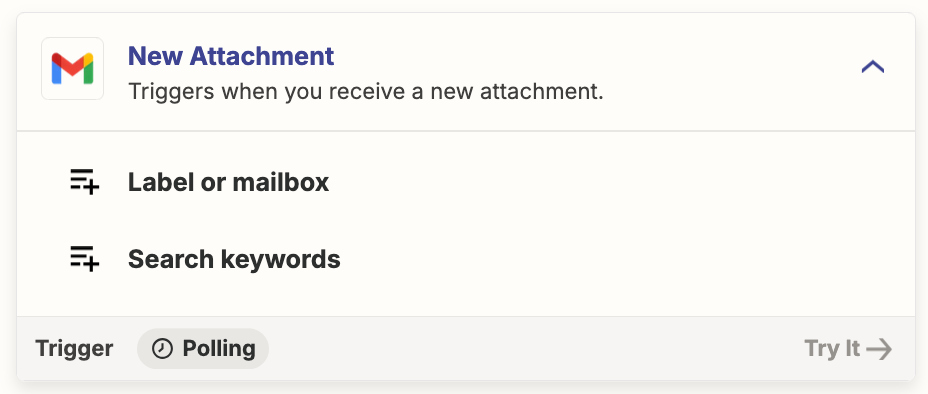
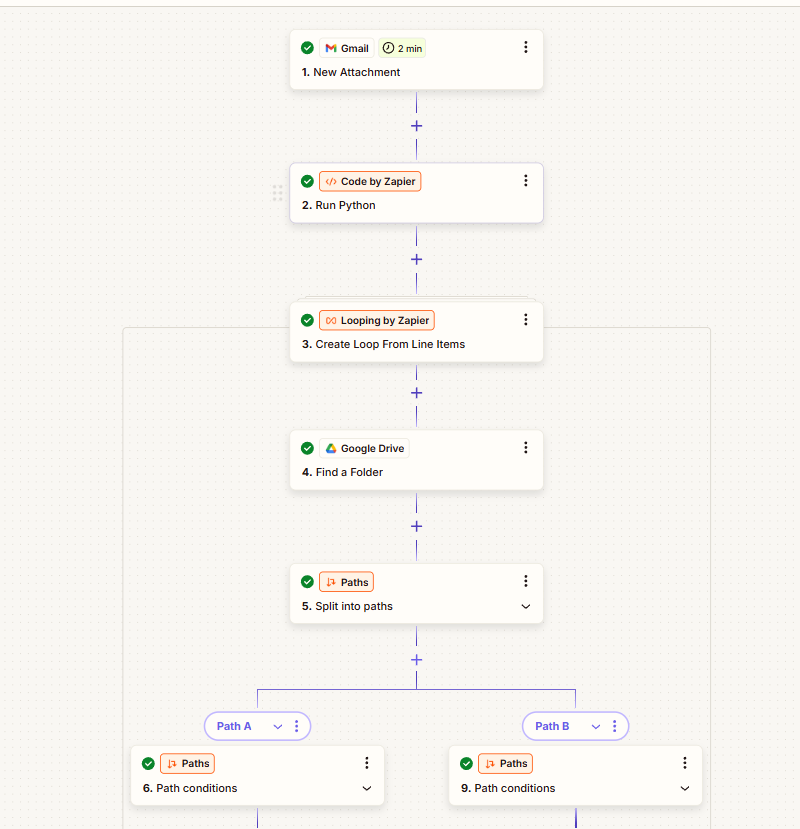
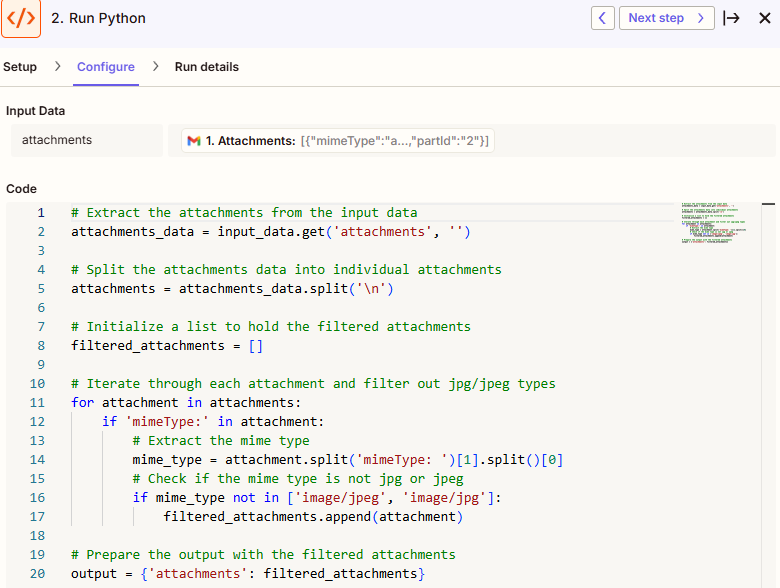
I am attempting to create a zap that saves attachments from Gmail into my G drive. One email can have multiple attachments, and I want to filter out the jpg/jpeg attachments. However, the normal filter by zapier does not allow me to do this, so I tried writing a python script to filter out the jpg’s. I then loop through the attachments returned from the python script to save them individually. The problem is that the python code does not return the original attachment file, only a text document of irrelevant data. My question is how do i configure the python code to return to the actual attachments and not text documents? Please see the screenshots below for reference.
Thank you for your help
.