Best answer

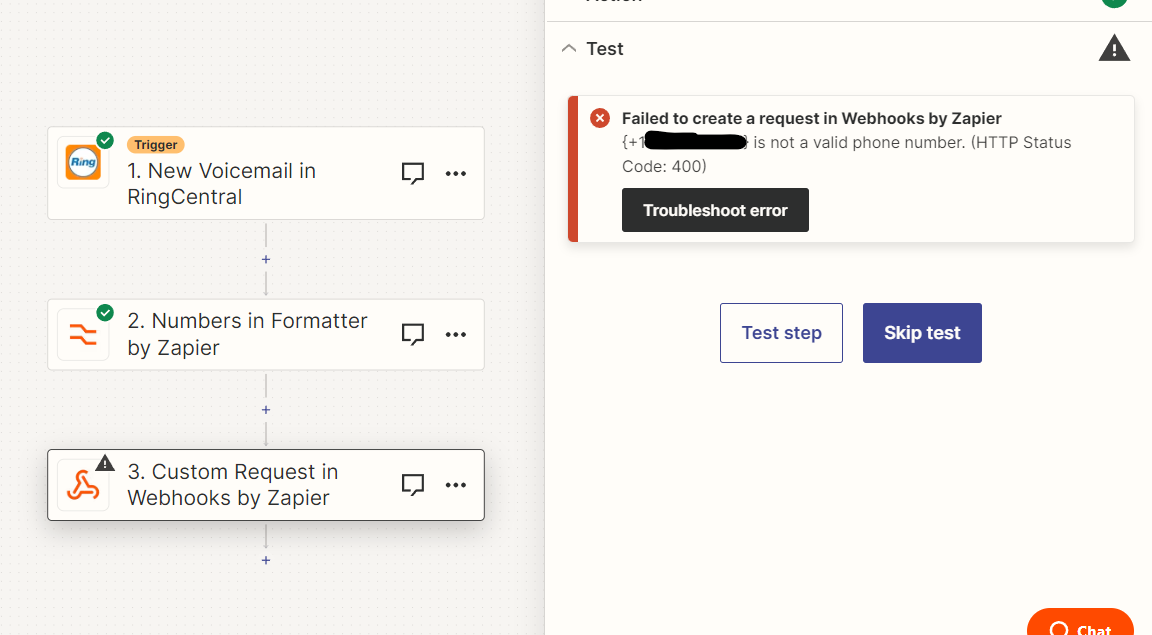
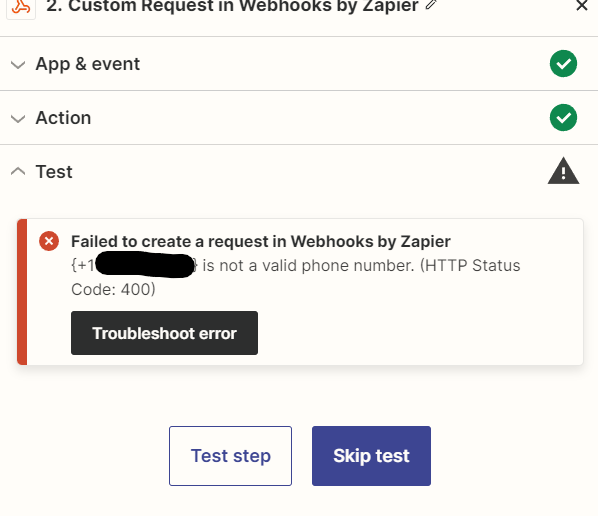
Failed to create a request in Webhooks by Zapier: {+1XXXXXXXXXX} is not a valid phone number.

  • September 12, 2023
  • 8 replies
  • 522 views

Hello!

I am currently trying to link a client’s RingCentral to Gorgias using Webhooks by Zapier. After troubleshooting some early issues, this one has me stumped:

Failed to create a request in Webhooks by Zapier
{+1XXXXXXXXXX} is not a valid phone number. (HTTP Status Code: 400)

At first I was trying to create a Zap for pulling in “Call Ended” tickets and ran into the issue with the sample numbers Zapier autofilled, so I switched to pulling in “New Voicemail”. I called and left a voicemail, updated data pulled in and now I still get the above error. Any insight would be greatly appreciated! Thank you!

For reference, here is the Gorgias article on how to create the Zaps.


Best answer by Troy Tessalone

@Andres from IA 

Try removing the { and } within the double quotes “”.


This post has been closed for comments. Please create a new post if you need help or have a question about this topic.

8 replies

Troy Tessalone
Zapier Orchestrator & Solution Partner
Forum|alt.badge.img+14
  • Zapier Orchestrator & Solution Partner
  • September 12, 2023

Hi @Andres from IA 

Good question.

Can you show screenshots with how your Zap step is configured?

You may need to use this Zap action: Formatter > Numbers > Format Phone Number


  • Author
  • Beginner
  • September 12, 2023

Hi @Andres from IA 

Good question.

Can you show screenshots with how your Zap step is configured?

You may need to use this Zap action: Formatter > Numbers > Format Phone Number

Thanks for the reply Troy! 

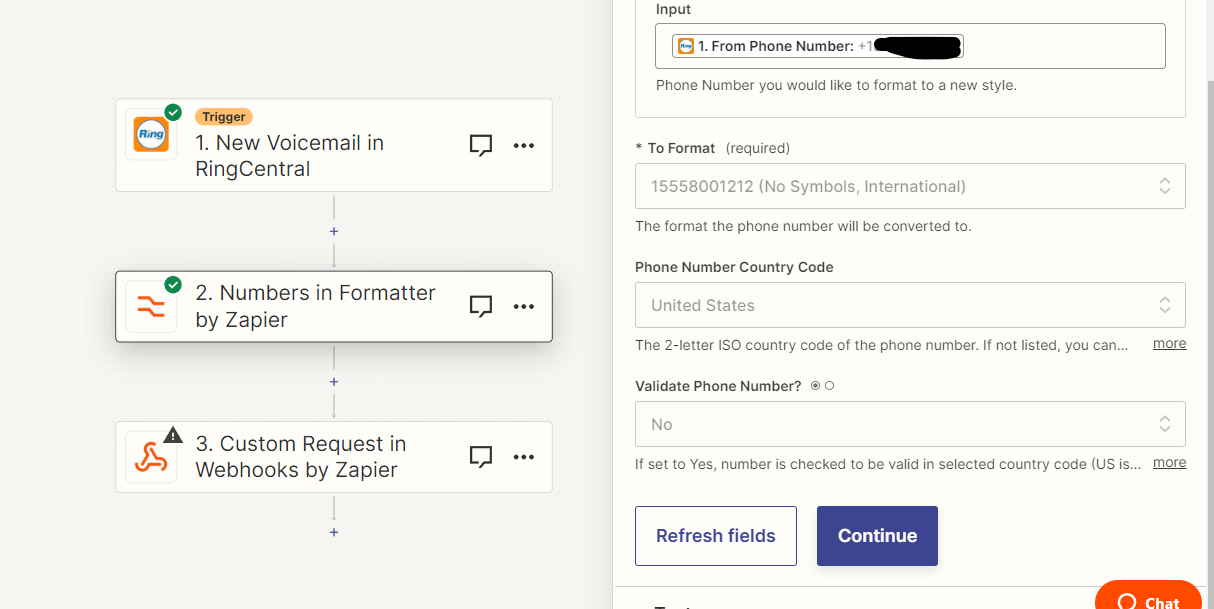
I have a formatter step already but regardless of what I pick it comes out in the +1 format


I switched between all of the formatting options with the same result.


Troy Tessalone
Zapier Orchestrator & Solution Partner
Forum|alt.badge.img+14
  • Zapier Orchestrator & Solution Partner
  • September 12, 2023

@Andres from IA 

Can you show screenshots with the output from Step 2?

Can you show screenshots with how Step 3 is configured?

Make sure to map the output from Step 2 to Step 3.


  • Author
  • Beginner
  • September 12, 2023

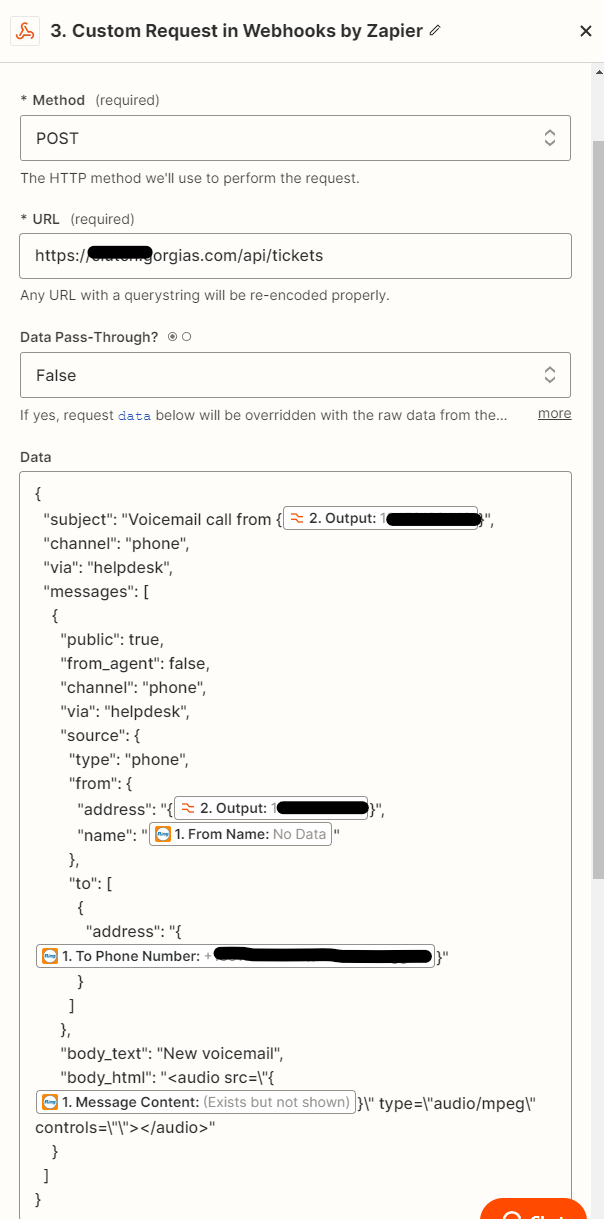
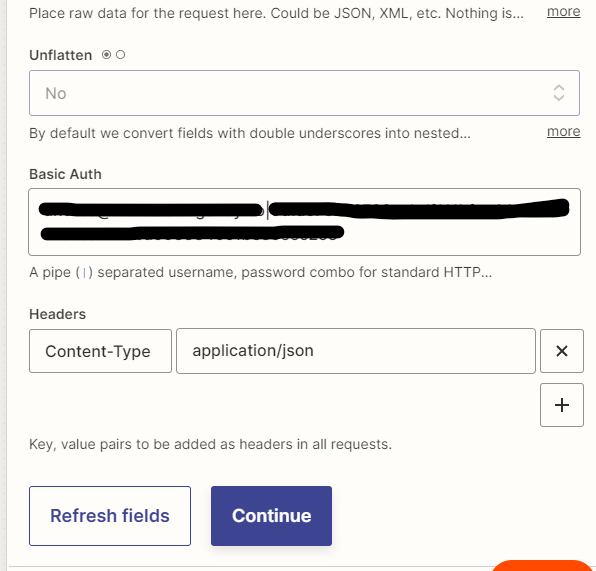
@Troy Tessalone Here’s Step 3:


I haven’t updated the formatting on “To Phone Number” yet since I haven’t found the right format with “From” yet.

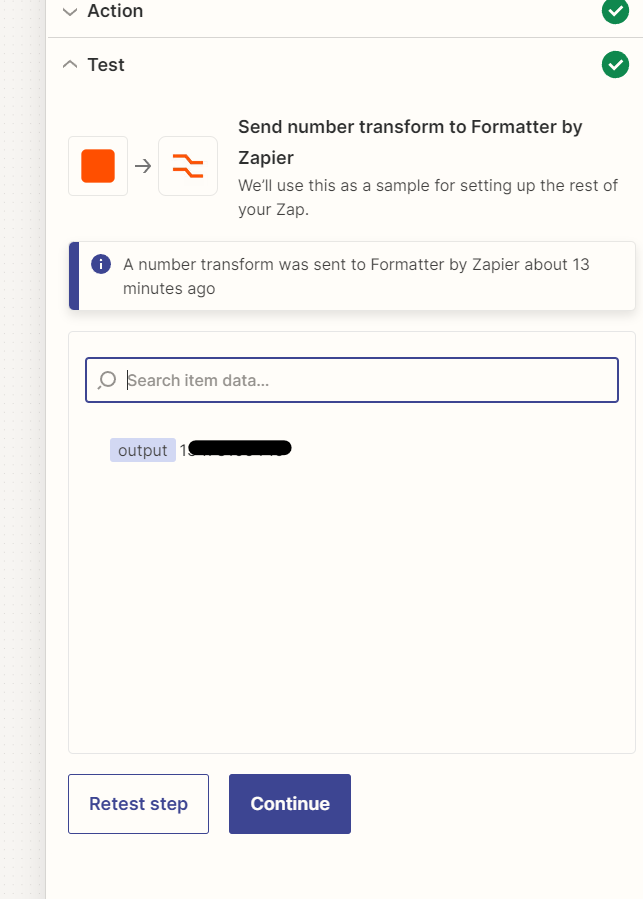
Step 2 output


Troy Tessalone
Zapier Orchestrator & Solution Partner
Forum|alt.badge.img+14
  • Zapier Orchestrator & Solution Partner
  • Answer
  • September 12, 2023

@Andres from IA 

Try removing the { and } within the double quotes “”.


  • Author
  • Beginner
  • September 12, 2023

@Troy Tessalone 

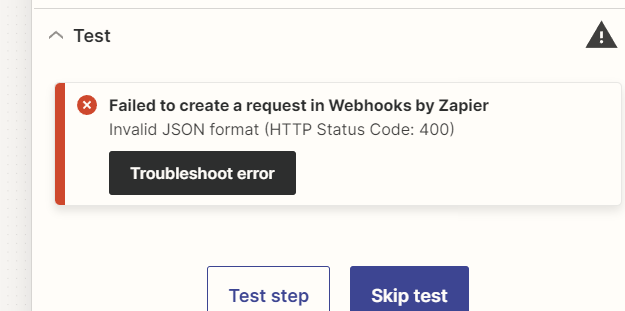
That led to this error


Troy Tessalone
Zapier Orchestrator & Solution Partner
Forum|alt.badge.img+14
  • Zapier Orchestrator & Solution Partner
  • September 12, 2023

@Andres from IA 

We would need to see updated screenshots with how your Zap Webhook step is configured.


  • Author
  • Beginner
  • September 13, 2023

@Troy Tessalone after your recommendation on the { & } I went back to square 1 and we are live! Thank you!