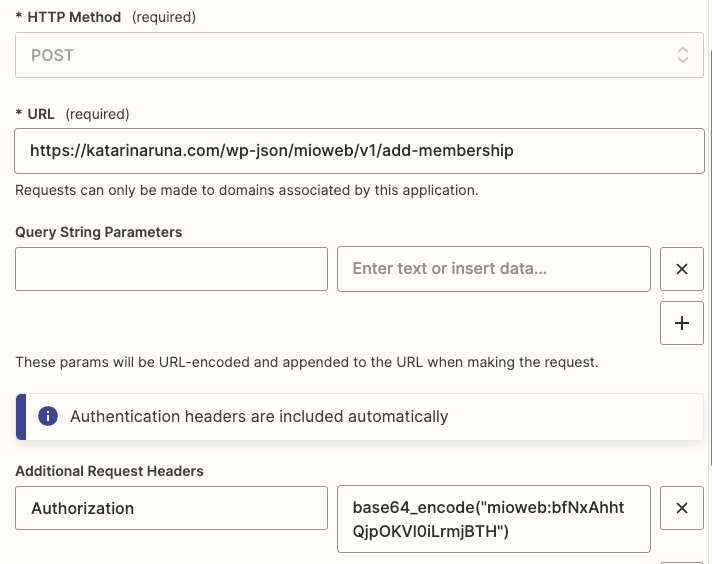
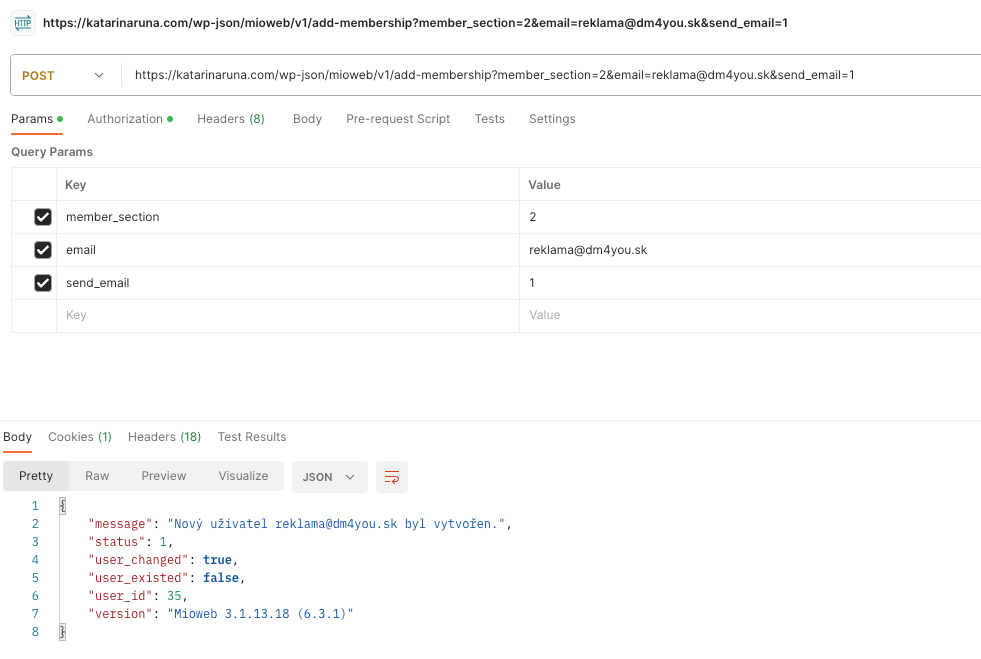
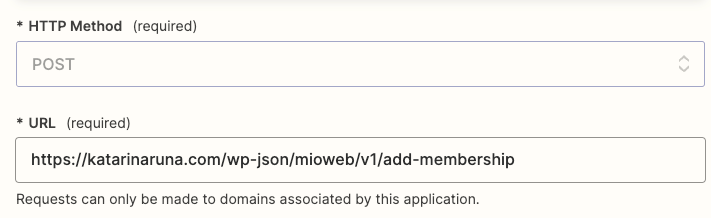
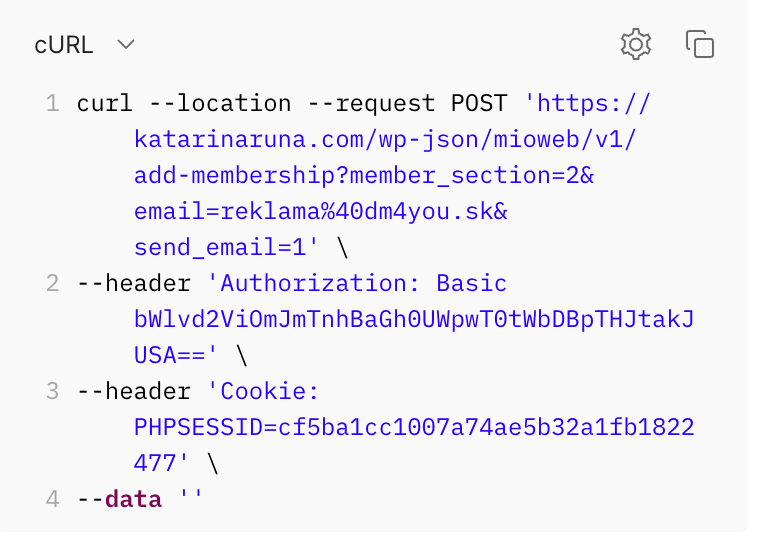
In postman it's OK, so I'm probably doing something wrong.
Best answer by ishto
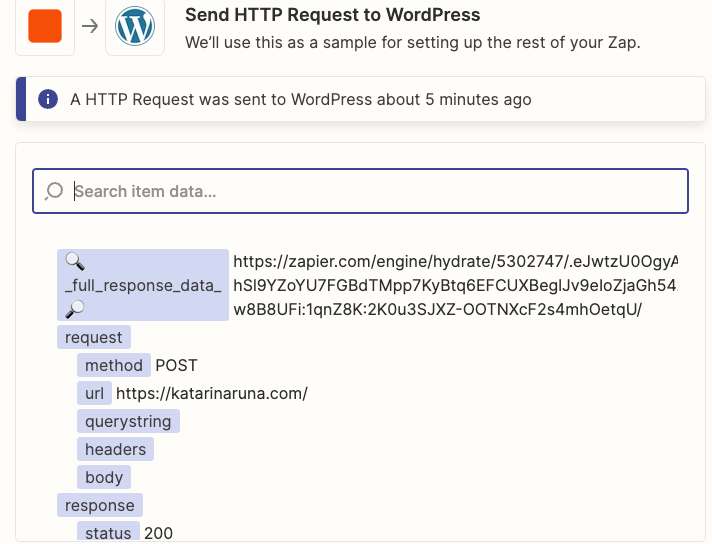
The base URL may return 200 at any situation which only means that the website is accessible for Zapier.
Let’s do two things:
On postman, get the code snippet of the request that successfully does the job you want, in Python. Check its “headers” parameter, and make sure you include those key values in your Zapier header as well.
Post the error page of Zapier when the task fails. It should contain some info about the response of the endpoint that can help us diagnose the issue further
First thing that I see is that in the Authorization section, you’re using base64_encode function which I believe it doesn’t work this way. Just encode it once yourself and put the output there.
Second, that Authorization is meant to be an additional one. If it is your primary authorization, just skip it. Zapier will include it automatically
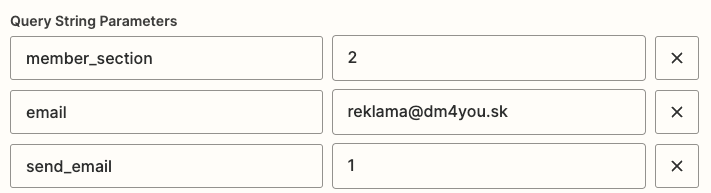
Third, I don’t see your query strings included in the screenshot. Make sure you do.
If the issue still persists, feel free to DM me for a deeper look
The base URL may return 200 at any situation which only means that the website is accessible for Zapier.
Let’s do two things:
On postman, get the code snippet of the request that successfully does the job you want, in Python. Check its “headers” parameter, and make sure you include those key values in your Zapier header as well.
Post the error page of Zapier when the task fails. It should contain some info about the response of the endpoint that can help us diagnose the issue further
As a result, I found out that I won't do it via event api request (beta), because I probably need a webhook. Because it doesn't create curl for me in the api, or should I enter it somewhere?
I found this https://community.zapier.com/code-webhooks-52/using-curl-or-change-format-to-send-api-request-6998
Hello, super, I registered via webhook and it opened the members' section. But when I went to make an order to make sure that I was going to test it in production, it didn't automatically work out for me. Is it because I don't have a premium zapier account?
Hello, thanks for your help, I solved it and have automated opening :-)
Early access
Next Gen Zaps
Build and deploy automations from AI tools you already use. With Agentic Management, if anything breaks, the agent diagnoses the issue and proposes a fix.