Best answer

Excel Sheet Not Showing Data from Webhook

  • May 20, 2022
  • 3 replies
  • 108 views

(Rookie)

I have created a webhook (Gravity Forms), then created an excel sheet on OneDrive. It connected and located the document and the sheet. When the test runs done of the test data posts to the form. The ultimate goal is that users fill out the form, that flows through Zapier onto the Excel sheet then is displayed live on Sharepoint. 

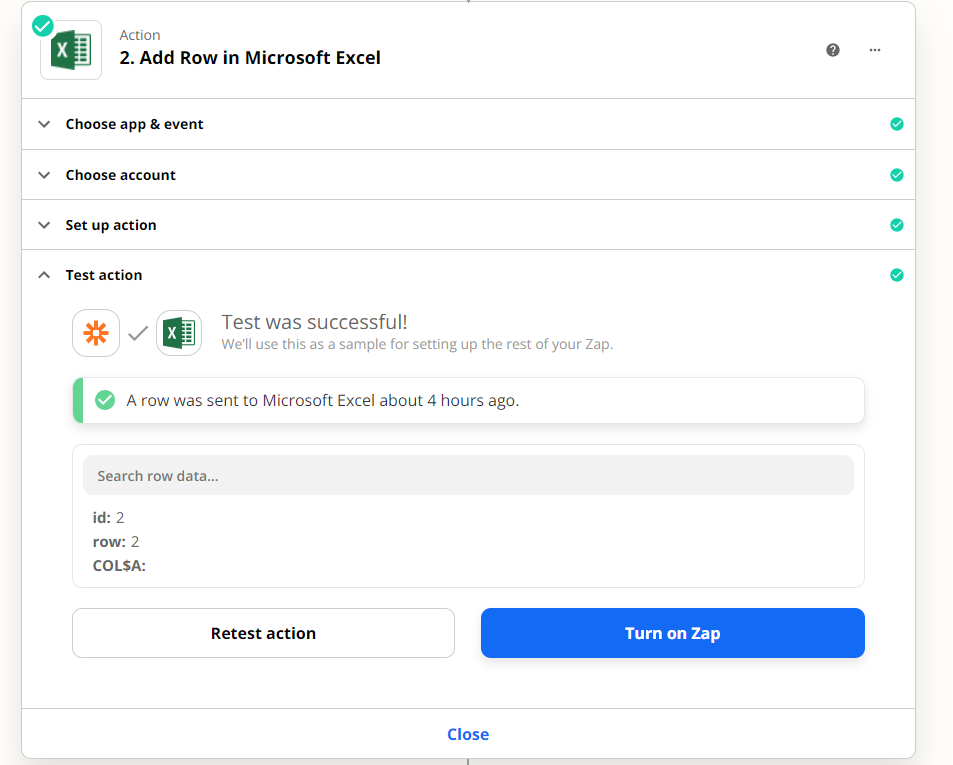
Any idea why data isn’t showing up on the sheet?
Best answer by Troy Tessalone

@SxFlls 

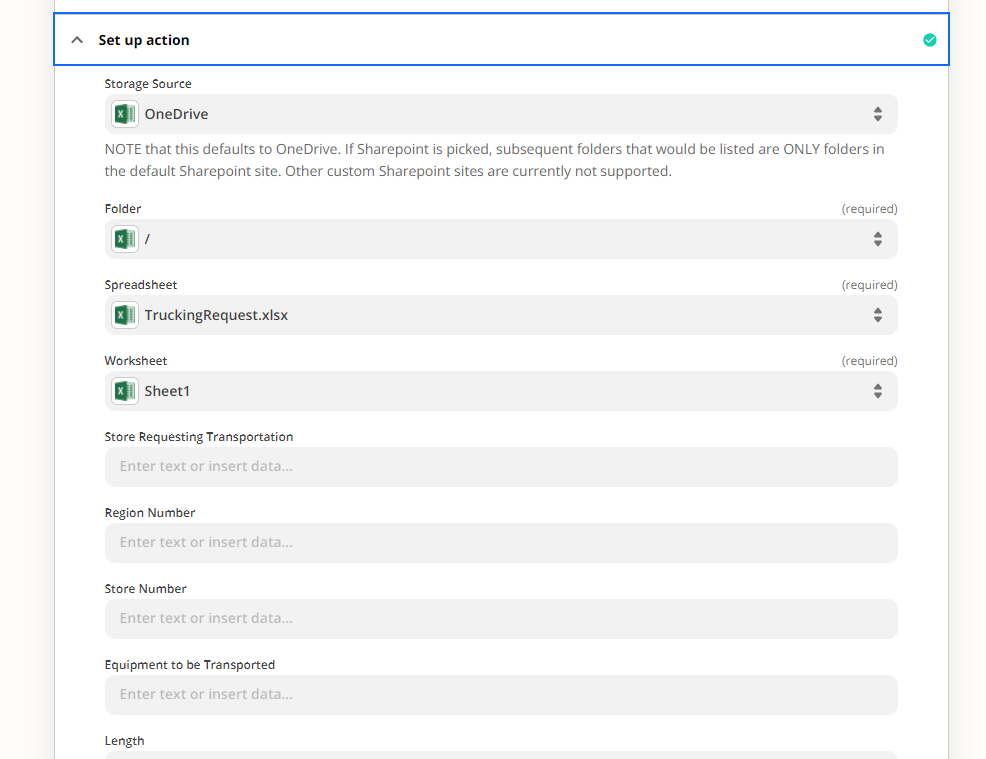
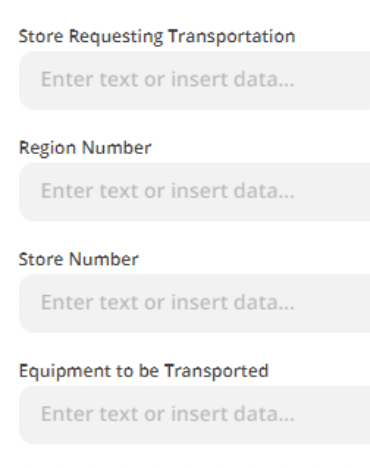
You’ll need to map data points from the Zap trigger step to the Excel step using the ‘custom’ option as indicated here: https://zapier.com/help/create/basics/set-up-your-zap-action#set-up-your-action


This post has been closed for comments. Please create a new post if you need help or have a question about this topic.

3 replies

Troy Tessalone
Zapier Orchestrator & Solution Partner
Forum|alt.badge.img+14
  • Zapier Orchestrator & Solution Partner
  • May 20, 2022

Hi @SxFlls 

Good question.

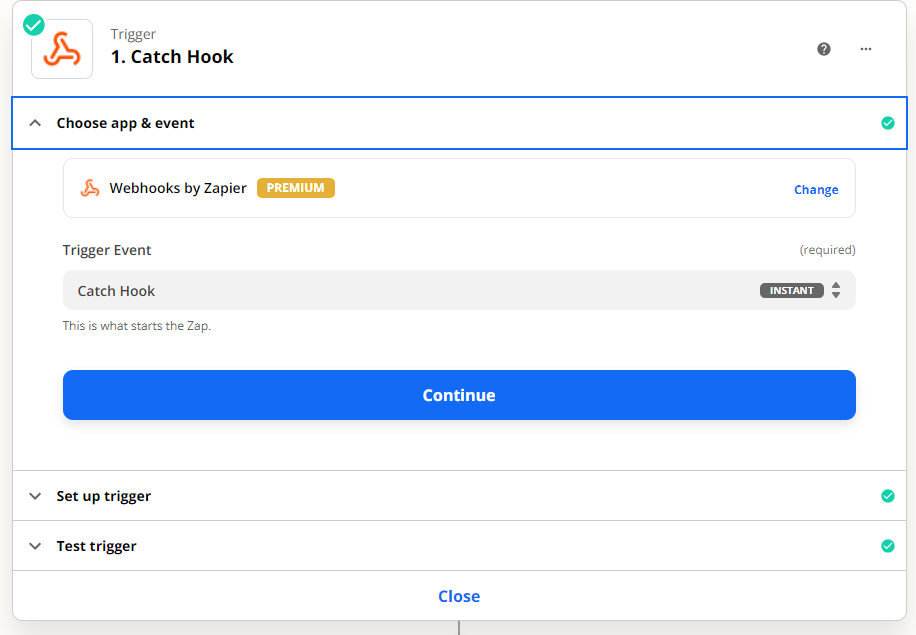
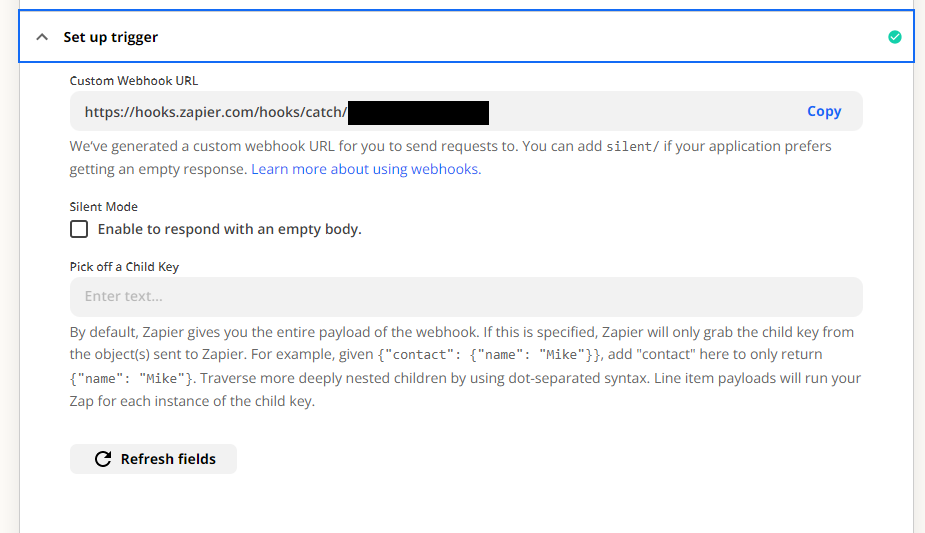
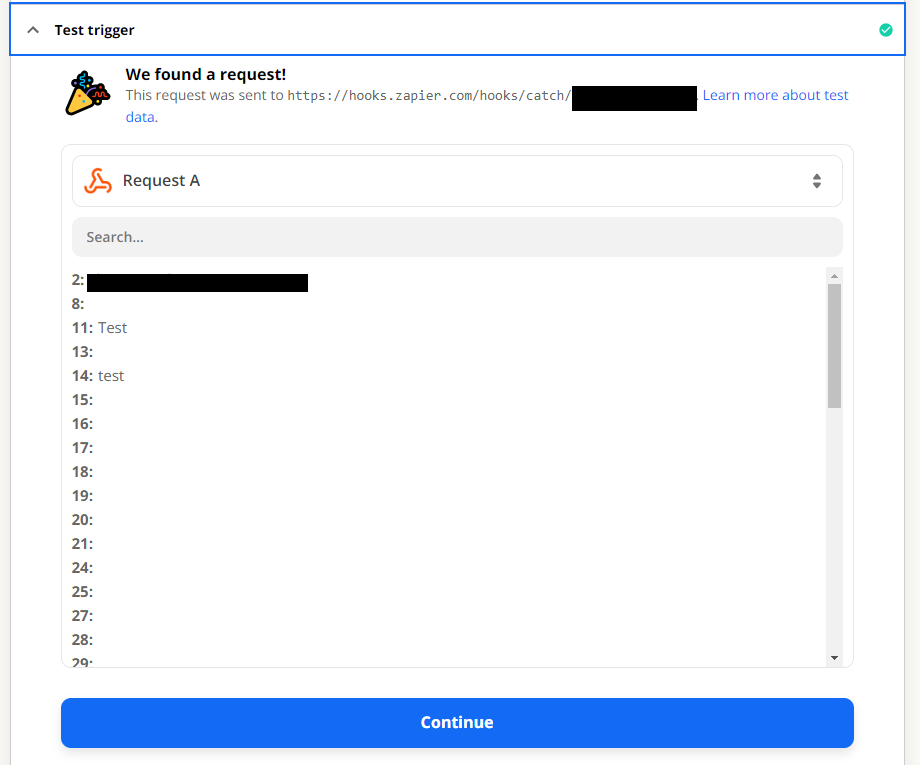
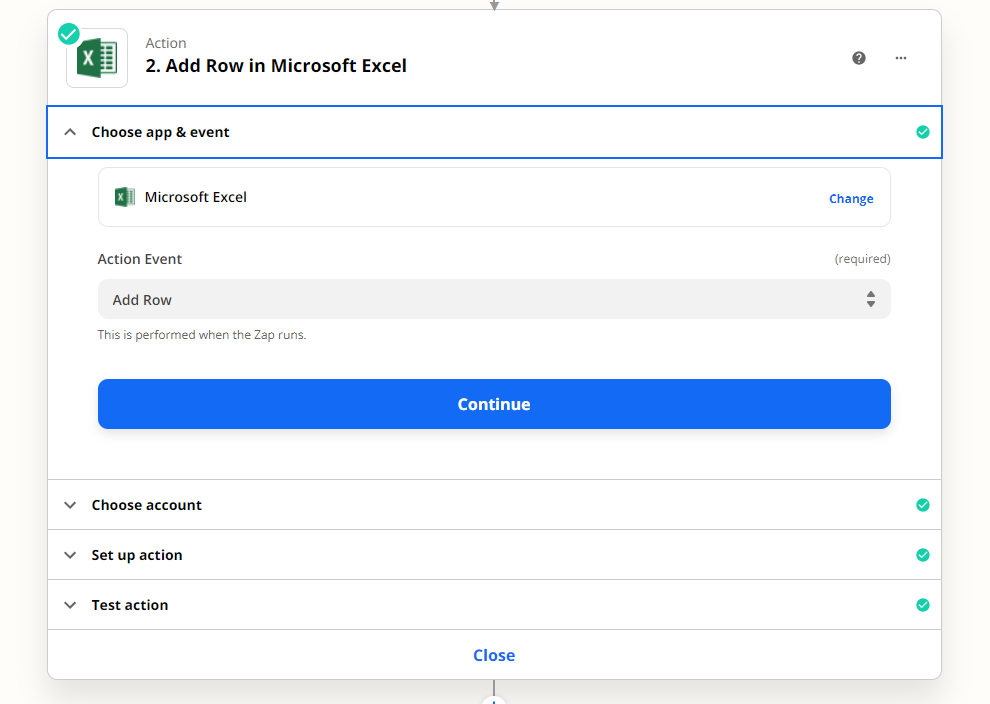
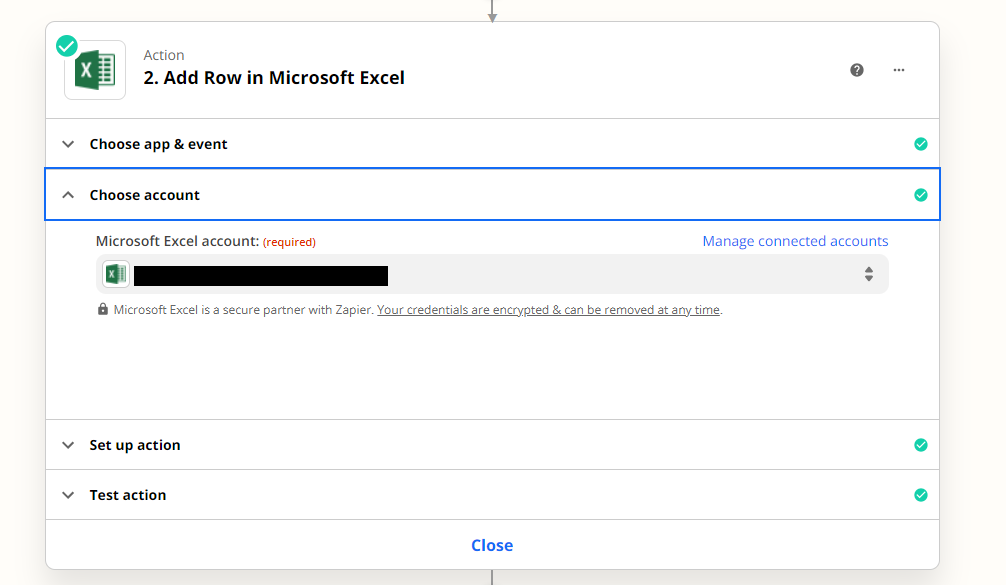
Please post screenshots with how your Zap steps are configured in order for us to have proper context, thanks.


  • Author
  • New
  • May 20, 2022


Troy Tessalone
Zapier Orchestrator & Solution Partner
Forum|alt.badge.img+14
  • Zapier Orchestrator & Solution Partner
  • Answer
  • May 20, 2022

@SxFlls 

You’ll need to map data points from the Zap trigger step to the Excel step using the ‘custom’ option as indicated here: https://zapier.com/help/create/basics/set-up-your-zap-action#set-up-your-action