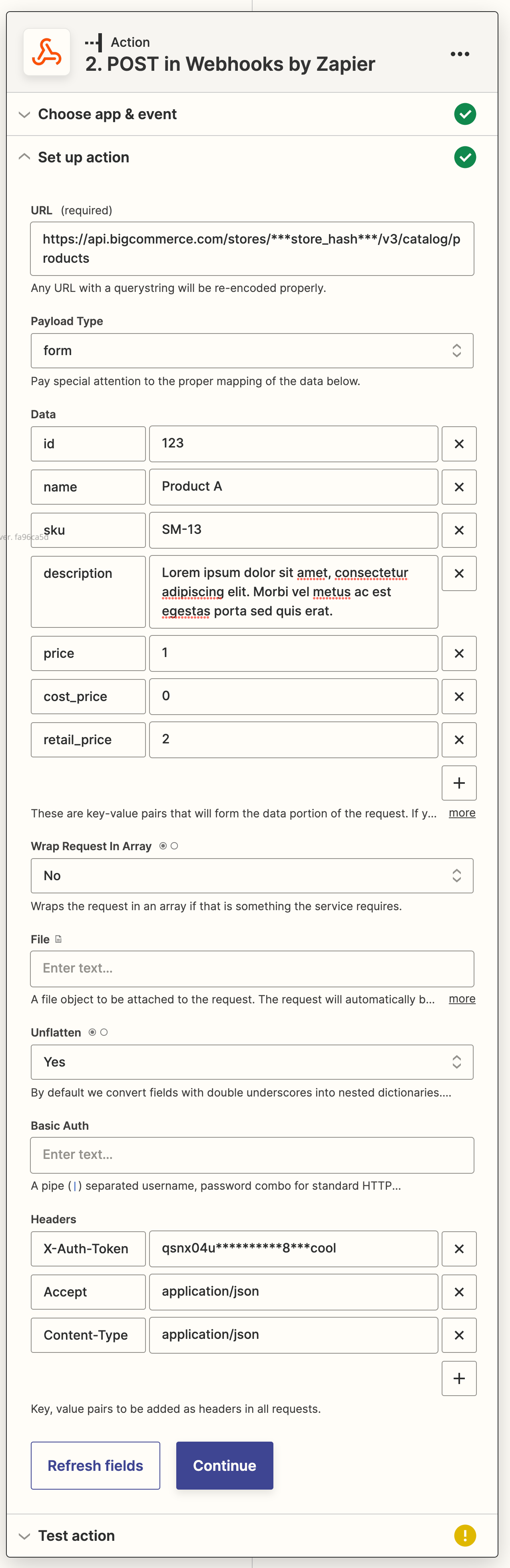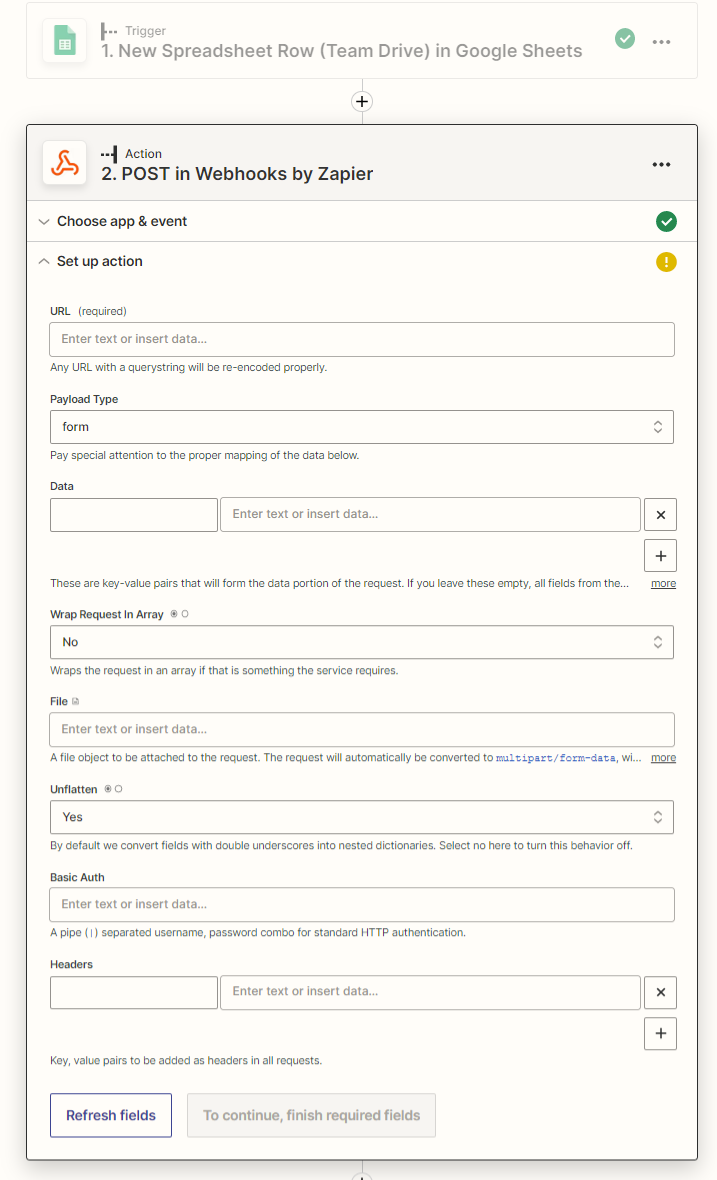
API PATH: https://api.bigcommerce.com/stores/**********/
CLIENT ID: ga4r71*******223ad2un**************g
ACCESS TOKEN: qsnx04u**********8***cool
I have these all but I don't know what to fill in which field

API PATH: https://api.bigcommerce.com/stores/**********/
CLIENT ID: ga4r71*******223ad2un**************g
ACCESS TOKEN: qsnx04u**********8***cool
I have these all but I don't know what to fill in which field
Best answer by Todd Harper
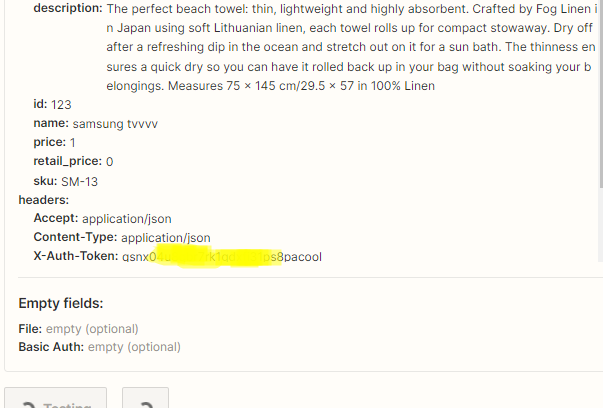
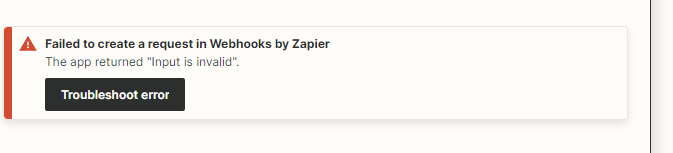
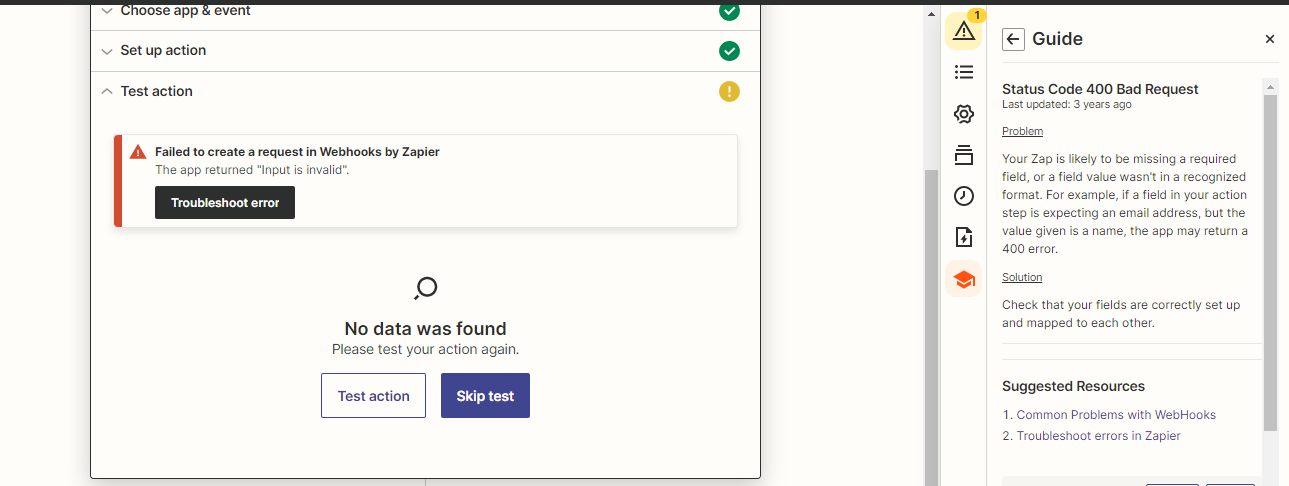
Can you confirm that you got your access token by creating an API account in your BigCommerce control panel. According to the API reference docs, BigCommerce expects a number, and you’re giving it a string with a mix of numbers and letters (ie “qsnx04...”).
If you’re sure you are entering the correct access token, perhaps try wrapping the description field in <p> and <span> html tags (see example below)...shouldn’t be required, but let’s test the heck out of it.
<p><span>Description Text</span></p>

Build and deploy automations from AI tools you already use. With Agentic Management, if anything breaks, the agent diagnoses the issue and proposes a fix.
Enter your E-mail address. We'll send you an e-mail with instructions to reset your password.