
Best answer

API call returns a PDF document -- how to alter file type

  • Apr 23, 2022 11:50 PM UTC
  • 10 replies
  • 391 views

Forum|alt.badge.img

I have an API call that returns a PDF document, however, the document doesn’t have a file type. Is there any way to change the file type to pdf to be attached to an e-mail? 
When it comes through now in the e-mail it just looks like:

 

Best answer by PDFMonkey

Hello there!

I just pushed a new version of PDFMonkey that now accepts the meta key for direct generations too.

From a test I have done, Zapier seems to be picking up the name correctly and the attachment has the right name in the email I received (at least with Email by Zapier).

To clarify a bit on the direct generation thing. It’s a PDFMonkey feature that does exist but is undocumented as it’s considered unstable in terms of endpoint behavior (meaning we could change the way this endpoint works over time).

I hope this answers the issue in the proper way 🙂

View original
This post has been closed for comments. Please create a new post if you need help or have a question about this topic.

10 replies

Troy Tessalone
Zapier Orchestrator & Solution Partner
Forum|alt.badge.img+14
  • Zapier Orchestrator & Solution Partner
  • Apr 24, 2022 4:55 PM UTC

Hi @zap29550 

Good question.

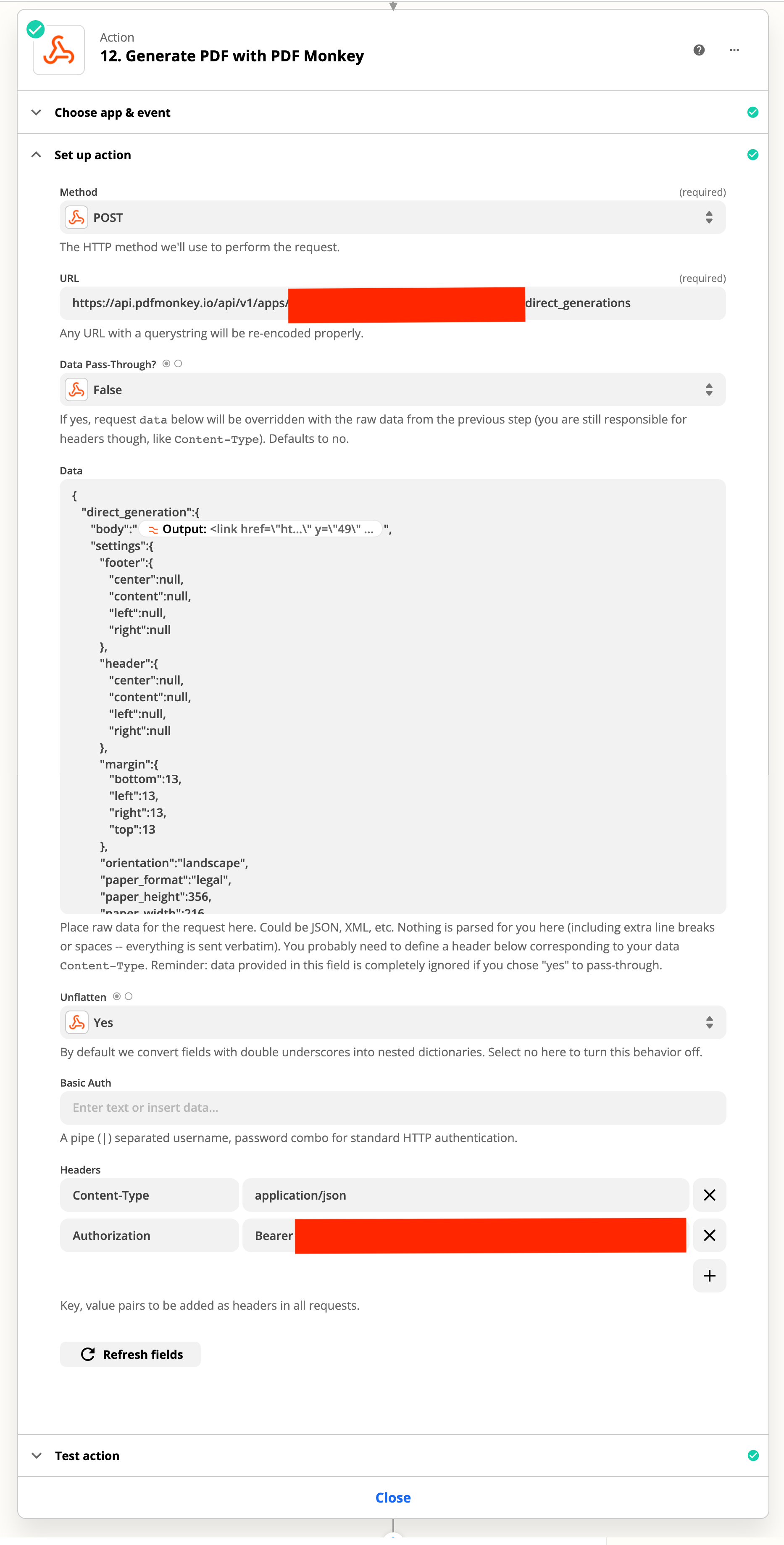
Please post screenshots with details about how your Zap steps are configured in order for us to have more context, thanks.


Forum|alt.badge.img
  • Author
  • Beginner
  • Apr 24, 2022 9:29 PM UTC


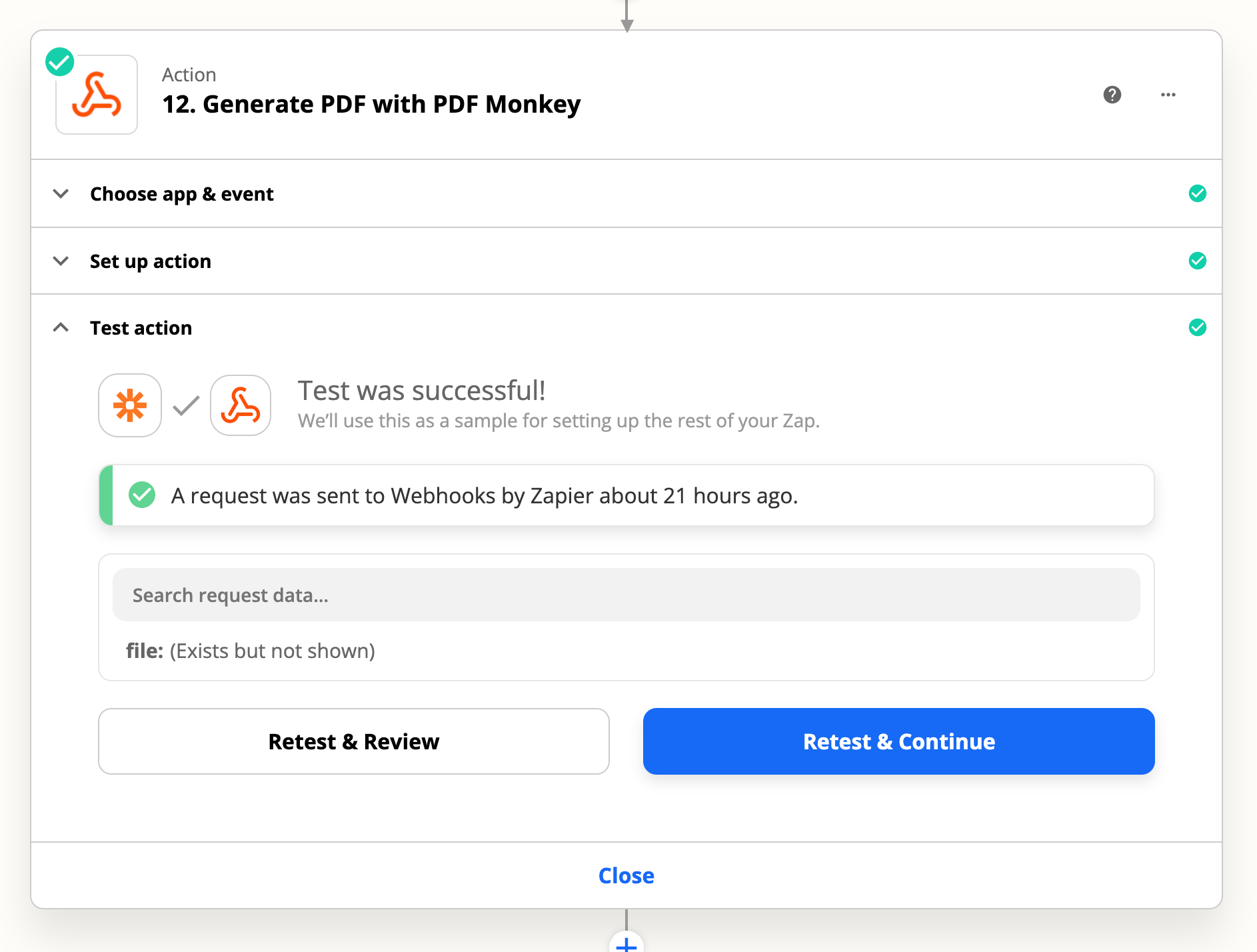
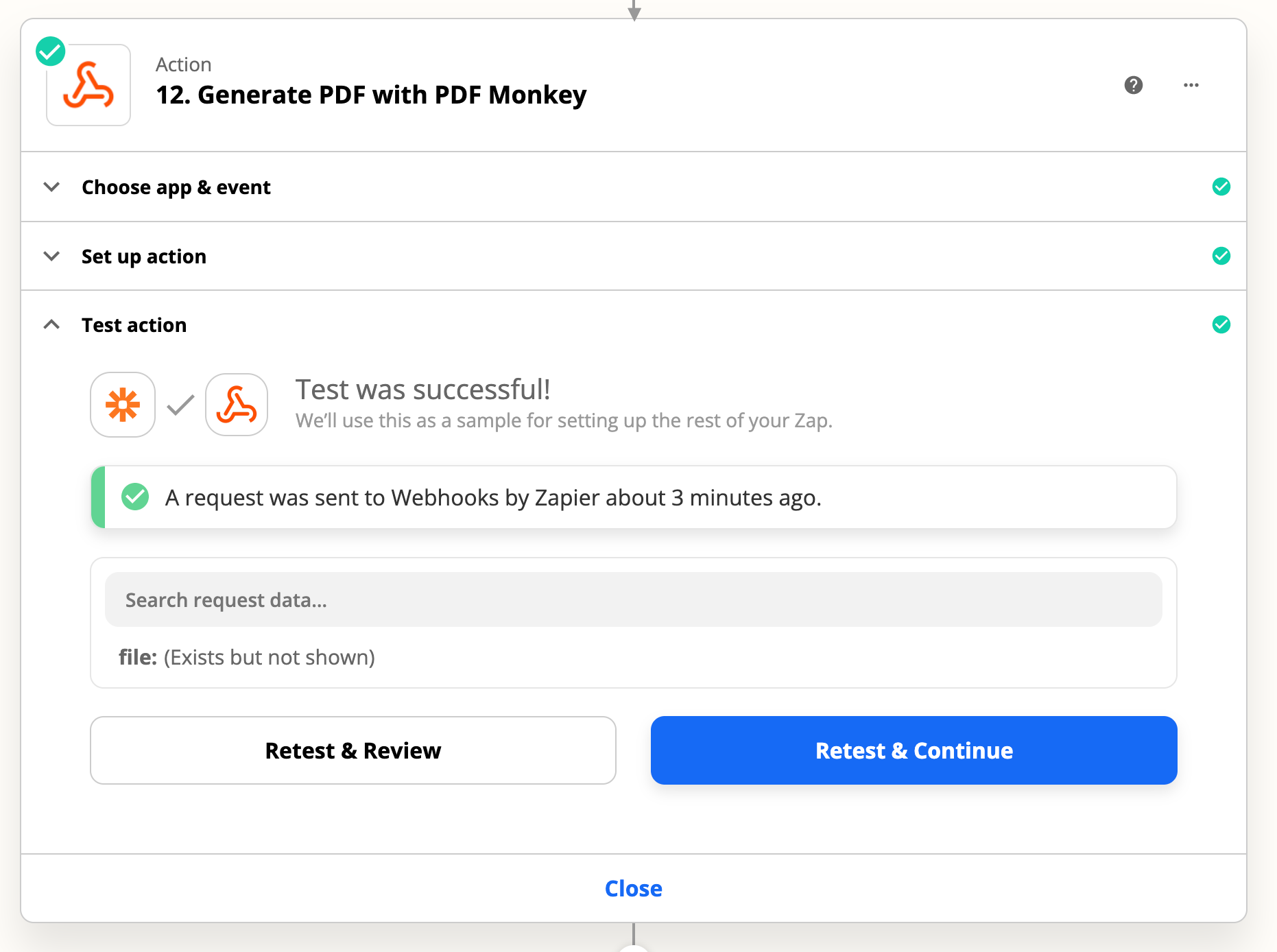
Test:


Troy Tessalone
Zapier Orchestrator & Solution Partner
Forum|alt.badge.img+14
  • Zapier Orchestrator & Solution Partner
  • Apr 25, 2022 4:07 AM UTC

@zap29550 

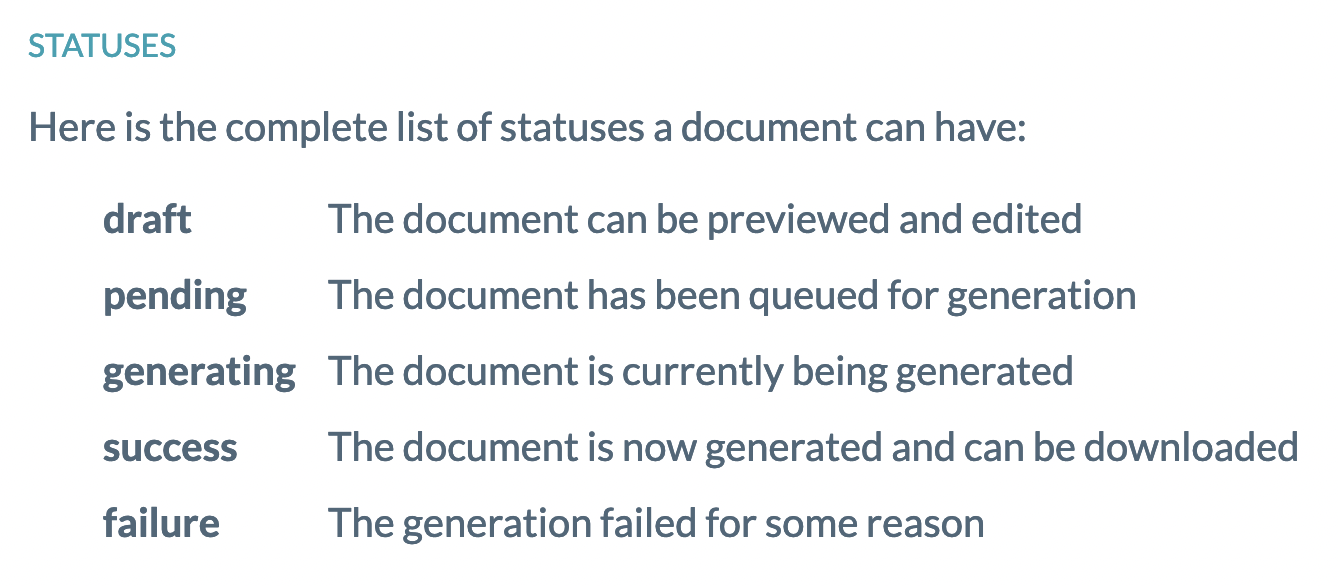
Perhaps the document may not be done generating.

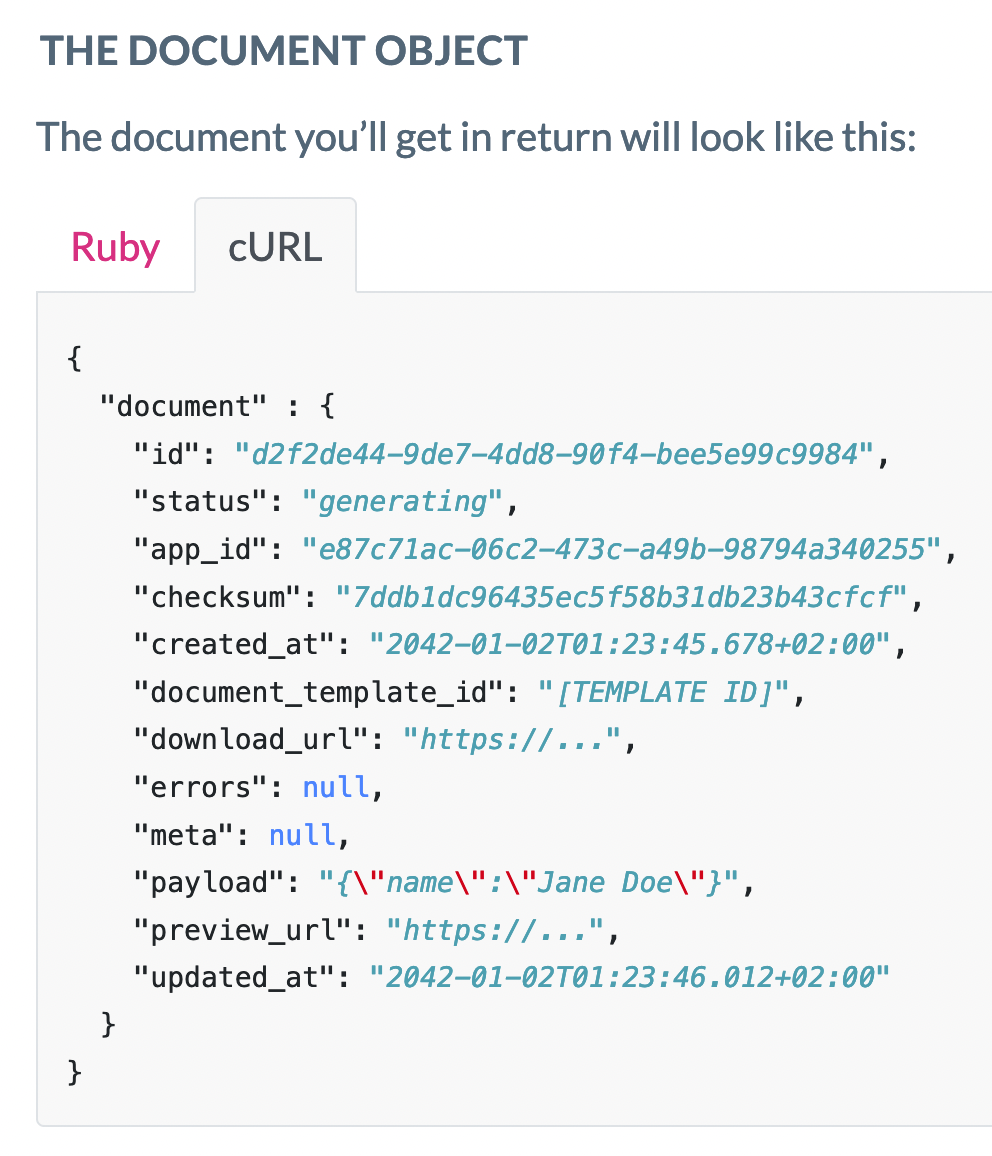
Per the PDFMonkey API: https://www.pdfmonkey.io/doc/api/generate-a-document/#the-document-object

You may have to add a Delay then re-query for the finished document.


Forum|alt.badge.img
  • Author
  • Beginner
  • Apr 25, 2022 11:59 AM UTC

There’s no need for a delay as the document is produced as seen in the test section. 

How do I convert the file type to PDF


Troy Tessalone
Zapier Orchestrator & Solution Partner
Forum|alt.badge.img+14
  • Zapier Orchestrator & Solution Partner
  • Apr 25, 2022 2:47 PM UTC

@zap29550 

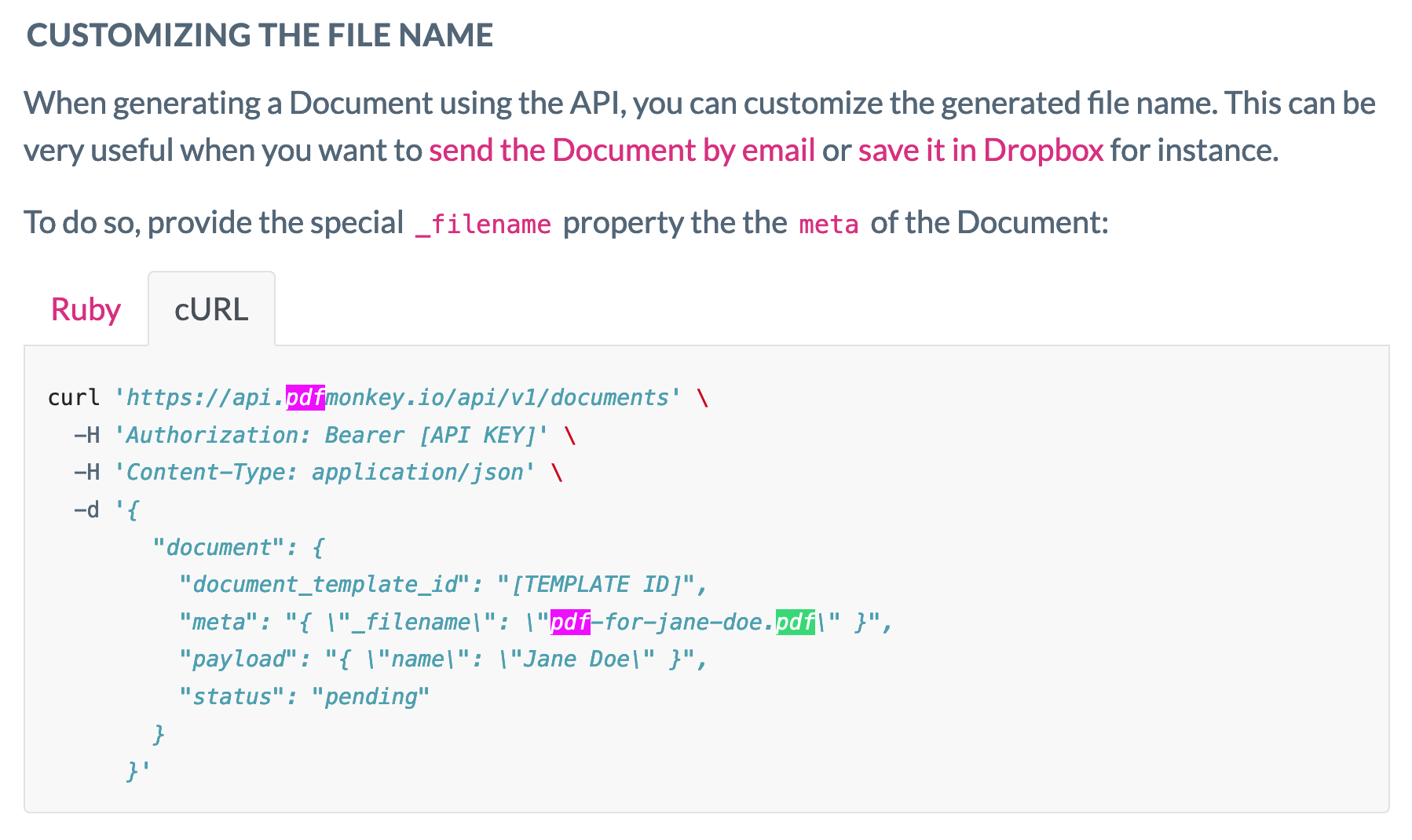
You may need to customize the file name and file extension:


jesse
Forum|alt.badge.img+9
  • Architect
  • May 2, 2022 5:05 PM UTC

@zap29550 were you able to get things sorted out here by following Troy’s suggestions? We’d love to see where you landed and if there is anything we can do to help you move forward!


PDFMonkey
Forum|alt.badge.img
  • New
  • Answer
  • May 2, 2022 6:01 PM UTC

Hello there!

I just pushed a new version of PDFMonkey that now accepts the meta key for direct generations too.

From a test I have done, Zapier seems to be picking up the name correctly and the attachment has the right name in the email I received (at least with Email by Zapier).

To clarify a bit on the direct generation thing. It’s a PDFMonkey feature that does exist but is undocumented as it’s considered unstable in terms of endpoint behavior (meaning we could change the way this endpoint works over time).

I hope this answers the issue in the proper way 🙂


christina.d
Forum|alt.badge.img+9
  • Zapier Staff
  • May 3, 2022 1:06 AM UTC

Yay! 🎉Thanks so much for the update and clarification, @PDFMonkey. We love to see it and it’s very much appreciated! 🤗


Forum|alt.badge.img
  • Author
  • Beginner
  • May 6, 2022 11:24 PM UTC

That worked great, thank you @PDFMonkey 


Forum|alt.badge.img
  • Author
  • Beginner
  • May 6, 2022 11:25 PM UTC

@zap29550 were you able to get things sorted out here by following Troy’s suggestions? We’d love to see where you landed and if there is anything we can do to help you move forward!

@PDFMonkey saved the day