Answer

Gmail error: The app returned "The request is missing a valid API key

  • March 2, 2024
  • 17 replies
  • 903 views

Forum|alt.badge.img

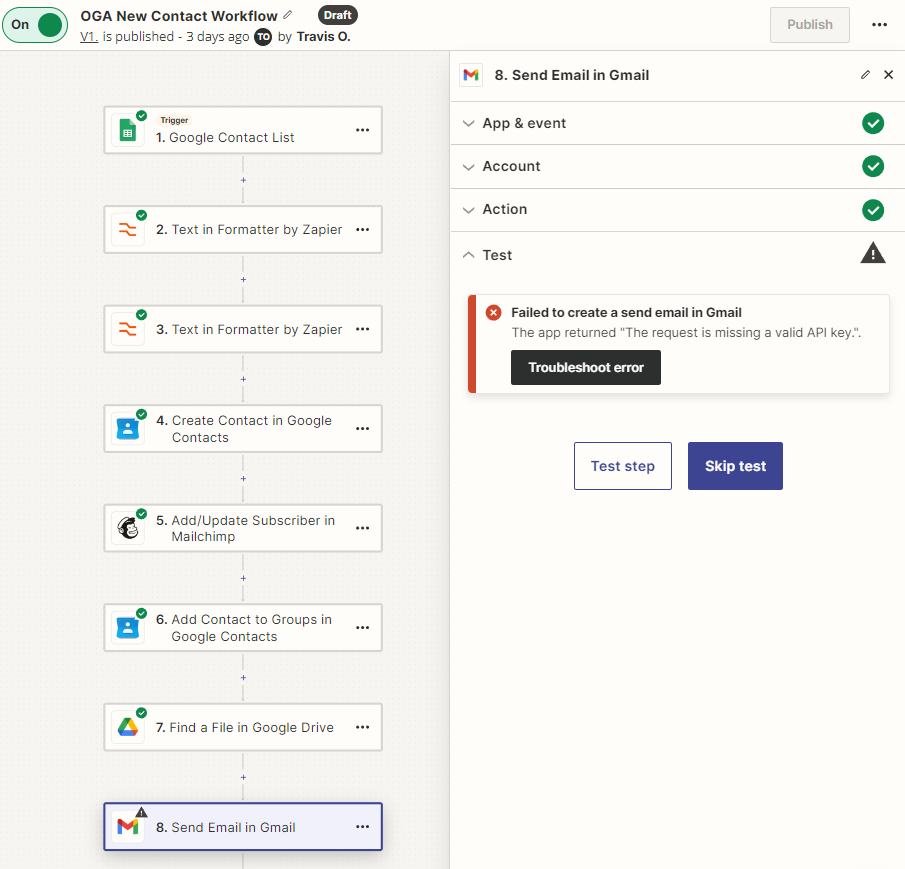
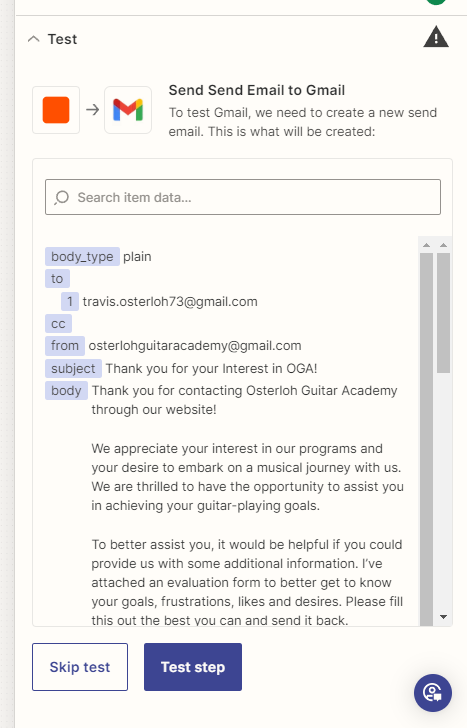
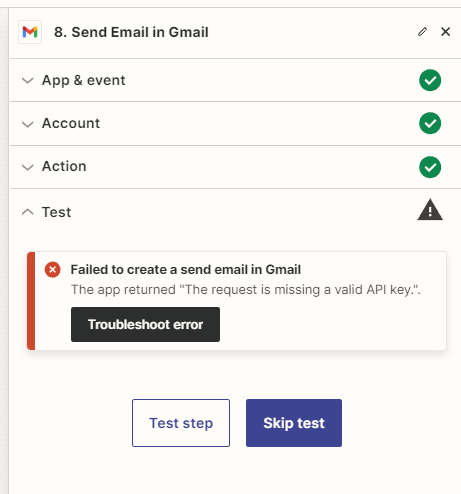
I’m looking to send an automatic reply for new potential leads the last bit of my zapier chain is the email reply with a student evaluation form to the emailer. Upon Troubleshooting the Email Send…I receive this error back

The app returned "The request is missing a valid API key.".

I’ve went through google console, generated an API key, applied the credentials to edit write and send mail… I couldn’t find a section in zapier to provide the key to the gmail connected application. 

Could someone provide direction in resolving this issue or is this just me?
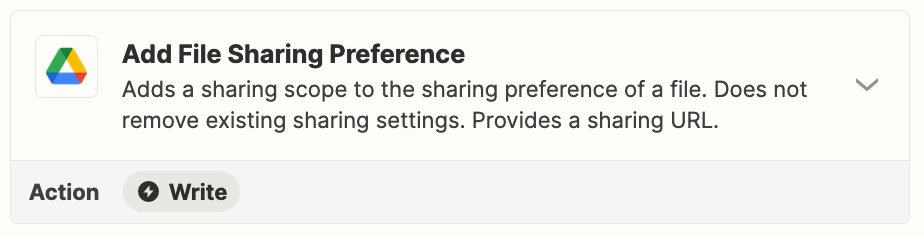
Best answer by Troy Tessalone

@OGA Owner 

Help article about sending files in Zaps: https://zapier.com/help/create/basics/send-files-in-zaps

Make sure the GDrive file being found is a publicly accessible file.

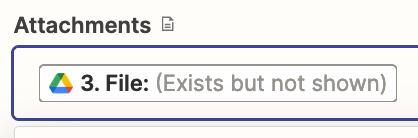
Try using the variable that says “exists but not shown”


This post has been closed for comments. Please create a new post if you need help or have a question about this topic.

17 replies

Troy Tessalone
Zapier Orchestrator & Solution Partner
Forum|alt.badge.img+14
  • Zapier Orchestrator & Solution Partner
  • March 2, 2024

Hi @OGA Owner 

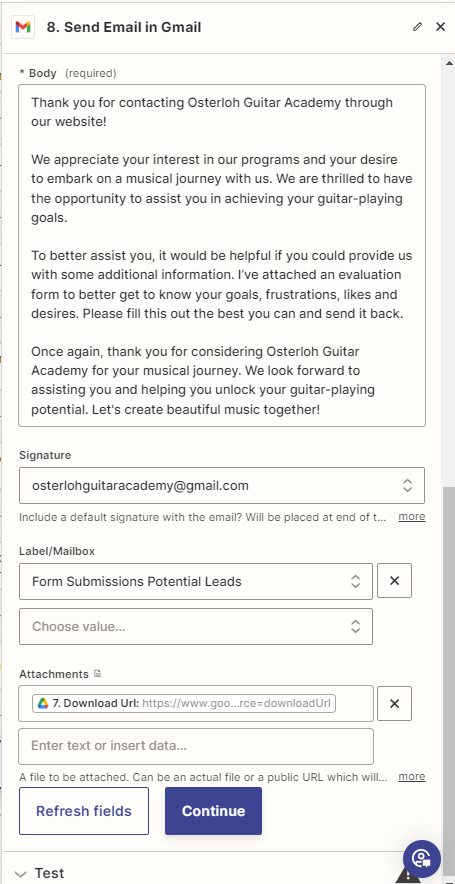
In order for us to have context, we will need to see screenshots with how the steps are outlined and configured.


Forum|alt.badge.img
  • Author
  • Beginner
  • March 2, 2024


My goal, with this is to take information from my squarespace form off the contact list- split the full name into two parts, with the format change, create a google contact based on the form, add the contact MailChimp, and update group for the created contact, the drive file is to find student evaluation to attached to the email sent at the end.


Troy Tessalone
Zapier Orchestrator & Solution Partner
Forum|alt.badge.img+14
  • Zapier Orchestrator & Solution Partner
  • March 2, 2024

@OGA Owner 

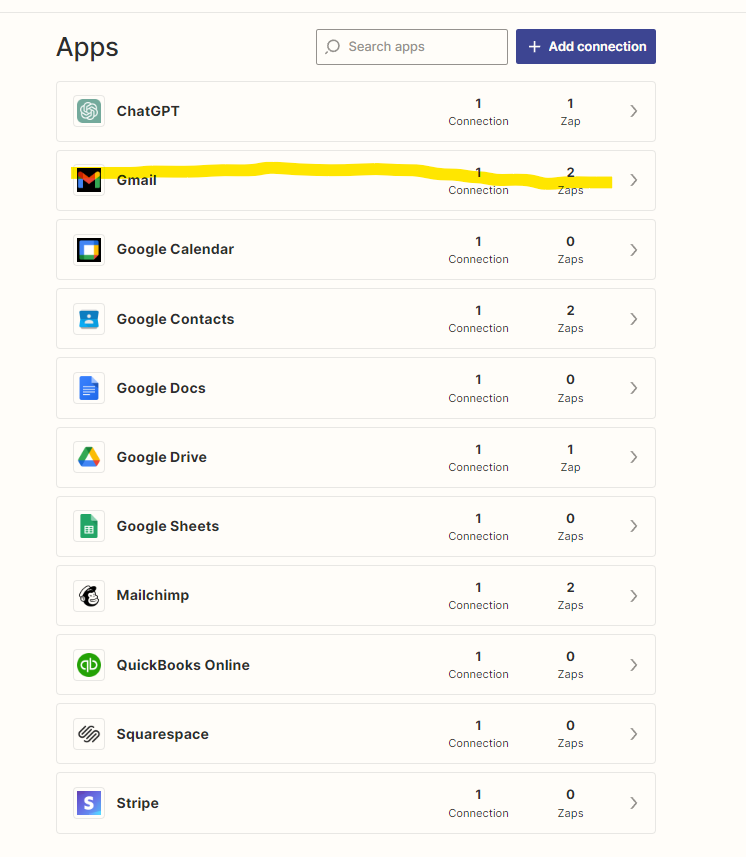
Check the Gmail app connected to the Zap step.

App connections can be checked here: https://zapier.com/app/connections


Forum|alt.badge.img
  • Author
  • Beginner
  • March 2, 2024


Troy Tessalone
Zapier Orchestrator & Solution Partner
Forum|alt.badge.img+14
  • Zapier Orchestrator & Solution Partner
  • March 2, 2024

@OGA Owner 

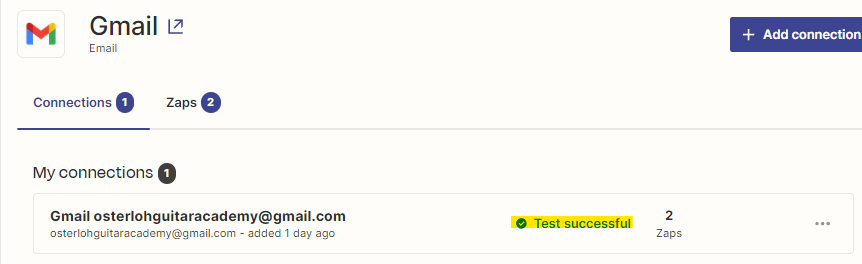
Make sure to test the pap connection to see if it is still valid.

https://help.zapier.com/hc/en-us/articles/8496290788109-Manage-your-app-connections


Forum|alt.badge.img
  • Author
  • Beginner
  • March 2, 2024


Troy Tessalone
Zapier Orchestrator & Solution Partner
Forum|alt.badge.img+14
  • Zapier Orchestrator & Solution Partner
  • March 2, 2024

@OGA Owner 

Try testing the Zap step again.


Forum|alt.badge.img
  • Author
  • Beginner
  • March 2, 2024

I did run it, same issue as previously listed


Troy Tessalone
Zapier Orchestrator & Solution Partner
Forum|alt.badge.img+14
  • Zapier Orchestrator & Solution Partner
  • March 2, 2024

@OGA Owner 

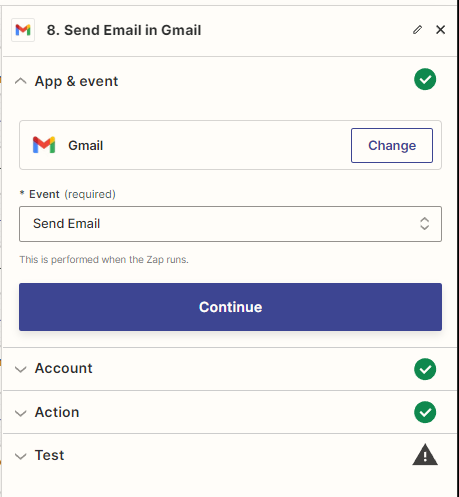
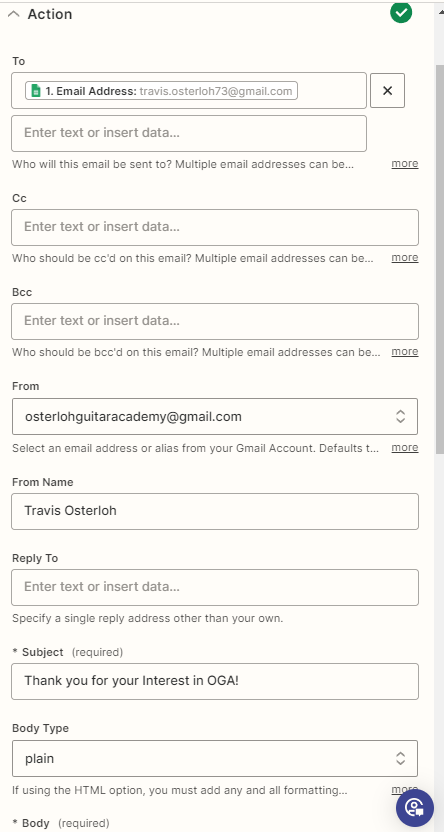
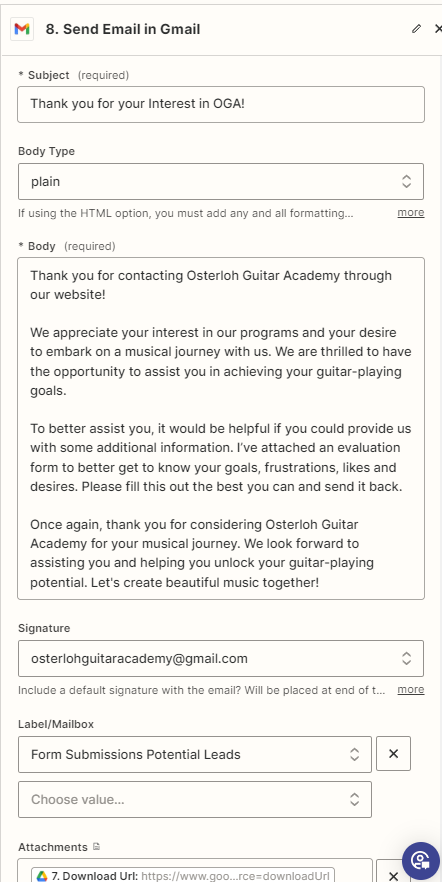
Post screenshots with how your Gmail step is configured.


Forum|alt.badge.img
  • Author
  • Beginner
  • March 2, 2024


Troy Tessalone
Zapier Orchestrator & Solution Partner
Forum|alt.badge.img+14
  • Zapier Orchestrator & Solution Partner
  • March 2, 2024

@OGA Owner 

Perhaps try removing the Gmail Zap app connection, then reconnect the Gmail Zap app connection.


Forum|alt.badge.img
  • Author
  • Beginner
  • March 2, 2024

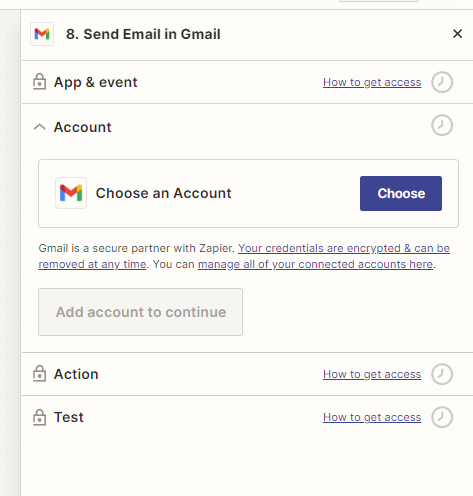
So I made the reconnection, and troubleshooted the problem again

Readding the gmail account to the action…

After going through the reconnection nothing changed… I’m stumped


Troy Tessalone
Zapier Orchestrator & Solution Partner
Forum|alt.badge.img+14
  • Zapier Orchestrator & Solution Partner
  • March 2, 2024

@OGA Owner 

Try using a different direct download link from GDrive.

Tool to help you find the correct link to map from GDrive step: https://sites.google.com/site/gdocs2direct/


Forum|alt.badge.img
  • Author
  • Beginner
  • March 2, 2024

I did change this a few times, one worked but the attachment failed… would you have a recommendation on what link would work best?

Web content link

self link

file extension doc

Embed link

alternate link


Troy Tessalone
Zapier Orchestrator & Solution Partner
Forum|alt.badge.img+14
  • Zapier Orchestrator & Solution Partner
  • Answer
  • March 2, 2024

@OGA Owner 

Help article about sending files in Zaps: https://zapier.com/help/create/basics/send-files-in-zaps

Make sure the GDrive file being found is a publicly accessible file.

Try using the variable that says “exists but not shown”


Forum|alt.badge.img
  • Author
  • Beginner
  • March 2, 2024

Thanks for your help!!!

I know it was a bit hand held… once I changed permissions on the document then I would no longer see the error… I didn’t realize drive would default to private but it makes sense!


ken.a
Forum|alt.badge.img+6
  • Zapier Staff
  • March 4, 2024

That’s awesome @OGA Owner! Big thanks to Troy for pointing you in the right direction!

If you have any other questions, please don’t hesitate to reach out to the Community. We’re always happy to help! 🤗