

Best answer

Is there a way to "catch all" web hook without defining what's expected?

  • December 11, 2020
  • 4 replies
  • 201 views

bubba198
Forum|alt.badge.img+1

Hi everyone,

I want to catch a web hook but NOT define the fields that I am expecting ahead of time. Basically a catch all - whatever the payload comes in - I want to see that json sent to me as an e-mail for example.

How do I do that? The catch webhook expects that I define what I am expecting to catch and that’s the one thing I can’t do - I don’t know how it will show up and that is why I want to simply catch whatever json shows up at the door and send it to me unmodified?

Is it possible? If yes please share your suggestions with me

Thank you
Best answer by ForYourIT

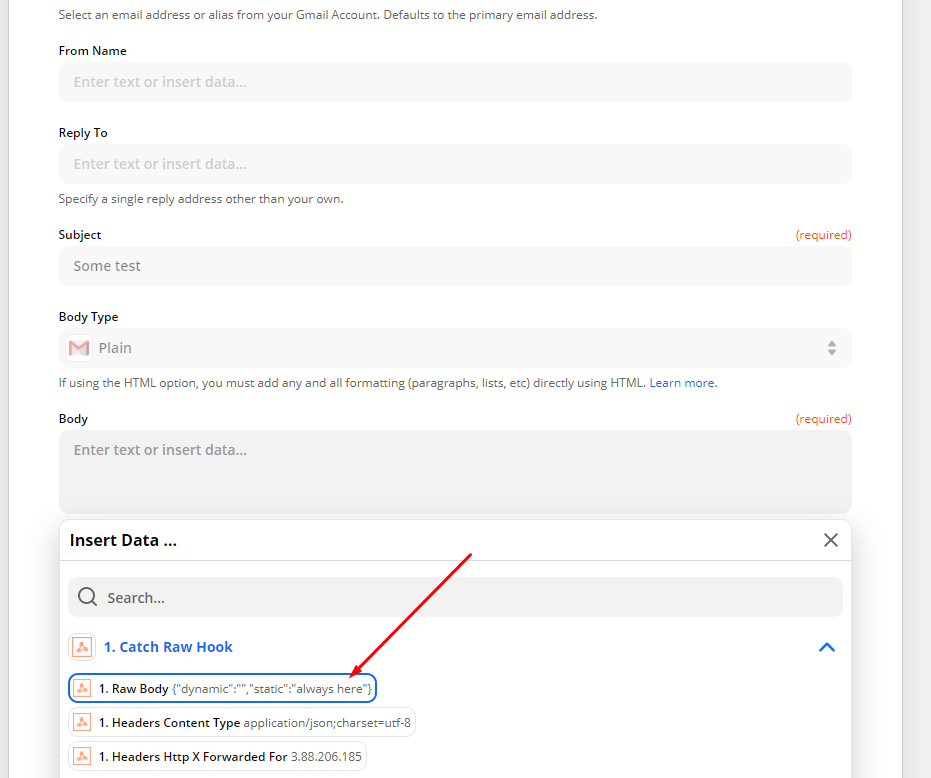
Then use the Catch Raw Hook as event. This will give you the possibility to use the raw body in later workflow actions;


This post has been closed for comments. Please create a new post if you need help or have a question about this topic.

4 replies

ForYourIT
Forum|alt.badge.img+7
  • Tinkerer
  • December 11, 2020

Hi @bubba198 ,

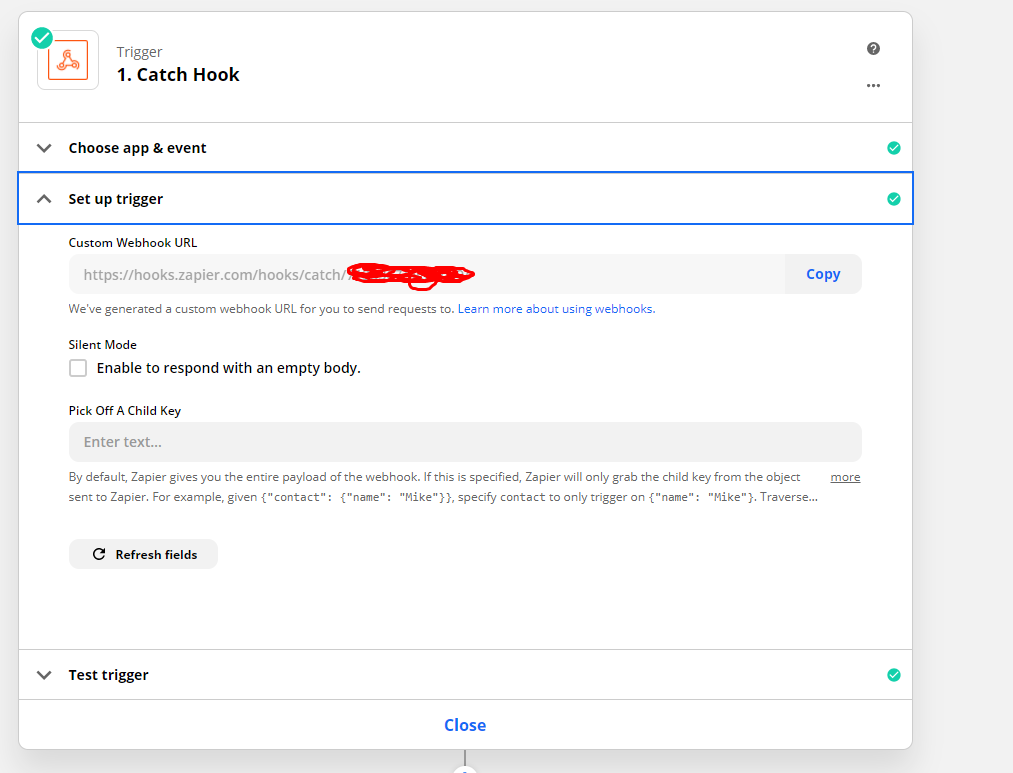
You can just use a trigger with a Webhook Catch and don't need to fill in anything.

This you can later then re-use in your automation. 


If the fields you are getting with this webhook are always dynamic, different etc. you can use some Code by Zapier step to make sure it comes into the right format.

Let me know if this helps.

~Bjorn


bubba198
Forum|alt.badge.img+1
  • Author
  • Tinkerer
  • December 11, 2020

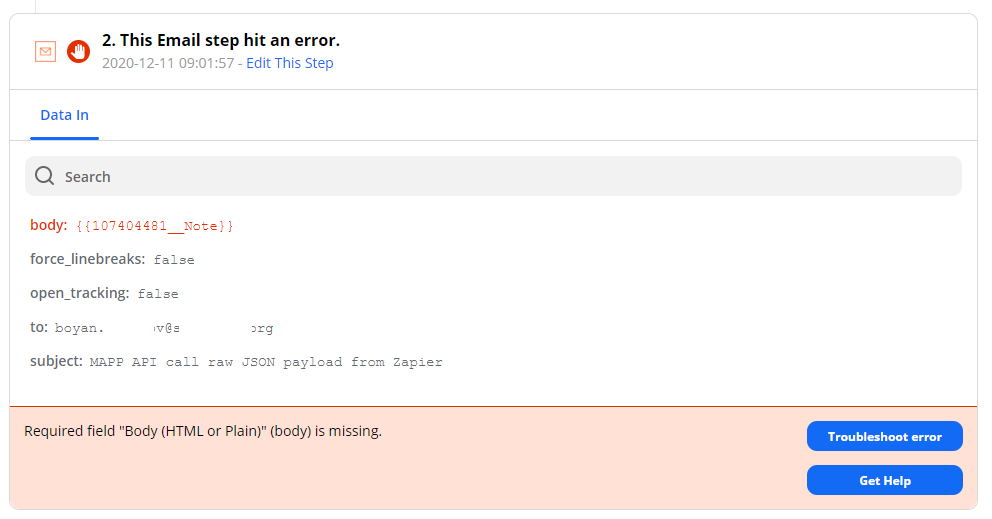
@ForYourIT Thank you for the quick reply Bjorn, I did just that but I had to specify an action as well - I opted for simple e-mail. Then when I POST to my webhook end point for a test it fails here because the body of the e-mail could not be populated since I didn’t specify what to fill it with since I didn’t have anything to select (because I want catch all not specific fields)


ForYourIT
Forum|alt.badge.img+7
  • Tinkerer
  • Answer
  • December 11, 2020

Then use the Catch Raw Hook as event. This will give you the possibility to use the raw body in later workflow actions;


bubba198
Forum|alt.badge.img+1
  • Author
  • Tinkerer
  • December 11, 2020

@ForYourIT That was it. Thank you! You’re awesome sir!