Question

Error when sending GET request to Stripe

  • January 19, 2022
  • 6 replies
  • 64 views

Hi all,

First time I’m trying to use webhooks by Zapier, and I”m running into a problem - 

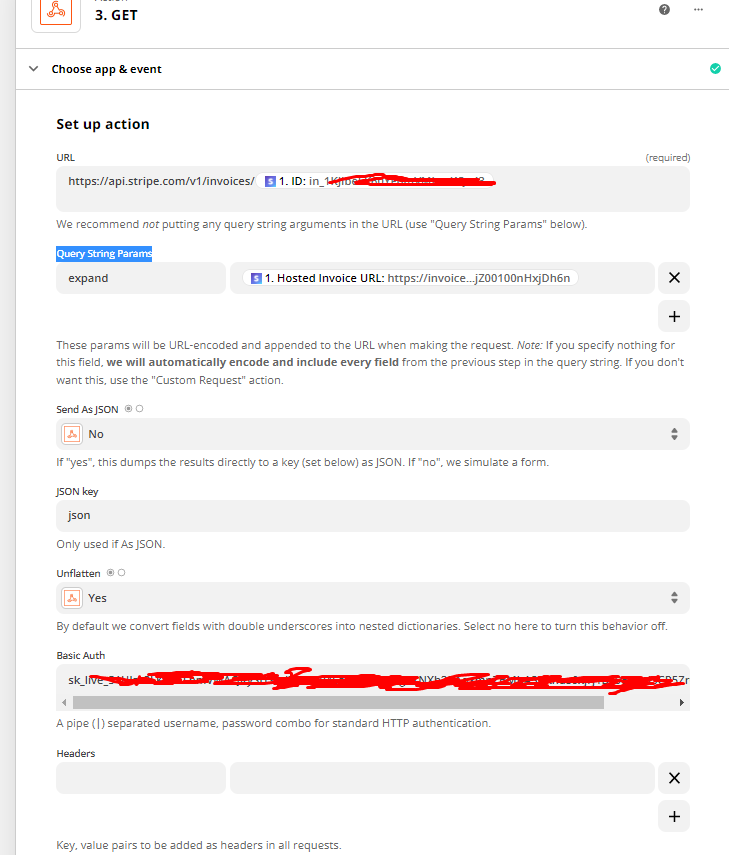
I’m trying to retreive the ‘hosted_invoice_url’ paramter using the webhook, but i’m not sure what to fill in the ‘Query String Params’ fields in order to get the info.

The authorization and url parts seem to work fine.

I’ve attached a screenshot - any idea what am I doing wrong?

Thanks.
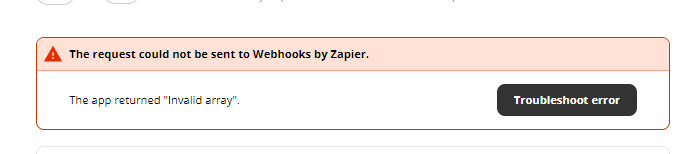
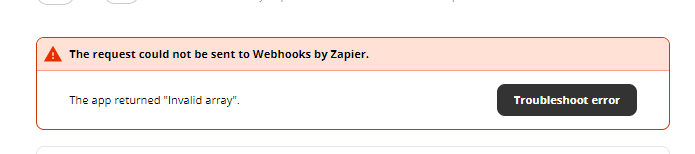
 This is the error message I’m getting


This post has been closed for comments. Please create a new post if you need help or have a question about this topic.

6 replies

Troy Tessalone
Zapier Orchestrator & Solution Partner
Forum|alt.badge.img+14
  • Zapier Orchestrator & Solution Partner
  • January 19, 2022

Hi @BullsMedia 

Please link to the Stripe API Endpoint documentation you are referencing, thanks.


  • January 19, 2022

Hi @BullsMedia 

Please link to the Stripe API Endpoint documentation you are referencing, thanks.

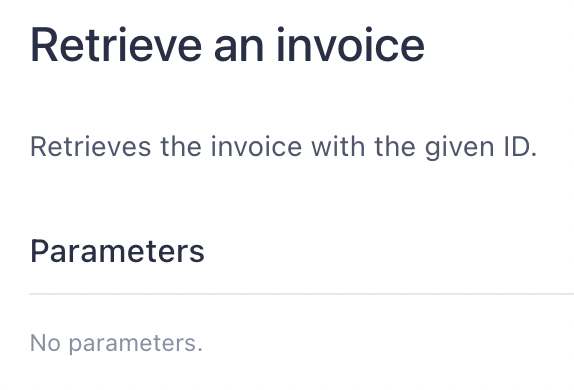
https://stripe.com/docs/api/invoices/retrieve

Is this what you mean?


  • January 19, 2022

This is the error messgae I’m getting BTW


Troy Tessalone
Zapier Orchestrator & Solution Partner
Forum|alt.badge.img+14
  • Zapier Orchestrator & Solution Partner
  • January 19, 2022

@BullsMedia 

Per the documentation there are no Parameters expected, thus you should remove the existing Query String Parameter in your Zap config.


  • January 20, 2022

@BullsMedia

Per the documentation there are no Parameters expected, thus you should remove the existing Query String Parameter in your Zap config.


Thanks @Troy Tessalone 

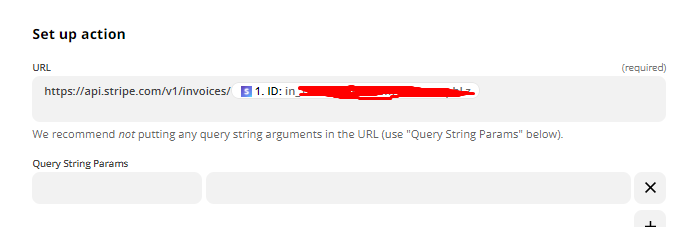
I removed the existing Query String Parameter - see screenshot


I’m gettting the following error - 

Any ideas how to fix?


GetUWired
Forum|alt.badge.img+12
  • Zapier Solution Partner
  • January 20, 2022

With the way Zapier builds out their GET request webhook action, if you do not include any params they will automatically include every field from the previous step. You will need to use the Custom Request action to avoid this behavior